mrc Documentation
michaels, ross & cole, ltd.
http://www.mrc-productivity.com/


Print on Break with Web 2.0 Applications


Web 2.0 applications give you the ability to only print certain information for a particular key field once per break. This is very handy when you have multiple rows of detail information, but only wish to display key information once (such as a Customer name). For instance, if you have 11 details for “A-1 Cycle City” there is no added benefit for printing that 11 individual times. Instead, it only needs to be printed on the first row of A-1 Cycle City, the next 10 lines could be left blank under the “Customer Name” column, as “A-1 Cycle City is implied”.


First, build your report, being sure to utilize the “Web 2.0 Report” template.


Once your application is built, open it with m-Painter and enter the source view.


While some advanced settings utilize working with the HTML directly, mrc provides you with enough “English” text to understand where you are. You can use the binoculars to search or you can manually search for “level_[DETAIL]”. The screen shot below controls the servlet information for the detail line of this report.


We will need to add logic that tells our servlet that if this is the first row of a section(meaning this is the first time this Customer has been listed)print the customer number and name, otherwise leave these sections blank.


The text entered was:


<!--<#if row_index==0>-->

${row.CNAME?html}

<!--</#if>-->


Note the text within the red boxes above. <!--<#if row_index==0>--> tells the servlet that if this is the first row, then print whatever information is next up until the ending <!--</#if>-->. In our case, this happens to be Customer Name and Customer Number. Note: The <!-- & --> are HTML tags that “hide” information from being printed on the screen and are required. The “?html” ensures that all values will be encoded for HTML use (This is critical if your end user may decide to generate PDF files.

(N.B. Notice that there is a double equal sign in the expression listed above).


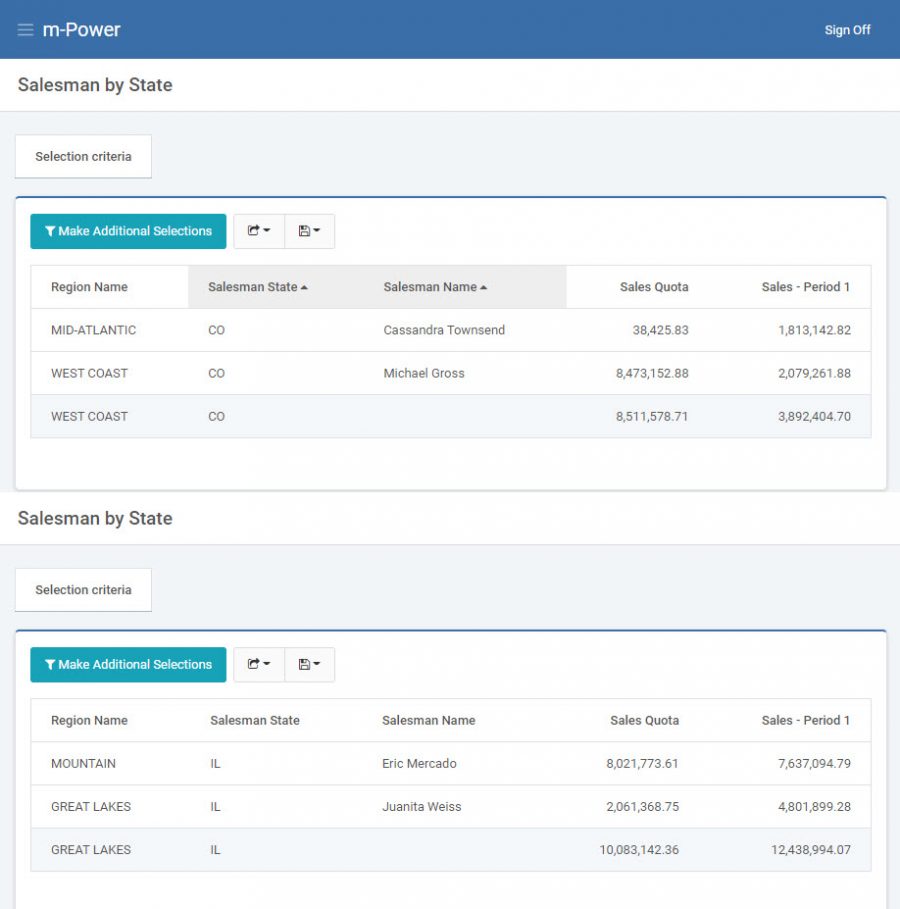
Click Save and Deploy and run your application. When you do your output should resemble the following below:


Note that at each section break, the initial customer information (Name and Number) are displayed but no subsequent (redundant) data is issued to the screen.