
m-Power ships with over a dozen templates which gives you numerous options when deciding how an application should look and function. The first decision is what type of application to create. m-Power defines four general types: Retrievals, Reports, Summaries, and Maintenance Applications. Then, each of those application types has specific templates to select from. The templates define the general layout and functionality of the resulting application.
Picking an Application Type
To decide which type of application to create, ask this question: Will this application…
List multiple or single rows of data?
Build a Retrieval Application. Select one of these templates:
- Multiple Row Data List
- Single Row Data List
- Option List
- Row Level Security
Show sub- or grand-total data levels?
Build a Report Application. Select one of these templates:
- Regular Report
- Ranking Report
- Interactive Report
- OLAP Pivot Table
- Cross Tab Report
Create a new data table (data warehouse)?
Build a Summary Application. Select this template:
- Summary
Maintain data?
Build a Maintenance Application. Select one of these templates:
- Data List with Web Form
- Single Row Web Form
- Grid Add
- Grid Update
- Data Upload
- Calendar
Once you know which type of application to create, then you need to choose which template to use.
Retrieval Templates
Multiple Row Data List
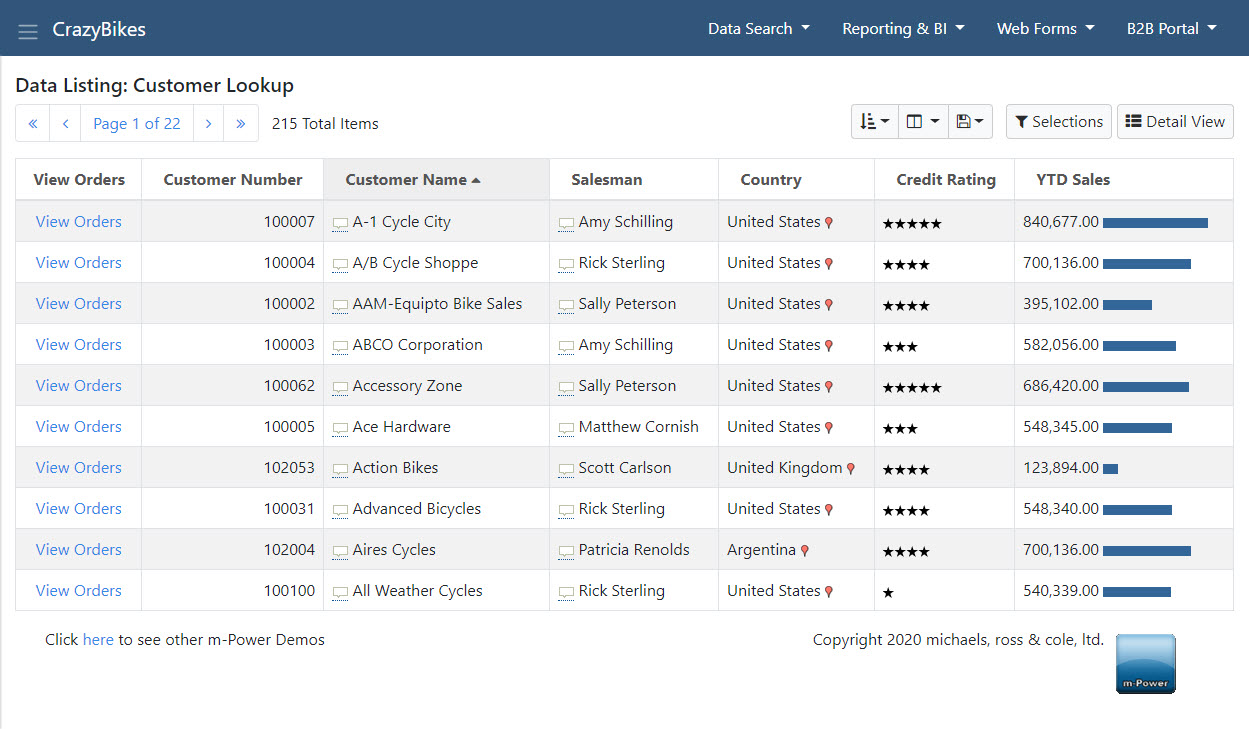
- Provide a paginated list.
- Filter and sort rows.
- Create SmartLinks to drill-down into other apps for more detail.
Single Row Data List
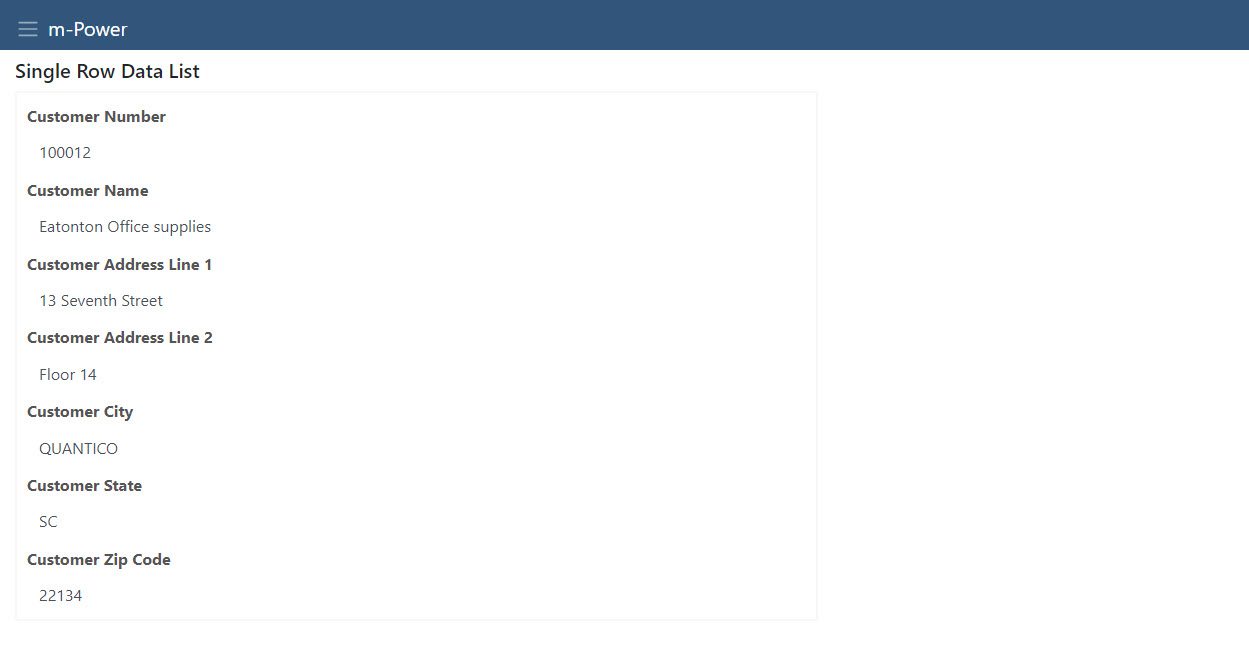
- Show exactly one record at a time.
- Infinite layout options to show even the most complex data clearly.
- Import related info into other apps.
Option List Retrieval
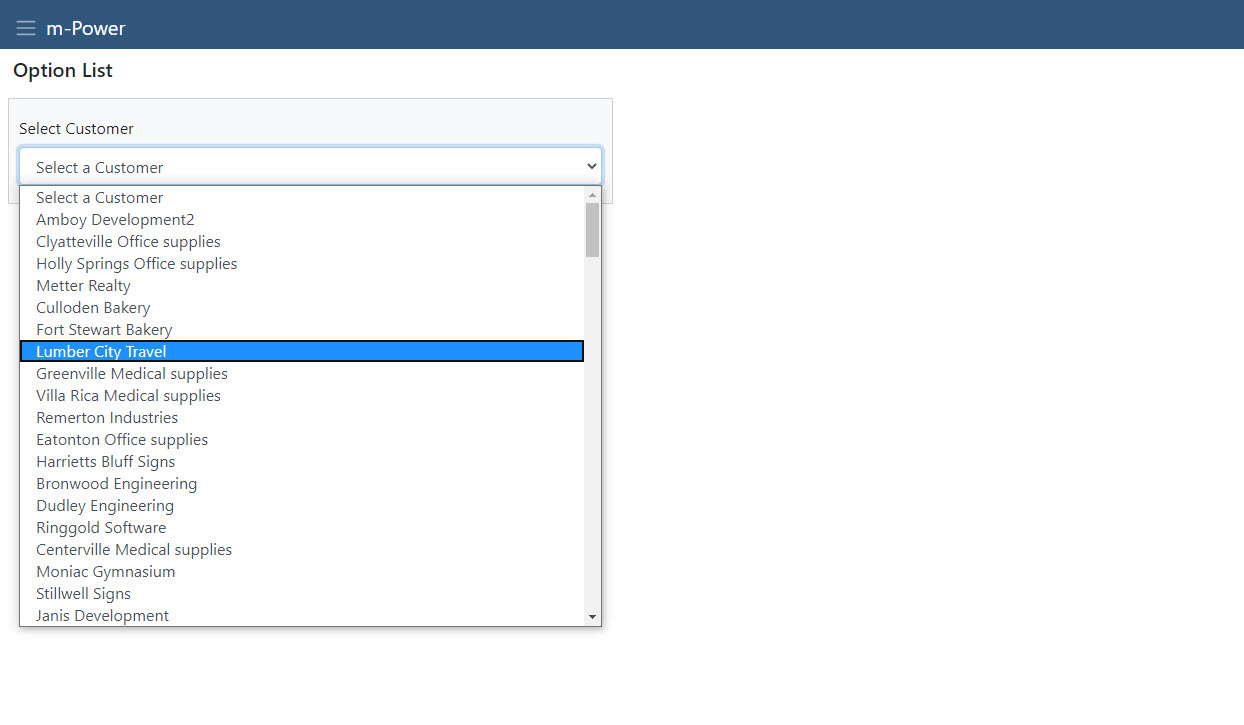
- Build drop-down lists/radio button objects that can be used in any other application.
- Control what values are shown to the user and which are submitted to the database.
Row Level Security
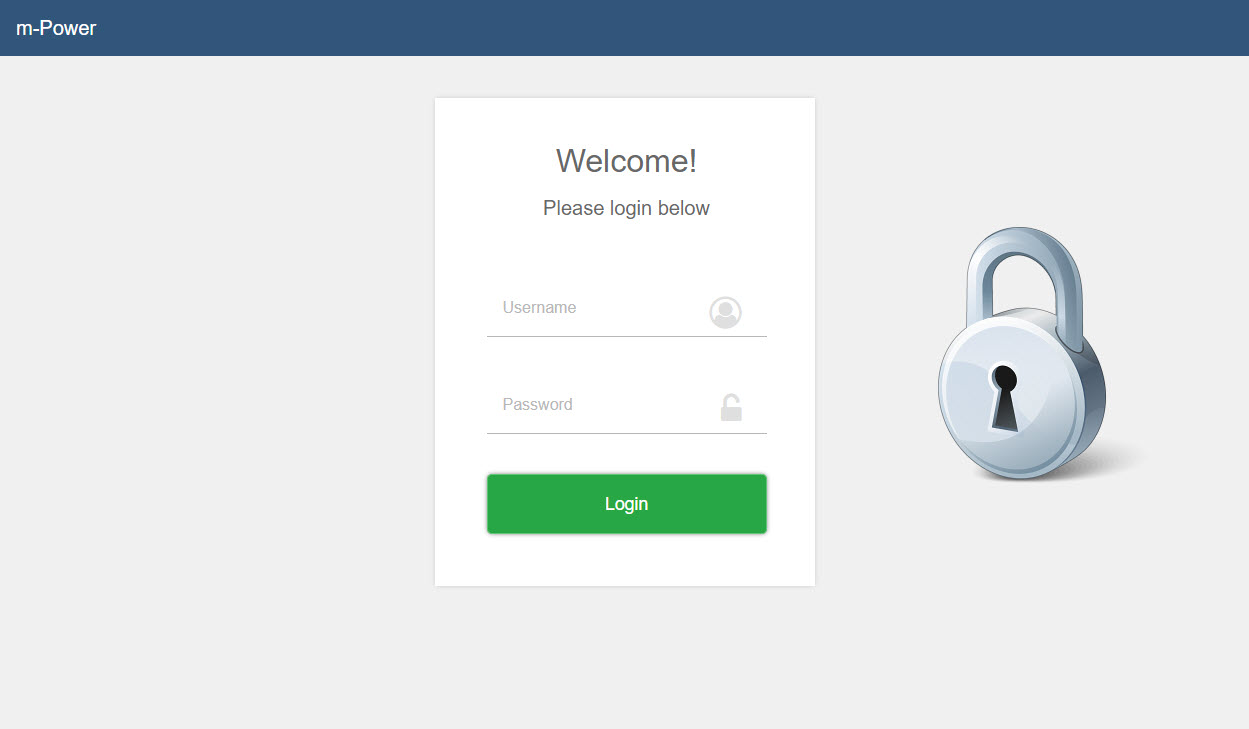
- Build a retrieval over data that can be used for validation in any other application.
- Allows different users to see different data in the same application.
Report Templates
Prompted Report
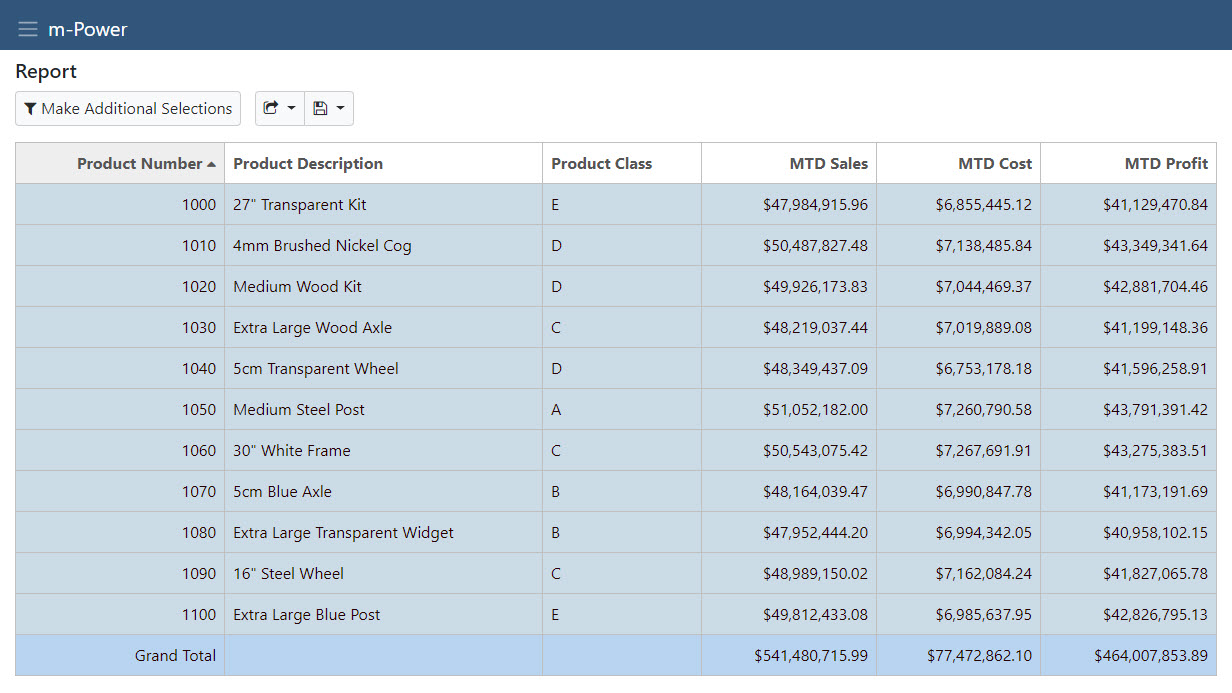
- Display sub- and grand-total values.
- Numerous output types: HTML, Excel, PDF, email, and more.
- Separate prompt screen for user inputs.
- Bar, pie, line or speedometer chart.
- Enable drill-down through the graphed values.
Ranking Report
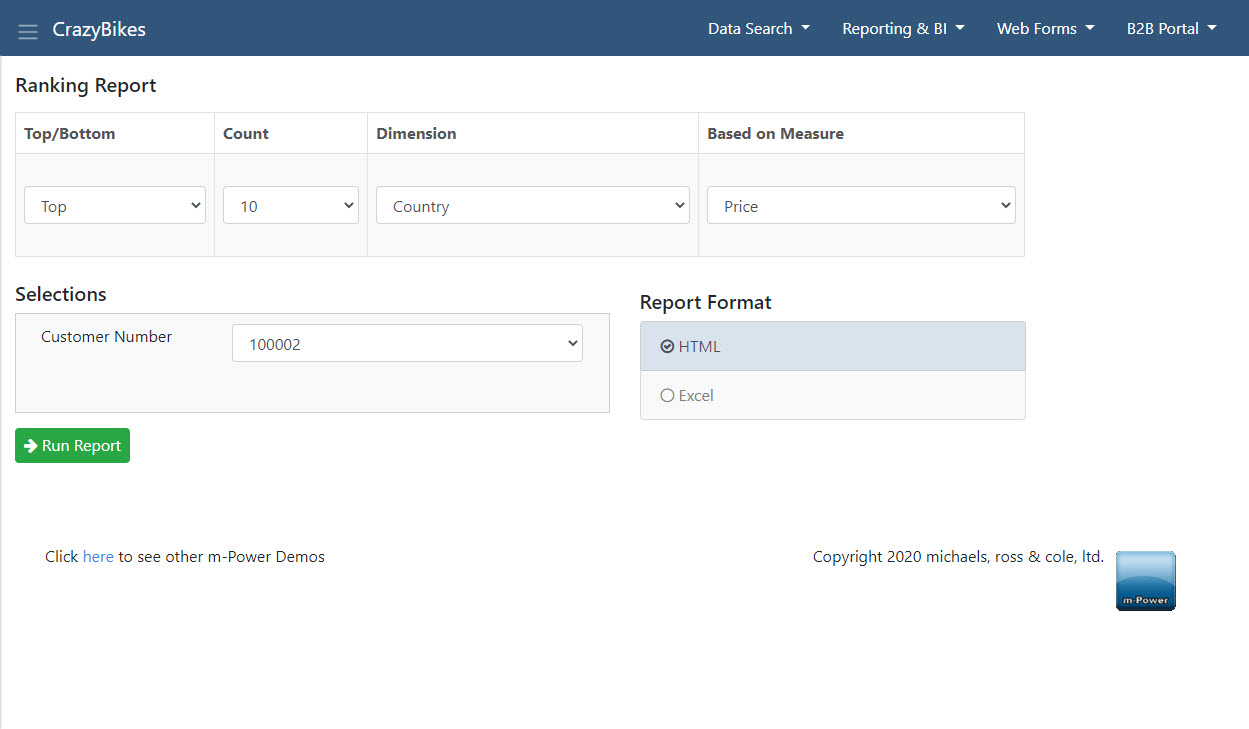
- Automatically list top results based on user-selected options like dimension and record selections.
- Report the results on the output screen.
Interactive Report
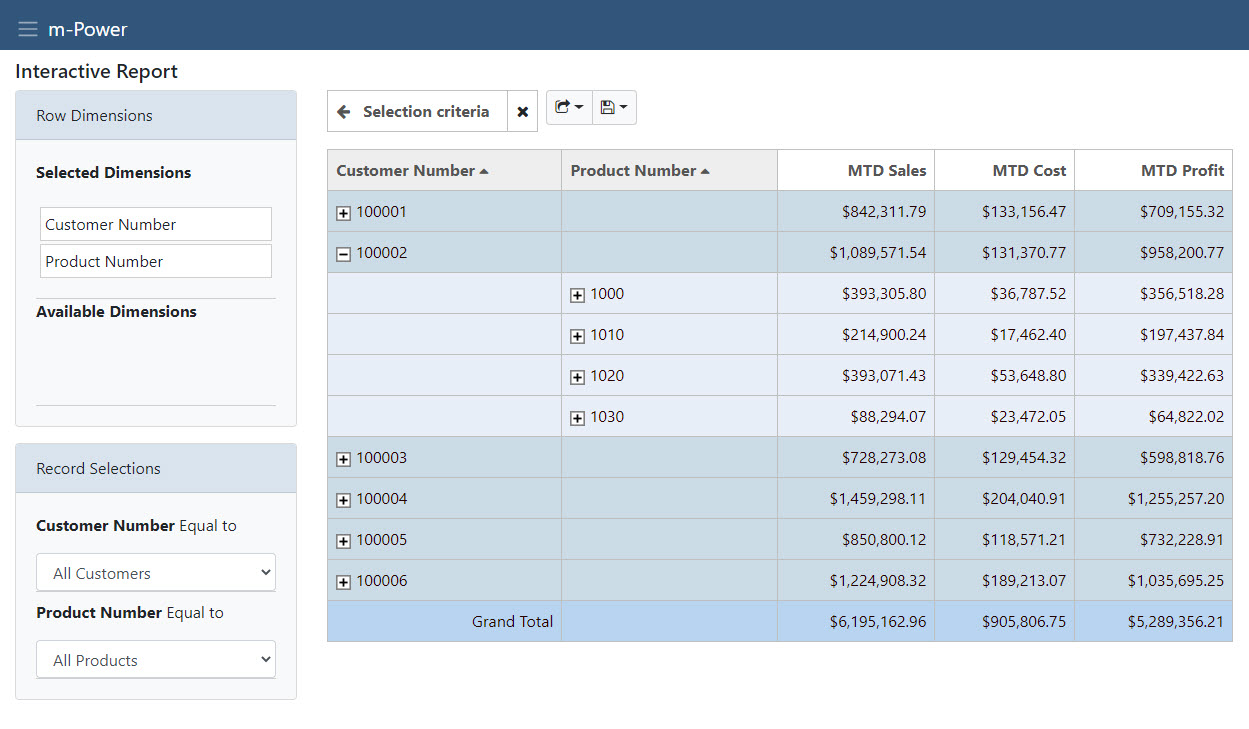
- AJAX-executed report provides a connected feel experience.
- Automatically drill-down into lower level of details within the same report.
- Smart selections show related/unrelated data as selections are made.
OLAP Pivot Table
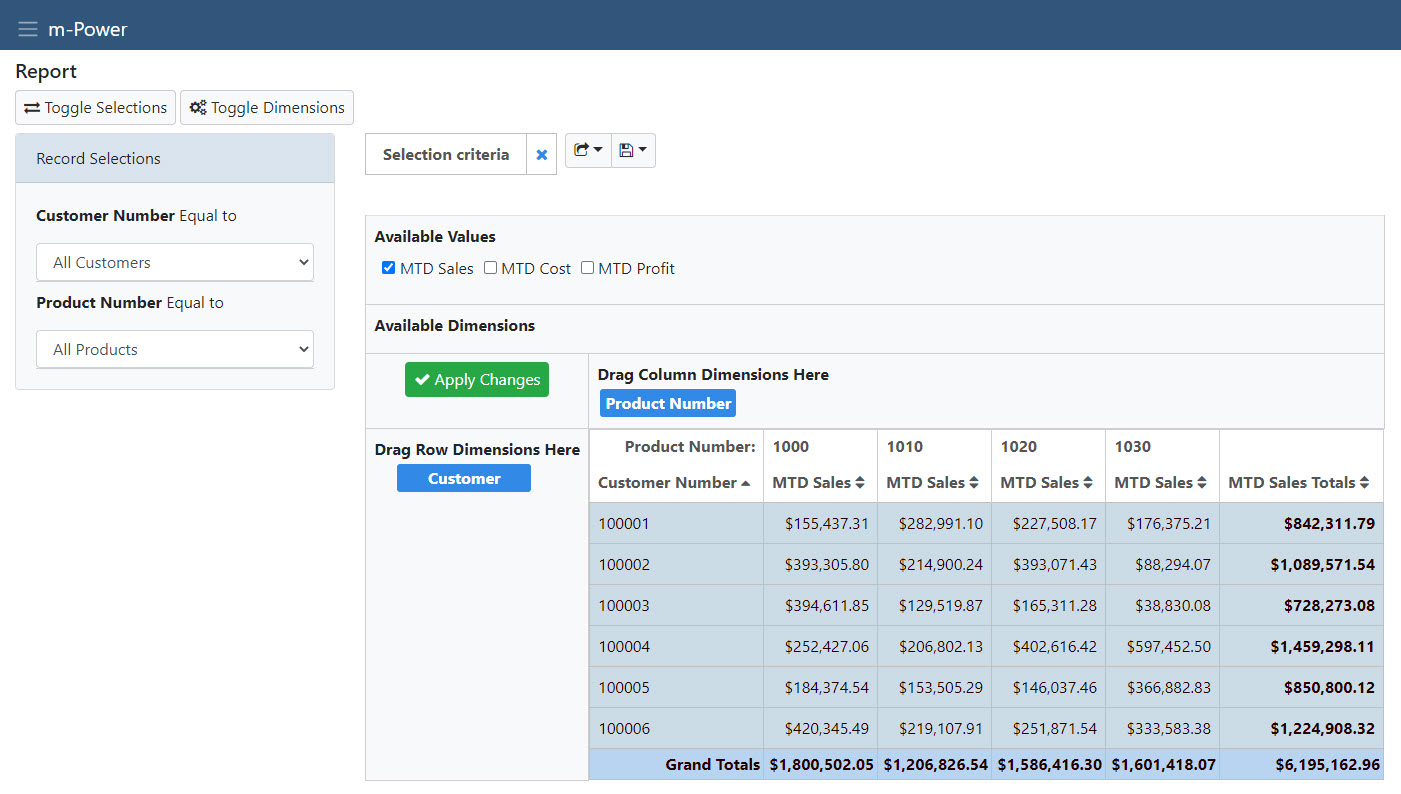
- Allows users to control both the row and column for a report.
- Automatically totals all rows and columns to spot trends within data.
- Interactive graph where users can change graph types and values.
Cross Tab Report
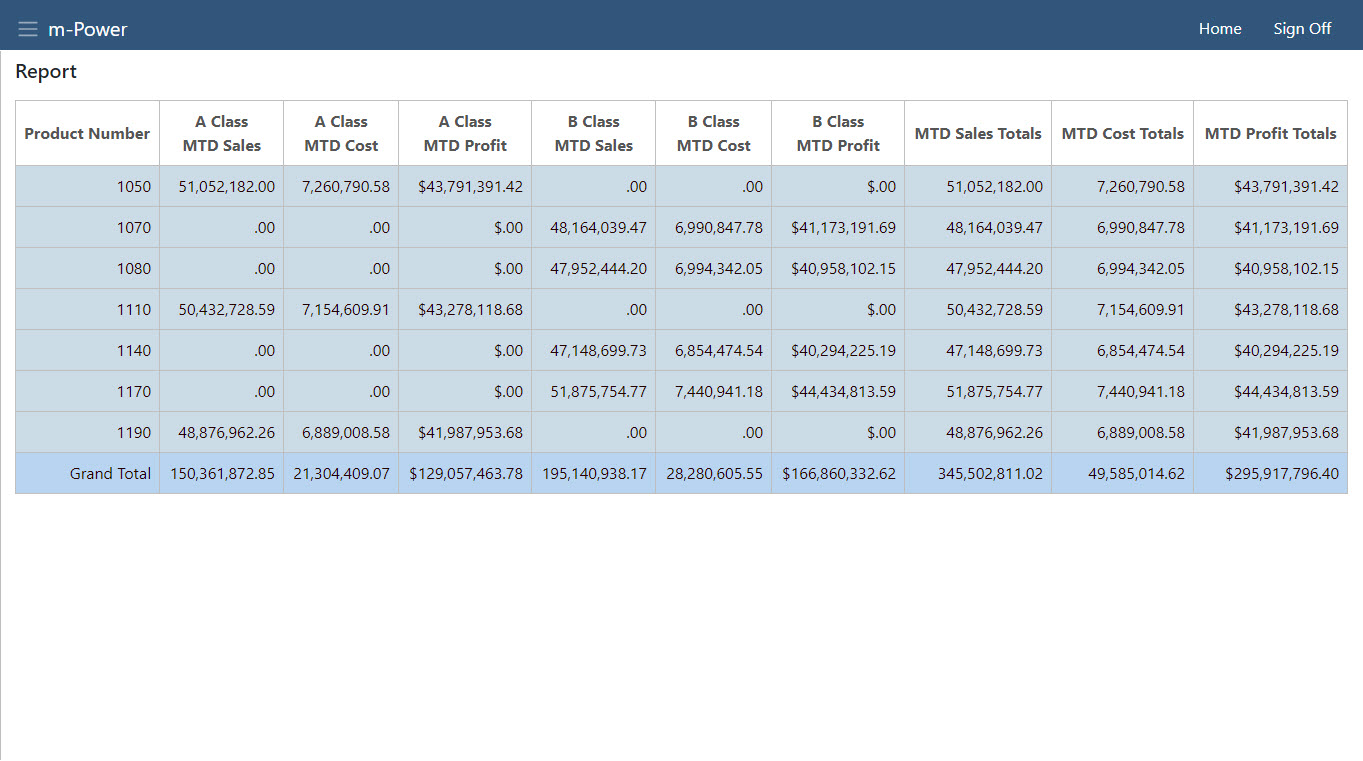
- Allows users to control both the row and column for a report.
- Allows custom painting in m-Painter.
- Can be generated to Excel/PDF or run in batch.
Summary Template
Summary
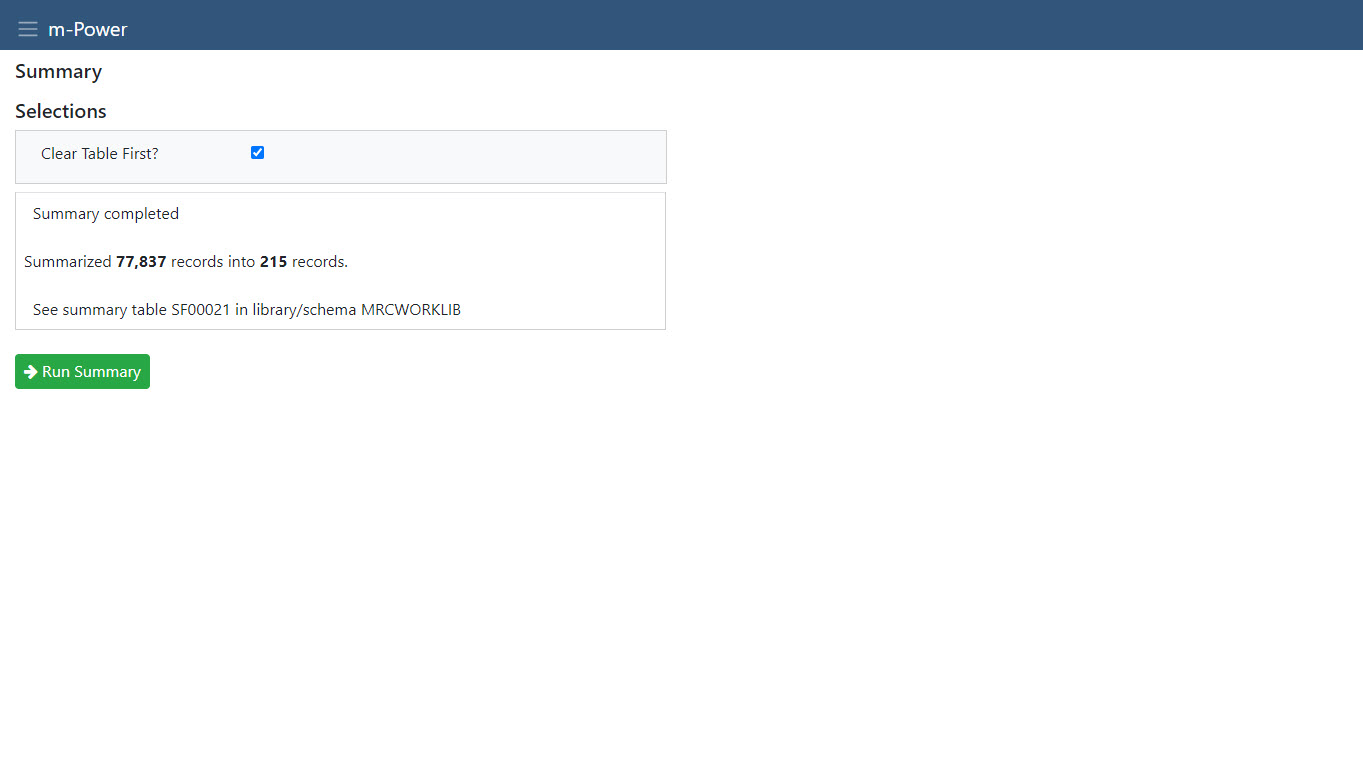
- Produce data marts for Business Intelligence and Dashboard apps.
- Run batch-capable apps with built-in scripting and scheduling.
Maintenance Templates
Data List with Web Form
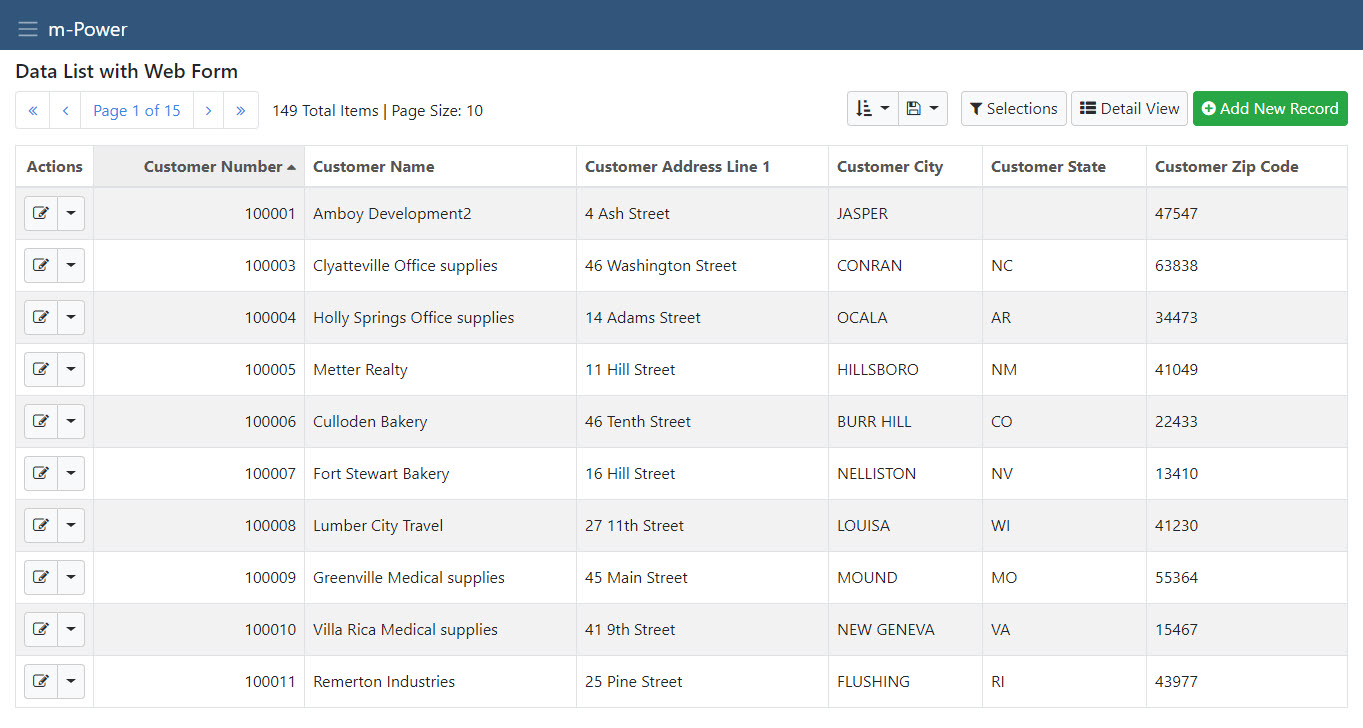
- Users can view, copy, update, delete, and create new records.
- Perfect for master-table maintenance.
- Developers control which functions are available.
Single Row Data List
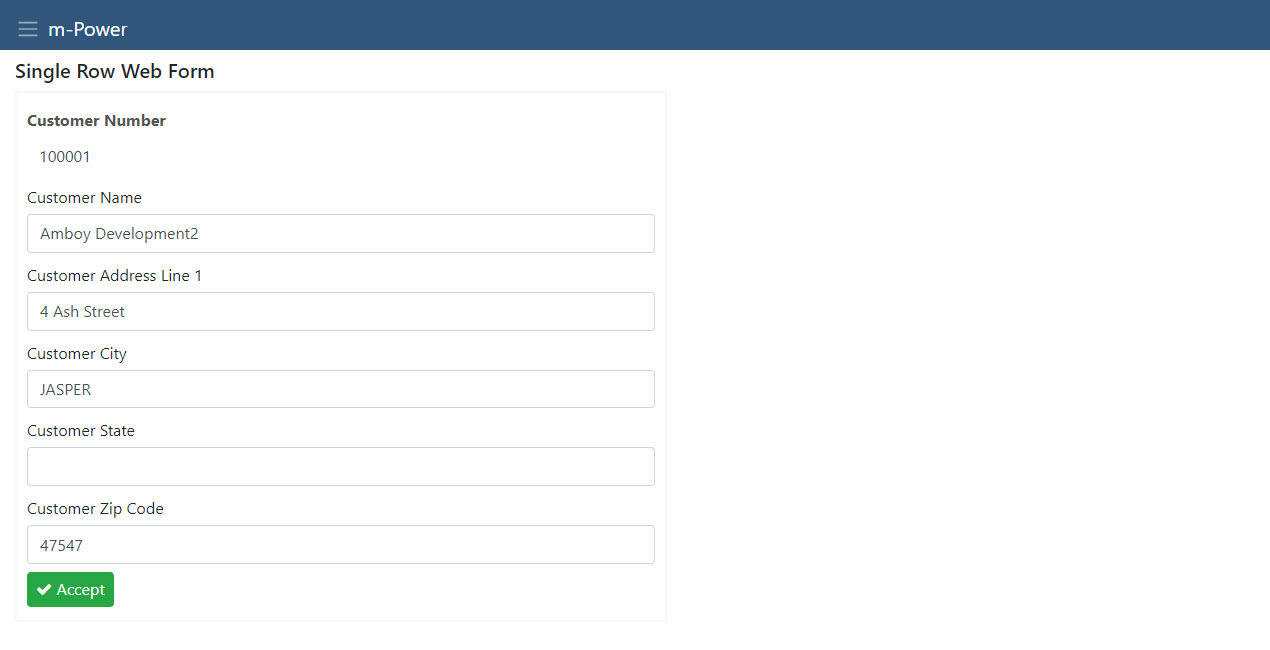
- Enable update of one record at a time.
- Create a prompt screen to front other screens or server-side functions.
Grid Add Maintenance
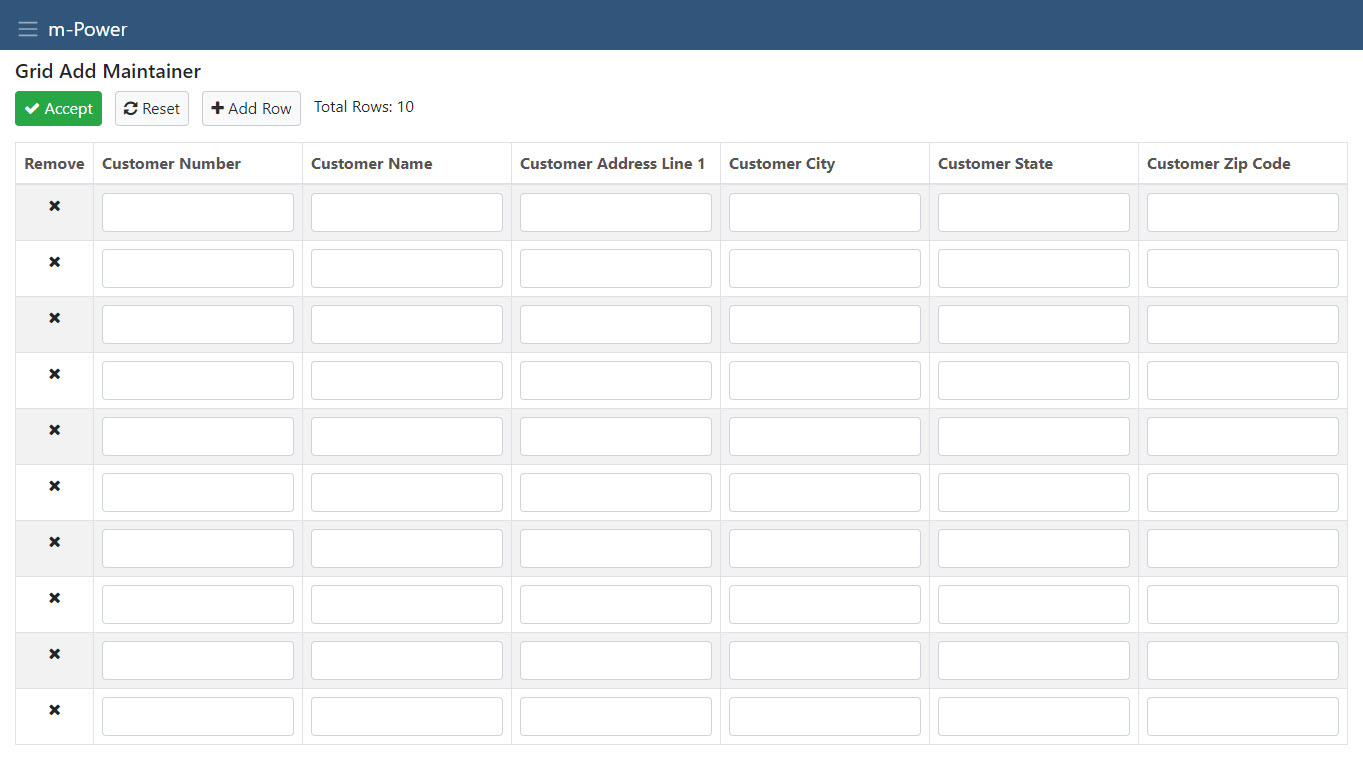
- Enable users to add multiple records at one time to a database table.
Grid Update Maintenance
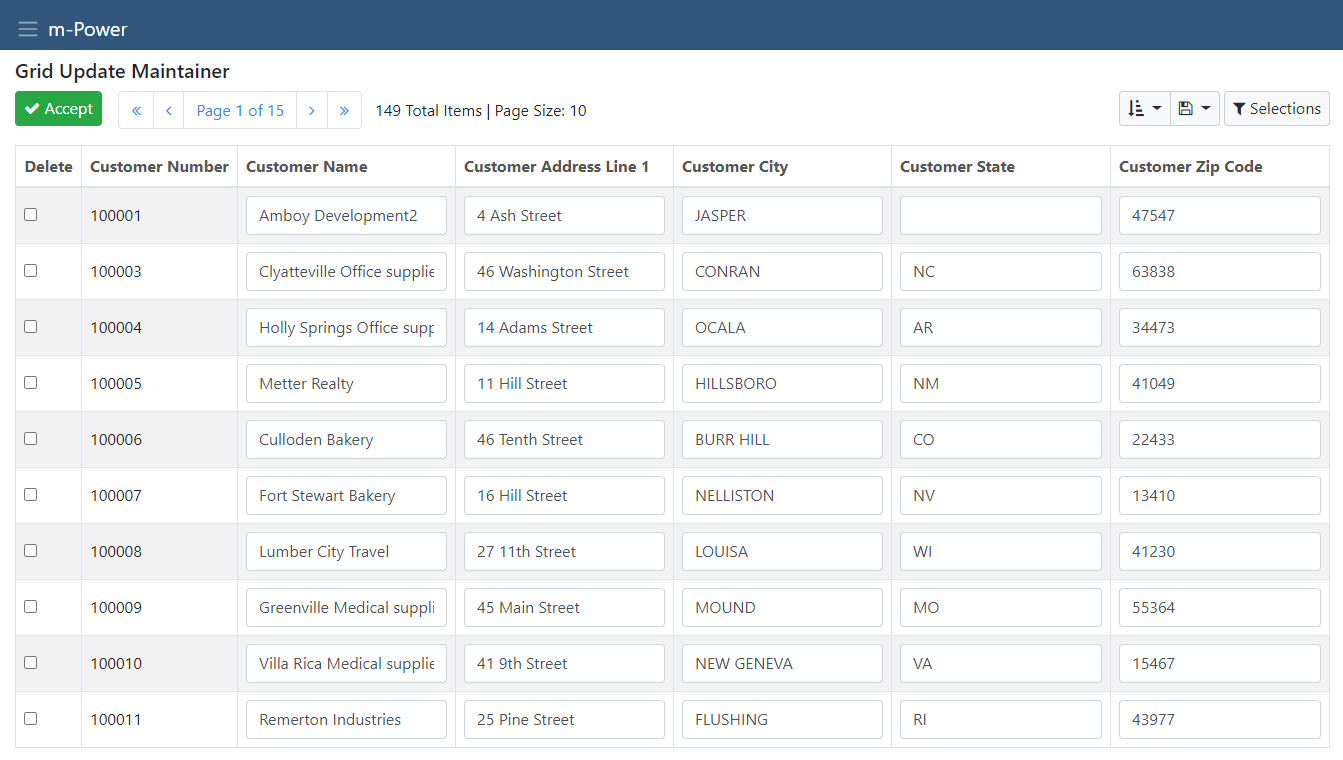
- Enable update and delete of multiple records at one time.
Data Upload Maintenance
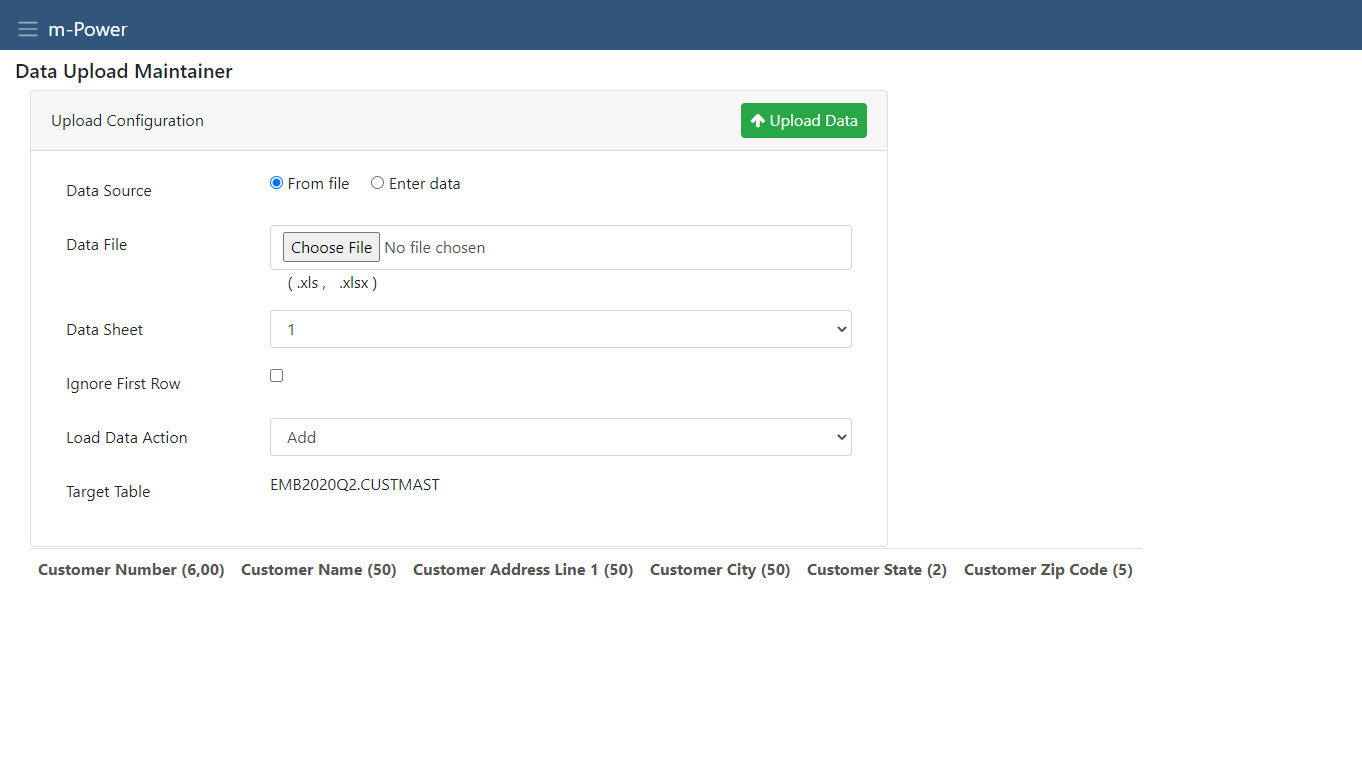
- Allows users to upload spreadsheets and external data directly into the database.
Calendar
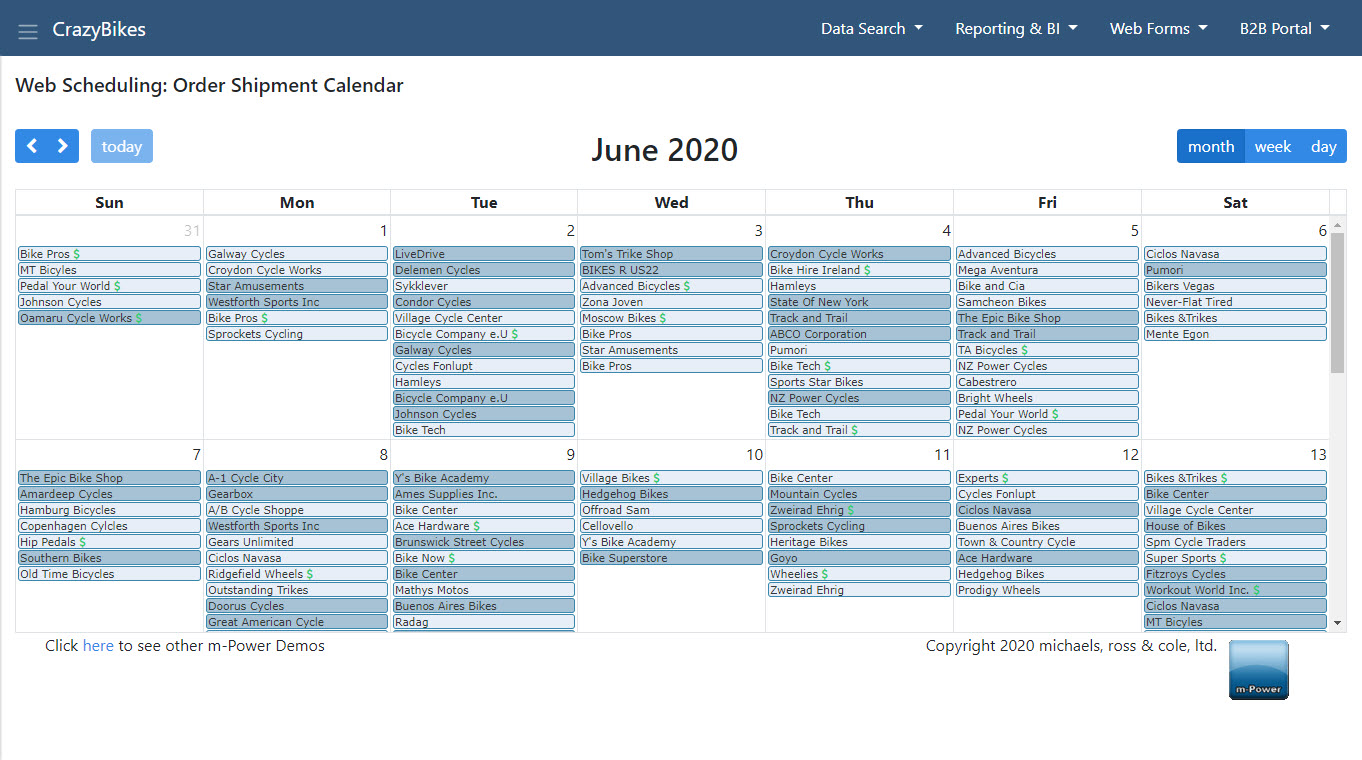
- View, add, edit, or delete any date-related data in a familiar calendar format.
- Filter records.
- Color code entries based on any criteria.
Click here to read some common m-Power questions.