
m-Power's Build Process
m-Power automates the tedious part of building an application, the architecture, security, and standard features, so your team spends its time customizing each app to the business. Everything it generates is maintainable code, built on the same frameworks and technologies your team already uses.
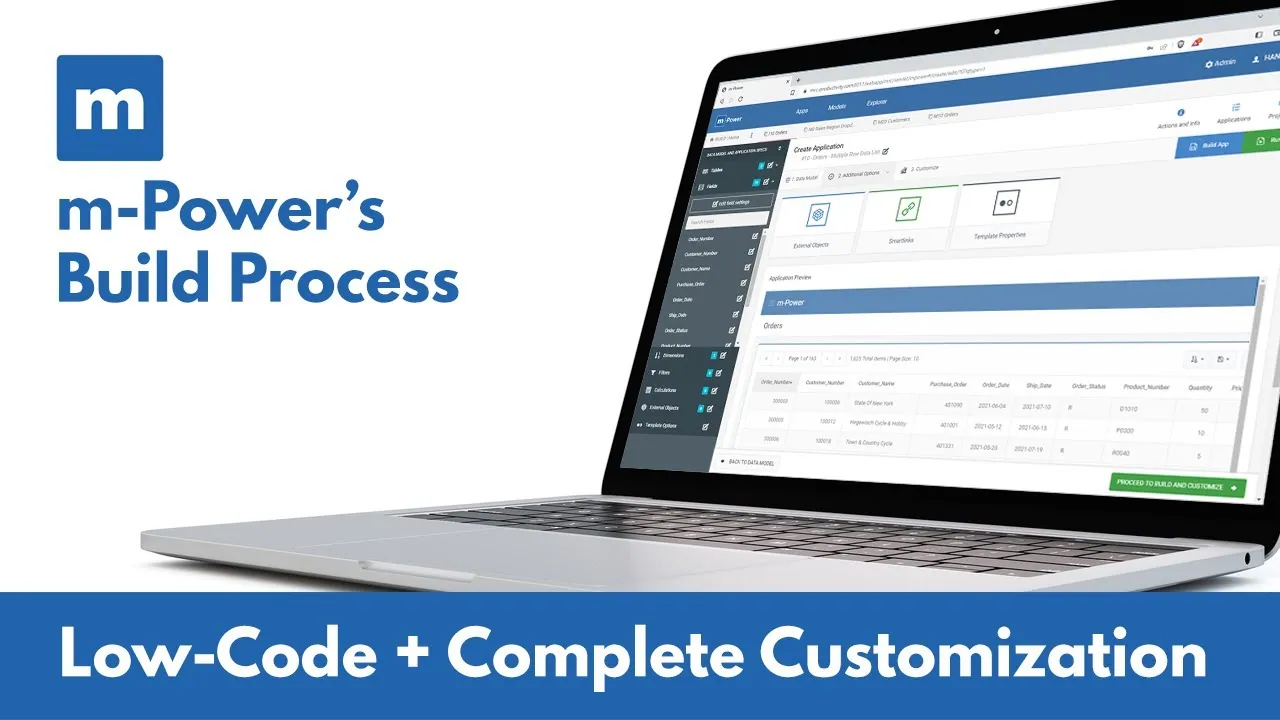

Four steps from your data to a working application
m-Power is a development platform that builds web applications over the databases you already run. Creating an application requires no coding, but allows custom code whenever you need it. The whole process comes down to four steps.
Name your application and choose your template
m-Power's pre-built templates come with the architecture and standard features baked in, which eliminates most of the development effort.
- Development speed: We've done the coding, added the features, and tested every template. You're 80% finished when you start.
- Responsive: The templates automatically adapt to tablets and smartphones.
- Customizable: You can customize any template however you wish, or create new templates.
Choose and sort your data
Templates are the foundation for your application, but they need data to function. In this step, you choose the database tables and fields to include in your application. You can join tables together if necessary, and tell m-Power how the data should be sorted within the application.
Optional: Add your logic and filters
This optional step previews your application and lets you add specifications to it:
- Field settings: Customize the fields you'd like to display.
- Record selections: Filter the data displayed in your application, or set run-time filters for the user.
- Calculations: Add calculated fields.
- External objects: Add custom business logic and custom code.
- Smartlinks: Link to another m-Power application, passing key data automatically.
Build
When you click "build," m-Power combines your specifications with the selected template to generate the application. The compile process automates these steps:
- Generates the Java source code, including the SQL database access statements.
- Compiles the Java source code into a Java servlet program.
- Creates the HTML presentation file.
- Creates the XML properties file for application-level options.
- Deploys the entire package to the application server.
Then customize anything you want
The build is a starting point. m-Painter (m-Power's visual designer) and the Workflow Designer give you unlimited customization options. Here are a few common ways users customize applications after they're built:
Look & feel
You have complete control over your application's look and feel, down to the pixel.
Workflows
Create workflows that are triggered by your application, using the Workflow Designer.
Charts
Add charts and graphs to any application using m-Painter.
Features
Add forms, calendar pop-ups, drop-downs, and much more.
The code itself
Open the code view and edit your application's HTML, CSS, or Java files directly.
Embedded applications
m-Power's Smartlink feature lets you connect your applications, passing key data automatically. See it in the composable applications video.
Take a deep dive into the build process
Want to see the build process on a real project? In each of these recorded builds, an m-Power consultant walks through a start-to-finish development project and explains each step along the way.
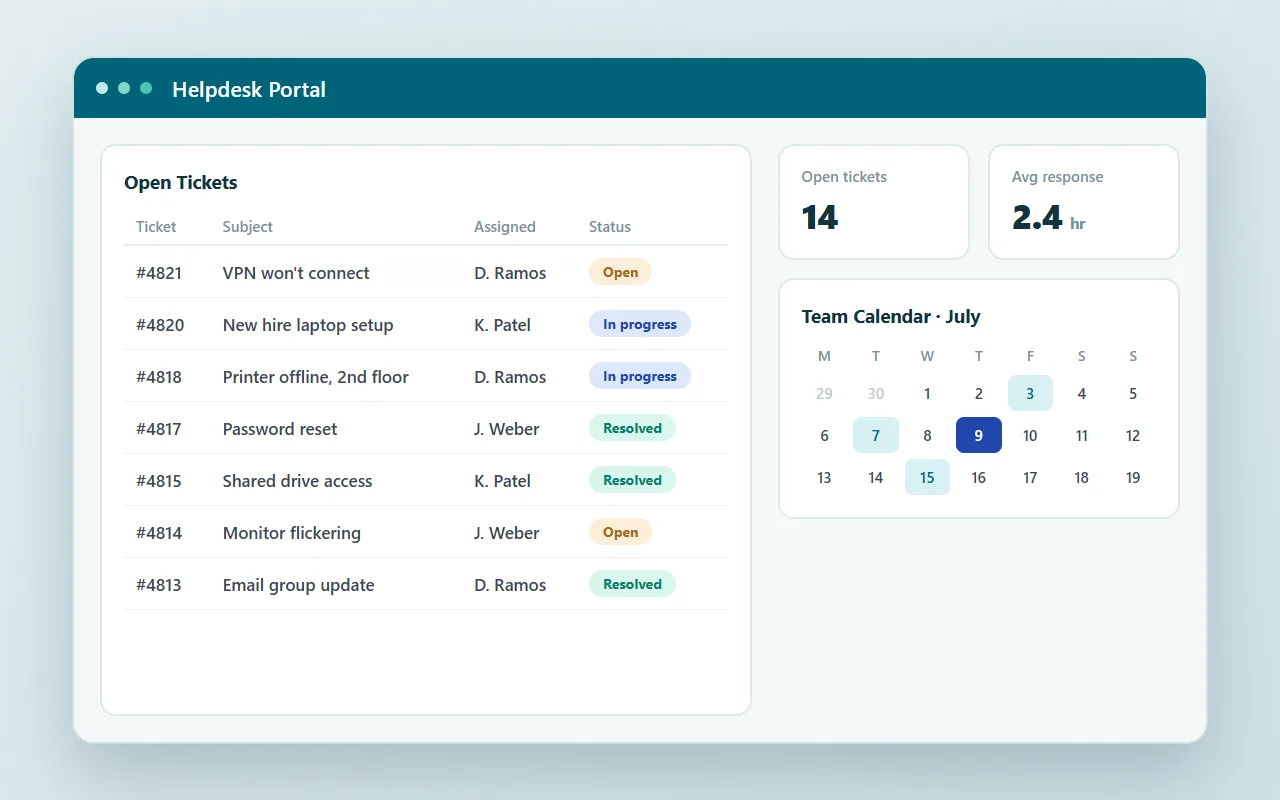
Project: helpdesk portal
Ticketing, a calendar, and a dashboard, built as one complete project.
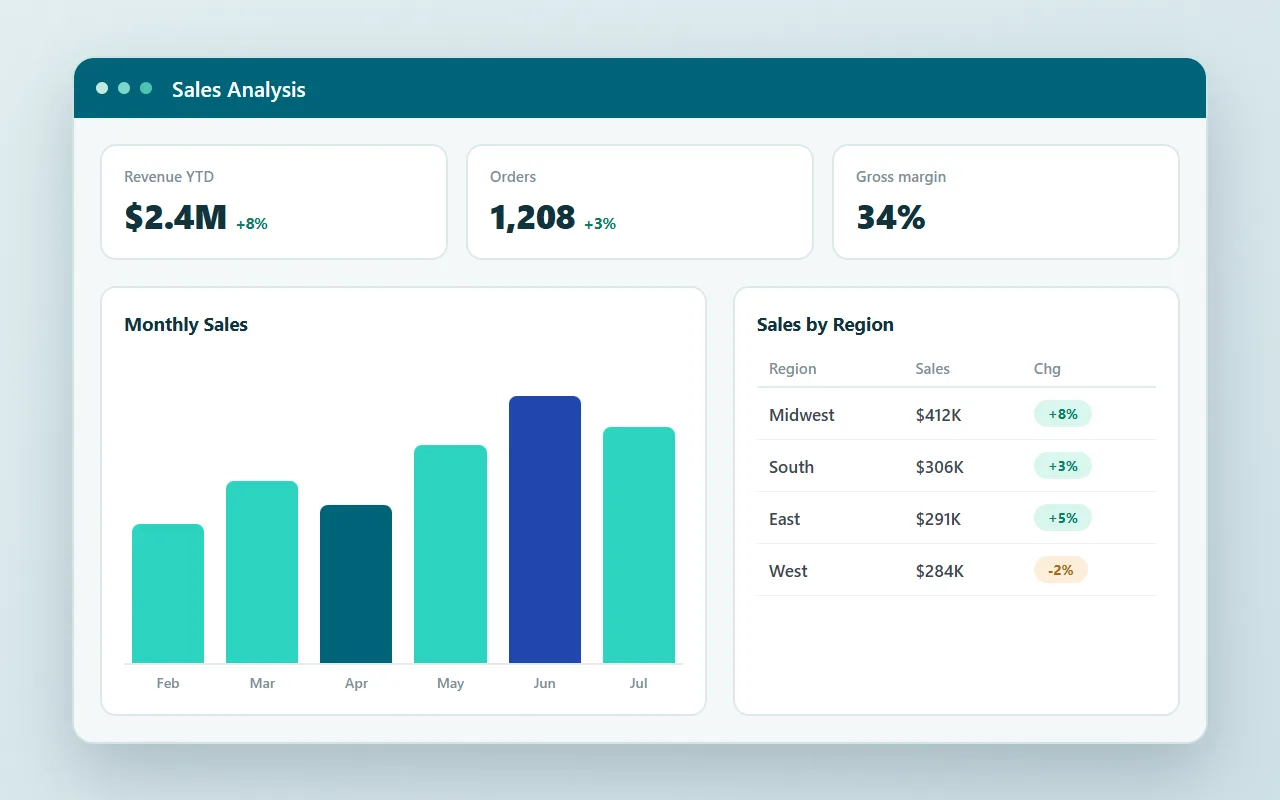
Project: BI and reporting suite
A complete reporting suite over a live database, from raw tables to finished dashboards.
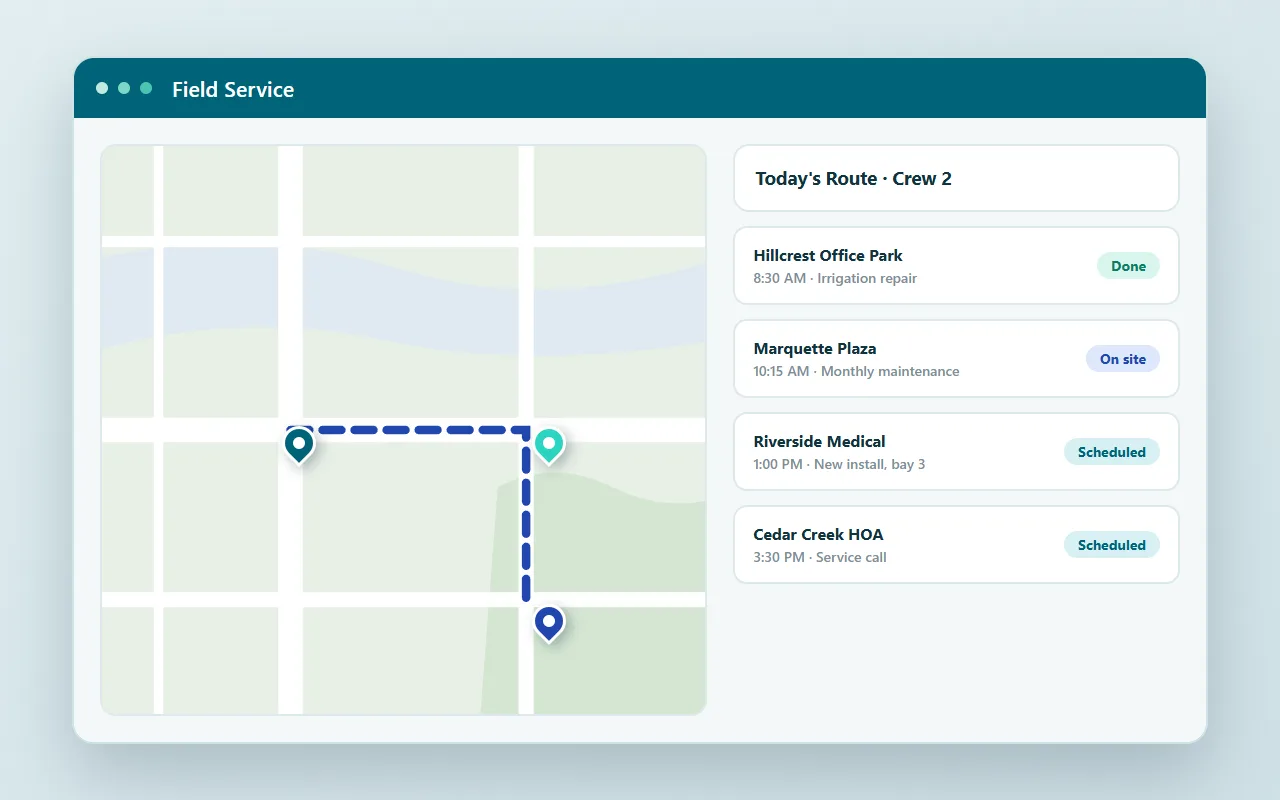
Project: field service management
Mapping, scheduling, and mobile data capture for crews in the field.
Build process questions we hear a lot
Don't see yours? Ask us. You'll get an answer from someone who builds with m-Power every day.
Send us a notePage updated July 2026
Do I need to know how to code to use m-Power?
What does m-Power generate when I click build?
Can I customize an application after it's built?
Are the templates customizable?
What data can m-Power build over?
Watch the build process over your data
We'll walk through the build process live, using your data and your use case, and answer any questions your team has.