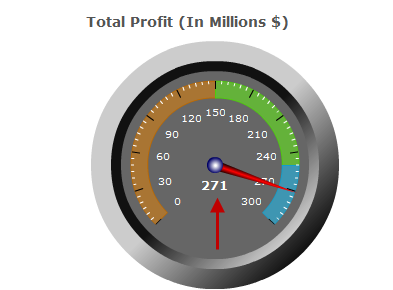
This tab provides options specific to the Dial Chart.
Meter Angle
This value sets the angle (out of 360) that the chart uses out of the circle. It is not recommended that you change this angle.
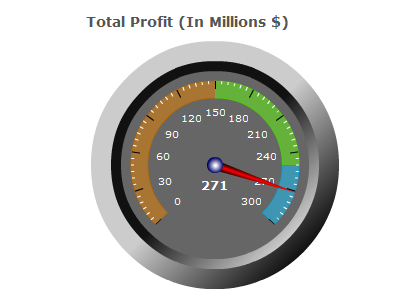
Meter Outline Color
This option has been deprecated, and is no longer supported with dial-type charts.
Number/Color of Scale Marks
These values deal with the tick marks on the chart. You can determine how many of them to have and what their color is.
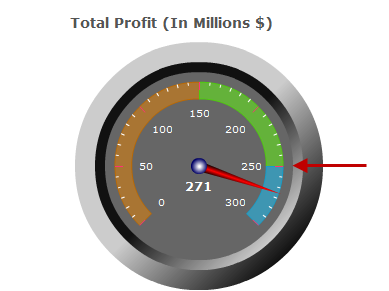
Show Needle Value and Needle Color
The Show Needle Value? option determines whether or not the value the needle is pointing at is displayed at the bottom of the chart. The color of the needle may also be adjusted using the Needle Color option.