
m-Power How-To Videos
Watch an m-Power consultant build a complete development project on camera, start to finish, with each step explained along the way. Projects that would take weeks of hand-coding come together in a single sitting, over a real database.

Watch a full development project with m-Power
Each video below is a deep dive into m-Power's build process. You see the whole project take shape: The data, the applications, the security, and the finishing touches. Short on time? The video library has 5-to-10-minute builds instead.
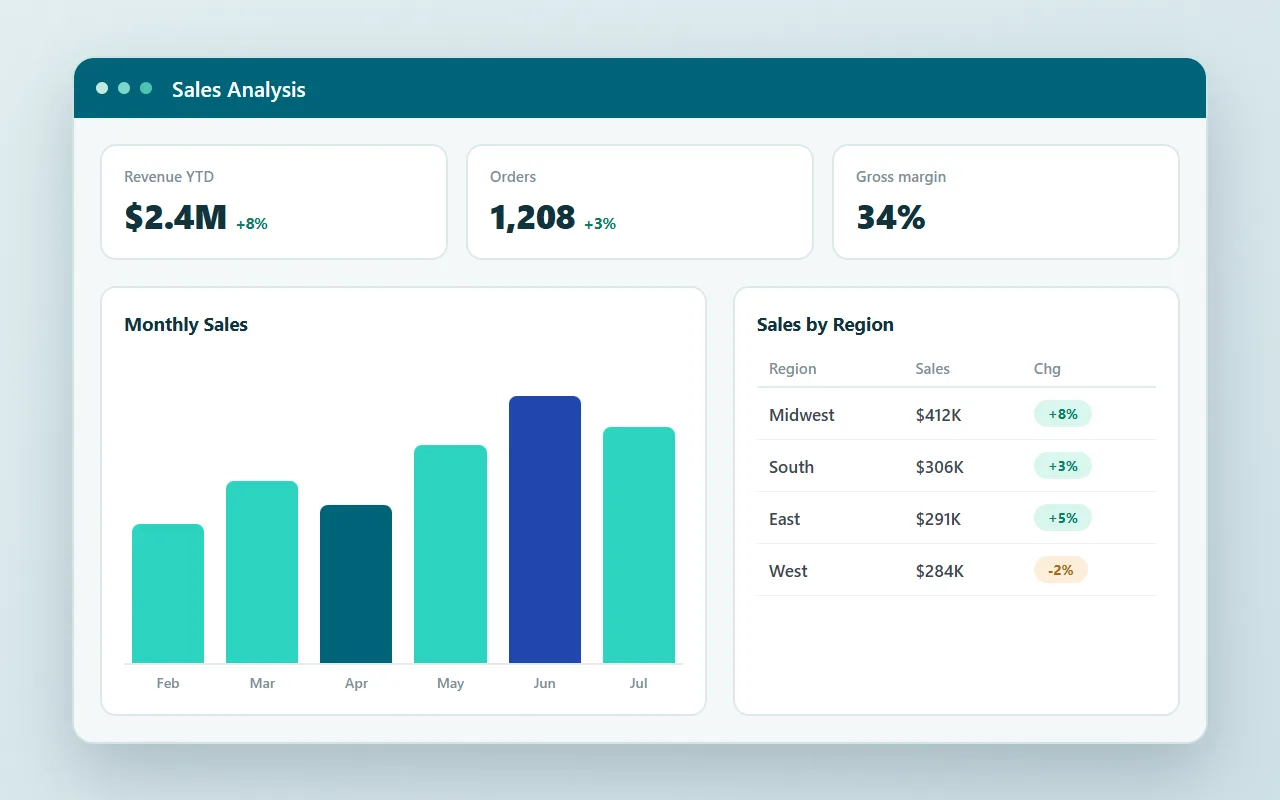
How to create a BI and reporting suite
Start with a single spreadsheet of raw data and end with a full BI suite: Dashboards, forecasting, data write-back, data warehousing, and multi-tenant security.
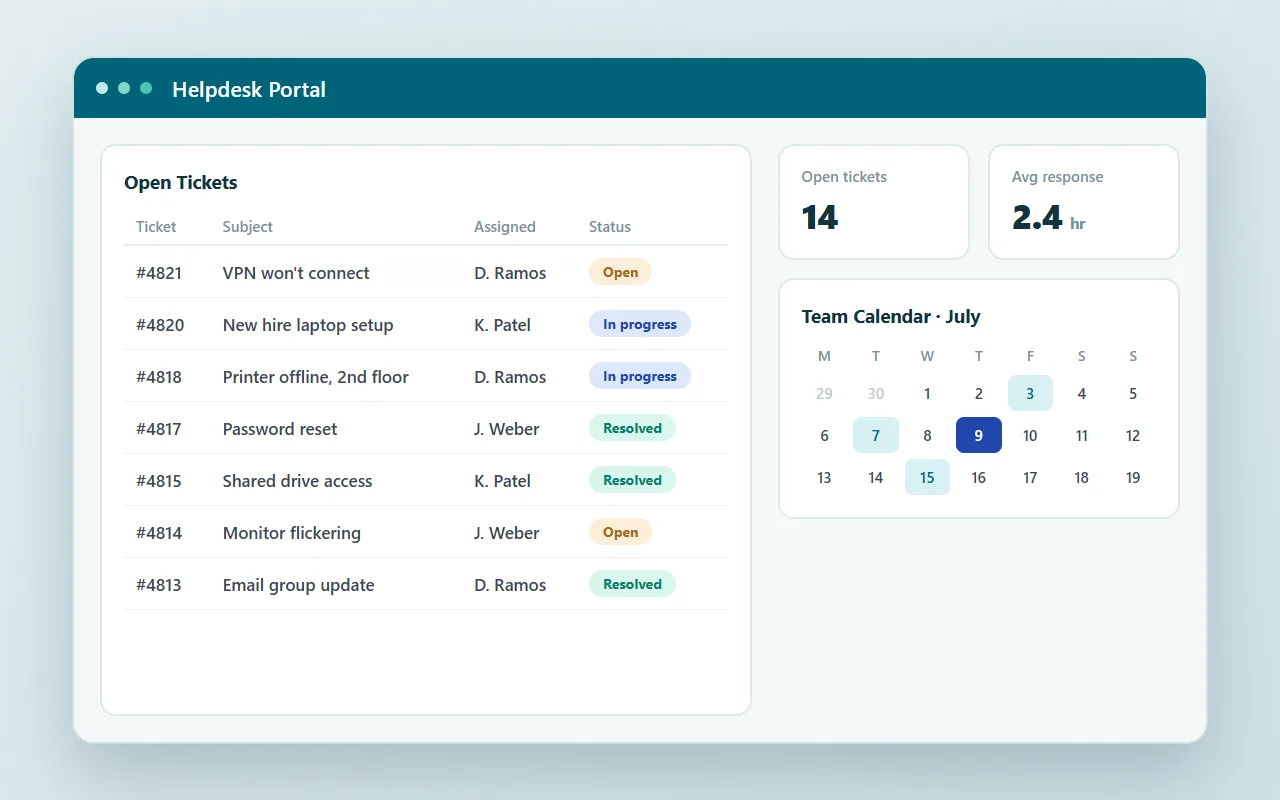
How to create a helpdesk portal
Build a custom helpdesk portal from scratch: Ticketing, a scheduling calendar, and a management dashboard, all working together as one application.
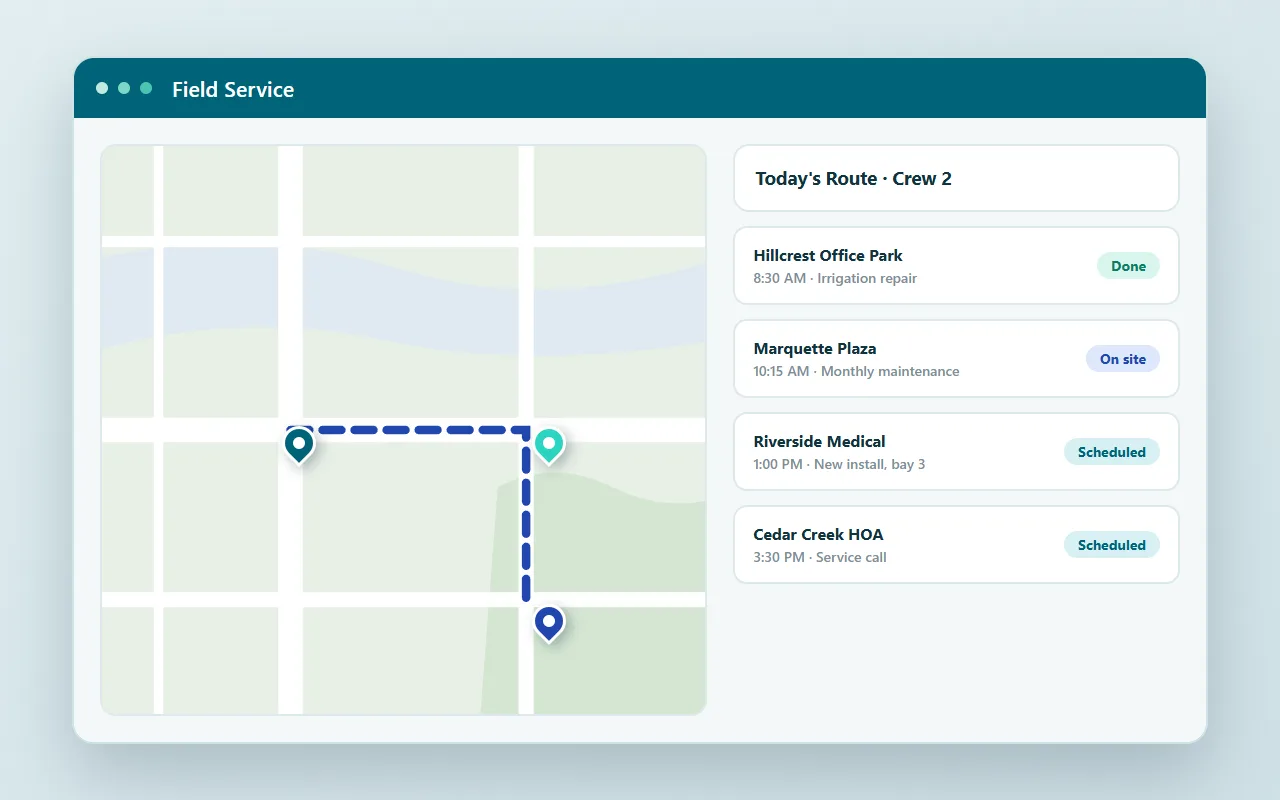
How to create a field service management app
Give field technicians scheduling, appointment management, a live map of upcoming jobs, and automatic customer invoicing, built from scratch on camera.
Now, we can actually build applications in hours instead of weeks.
Hayes Howard, CEO, ComPair Data
m-Power could create our order entry application, provide our business intelligence, create an online portal, and solve workflow requirements. All of this in the hands of our existing 2-person IT team.
Paul Scyner, IT Manager, Daiwa Sports
We are really able to fine tune m-Power to match our business processes. You just can't get that from out-of-the-box software.
Sharon Hadley, Systems Analyst, Pearl Buck Center
Questions about the videos
Don't see yours? Ask us. You'll talk to a real person who actually cares whether this works for you.
Send us a notePage updated July 2026
Are these real builds or edited demos?
What is m-Power?
How long would projects like these take my team?
Can I see m-Power build over my own data?
See m-Power build over your data
These videos show our consultants building. A live demo shows the same process over your data and your use case, with your questions answered as it happens.