
The m-Power Video Library
Do you want to see m-Power in action? These videos show real applications built over live data, from CRUD apps and dashboards to AI chatbots, portals, and workflows.

Browse the video library
Most of these videos show a complete application built start to finish. Looking for step-by-step tutorials instead? See the how-to videos, or browse our webinars for longer sessions.
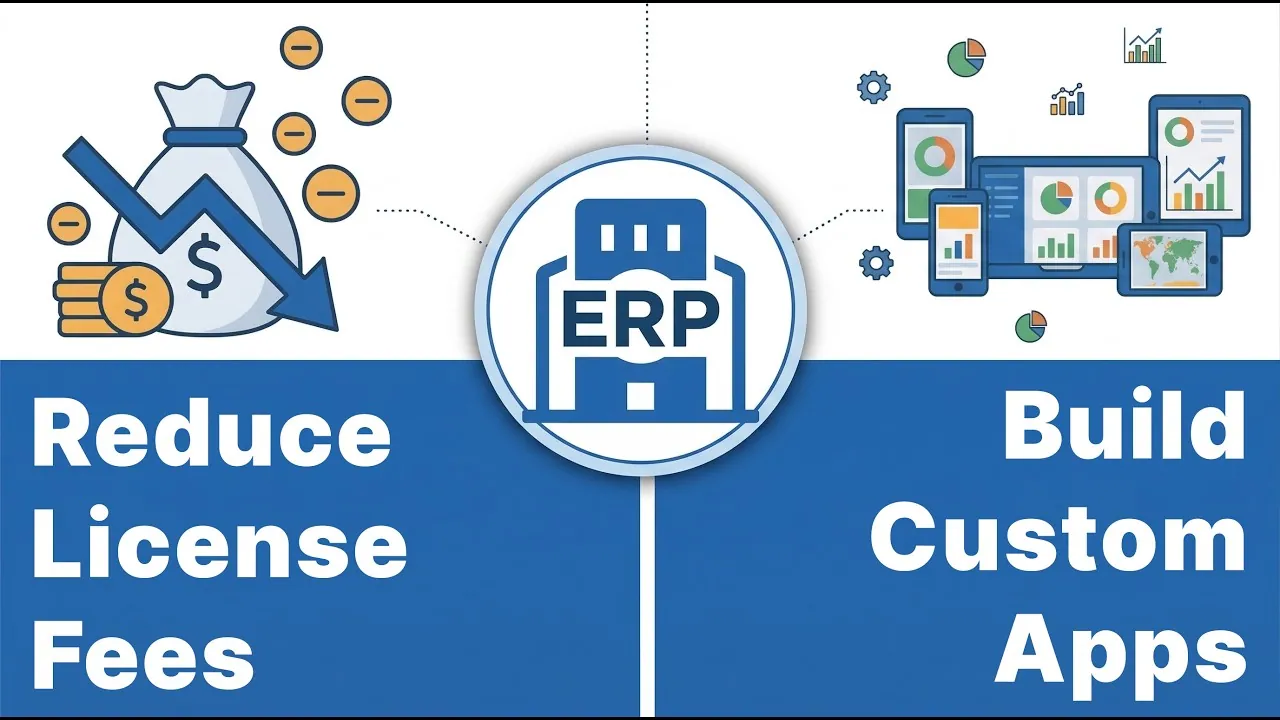
Build custom ERP features without modules or vendor fees
Build the ERP features your vendor wants to charge for, over the ERP data you already have.
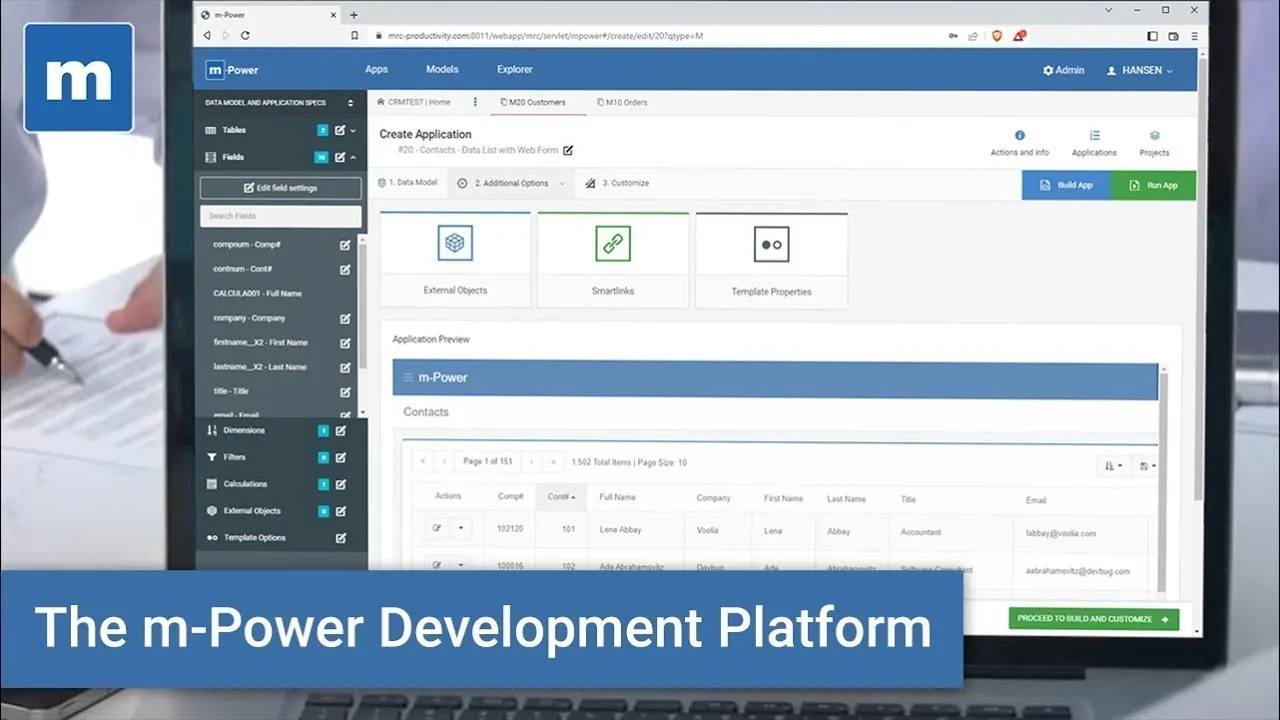
m-Power's 3-minute overview video
The fastest way to understand what m-Power is: One complete build, in three minutes.
How to create a web-based dashboard in 7 minutes
Build a web-based dashboard over live data in about seven minutes.
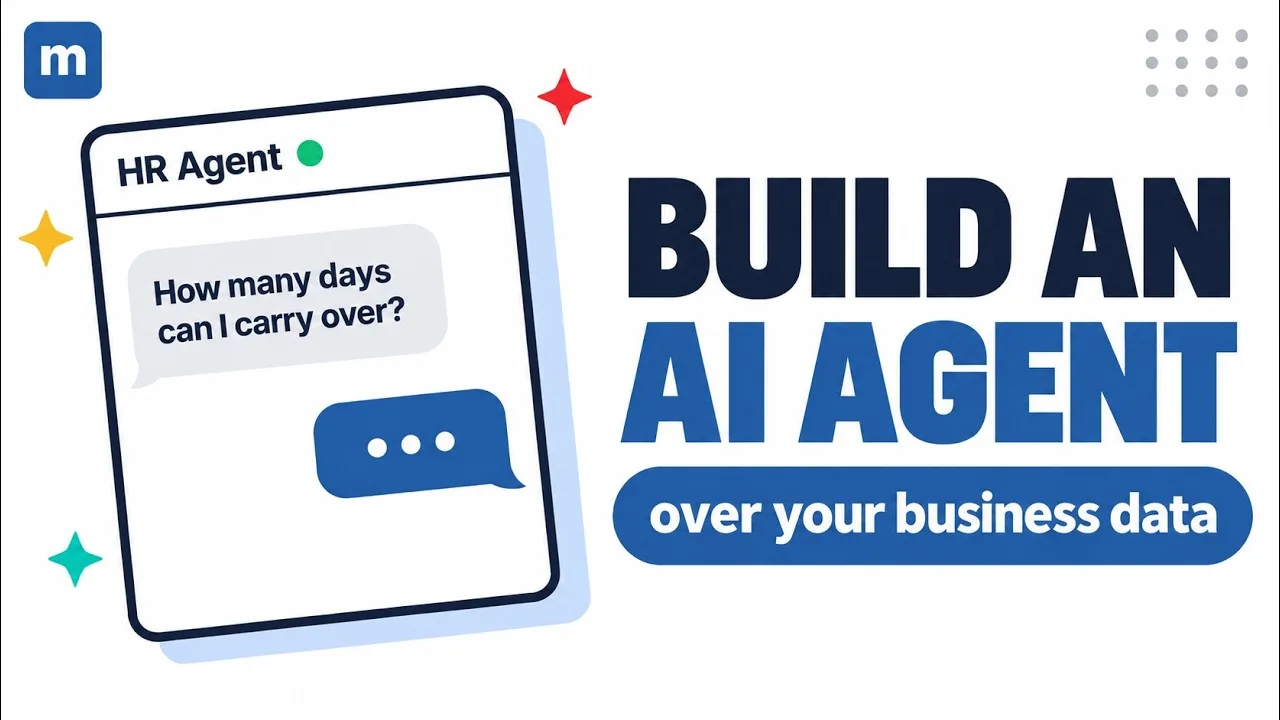
Build an HR AI agent over your own database
Add an agent to your HR portal that answers policy questions and submits time-off requests over your employee data.
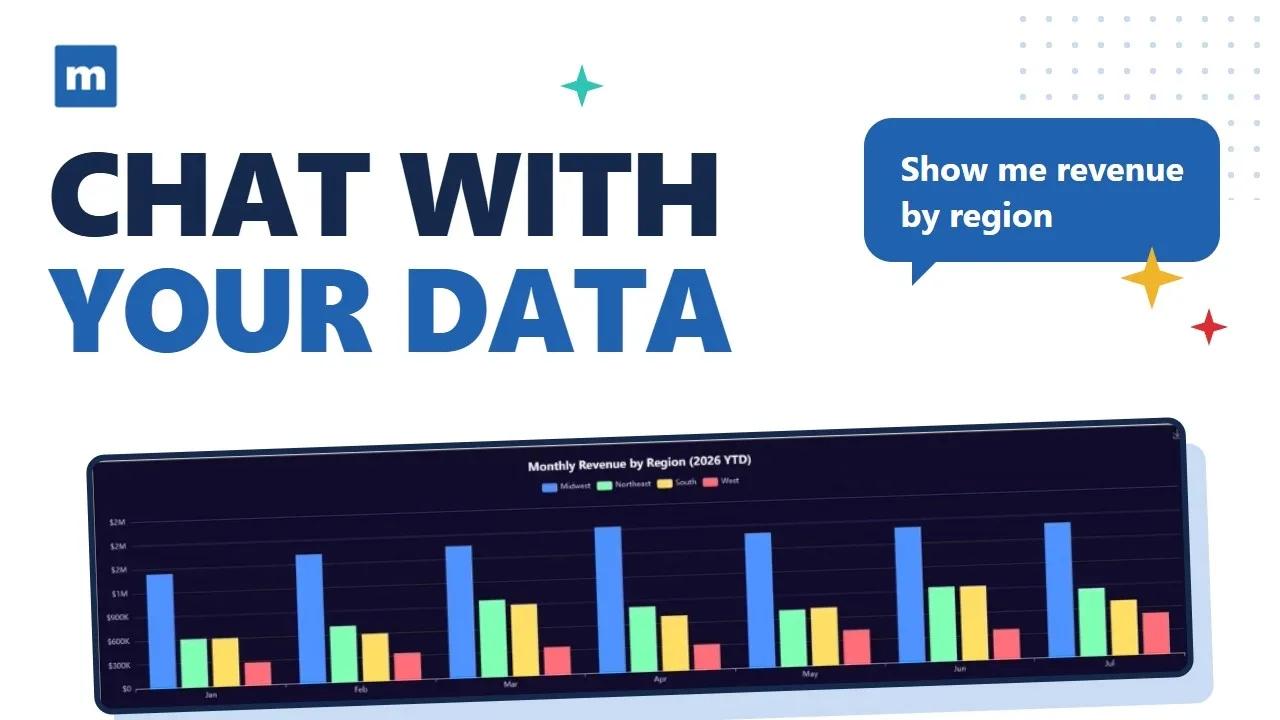
Build AI data analytics over your database
Give users an AI analyst that answers questions and builds charts from live data.

Build an AI knowledge base + support bot
Turn your business documents into an AI knowledge base with a support bot in front of it.
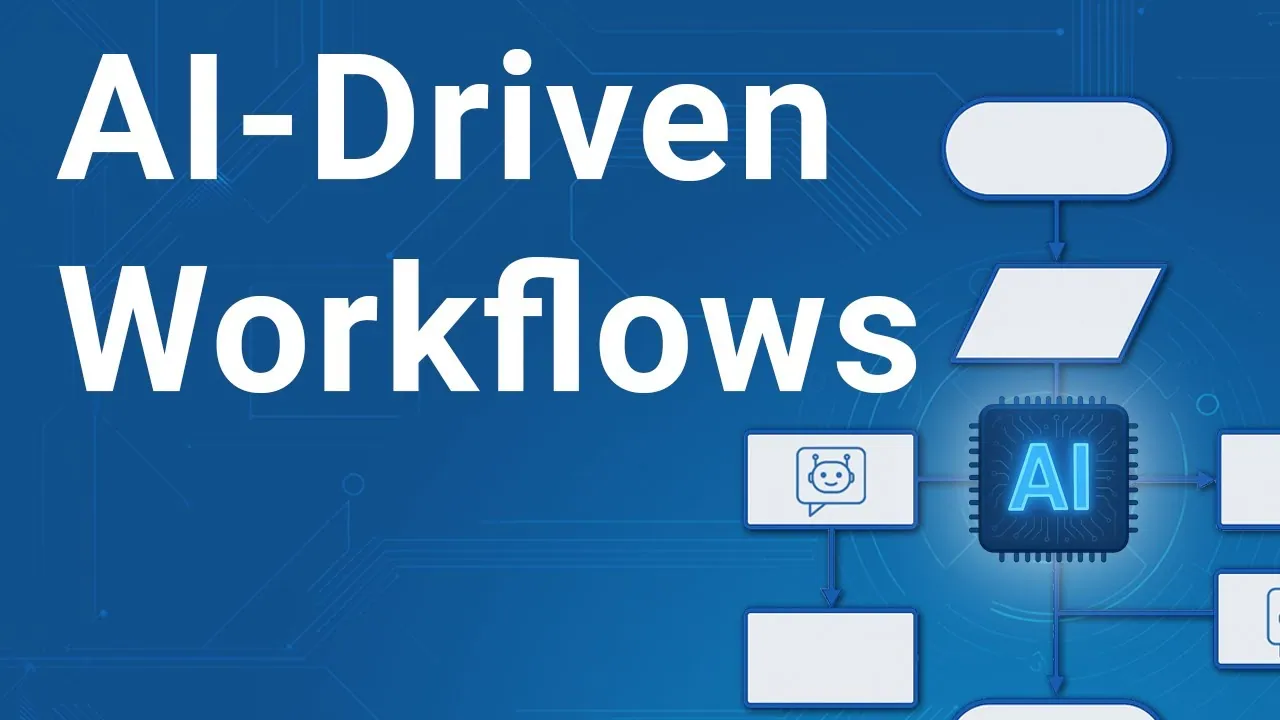
How to create AI-driven workflows
Put AI inside a support ticket workflow, from intake to routing.

Build an AI chatbot over your data
Build a chatbot that answers questions from your own business data, with guardrails.
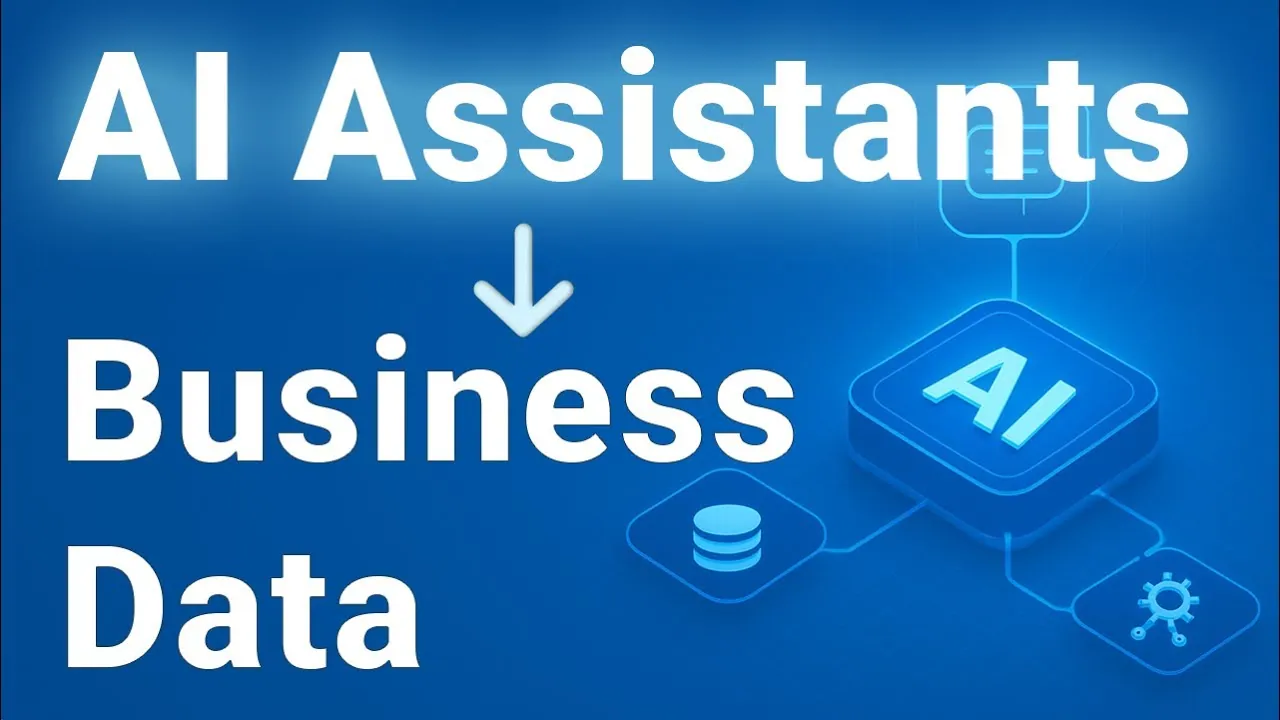
Create AI assistants over your data
Add AI assistants to the applications and workflows your team already uses.
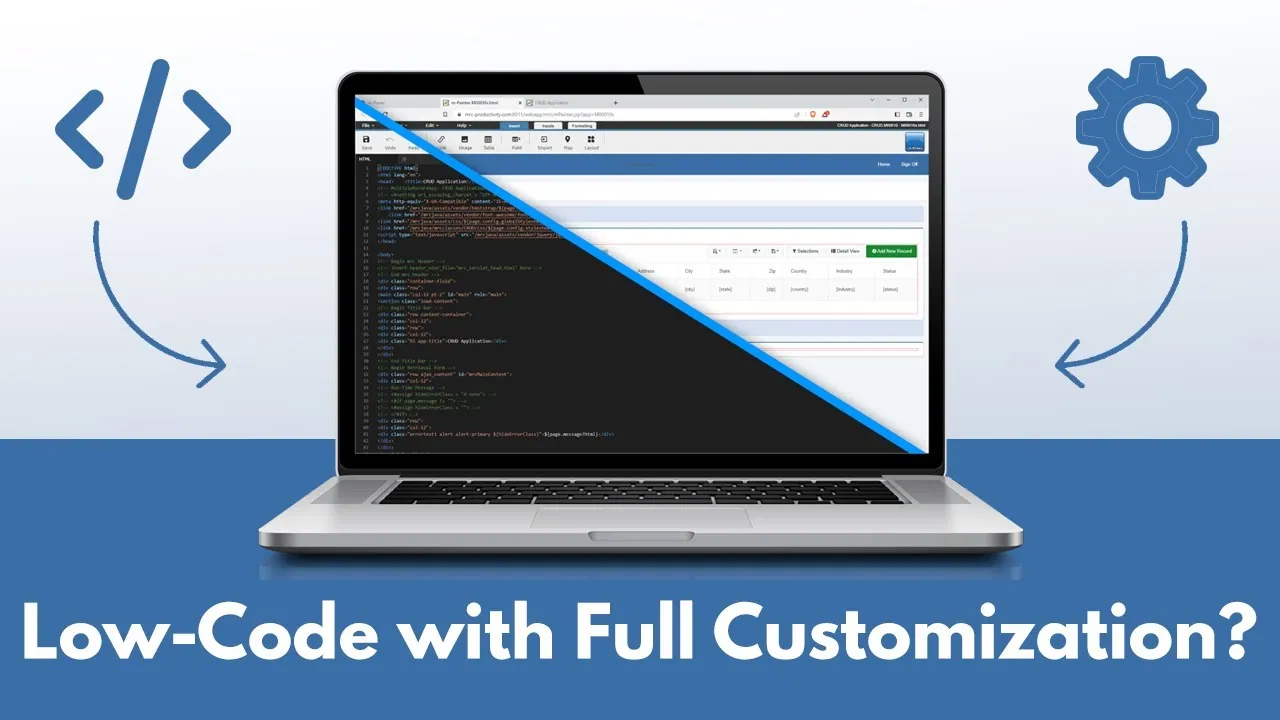
Low-code + customization: 6 features you need
Six customization features to look for before you commit to any low-code platform.
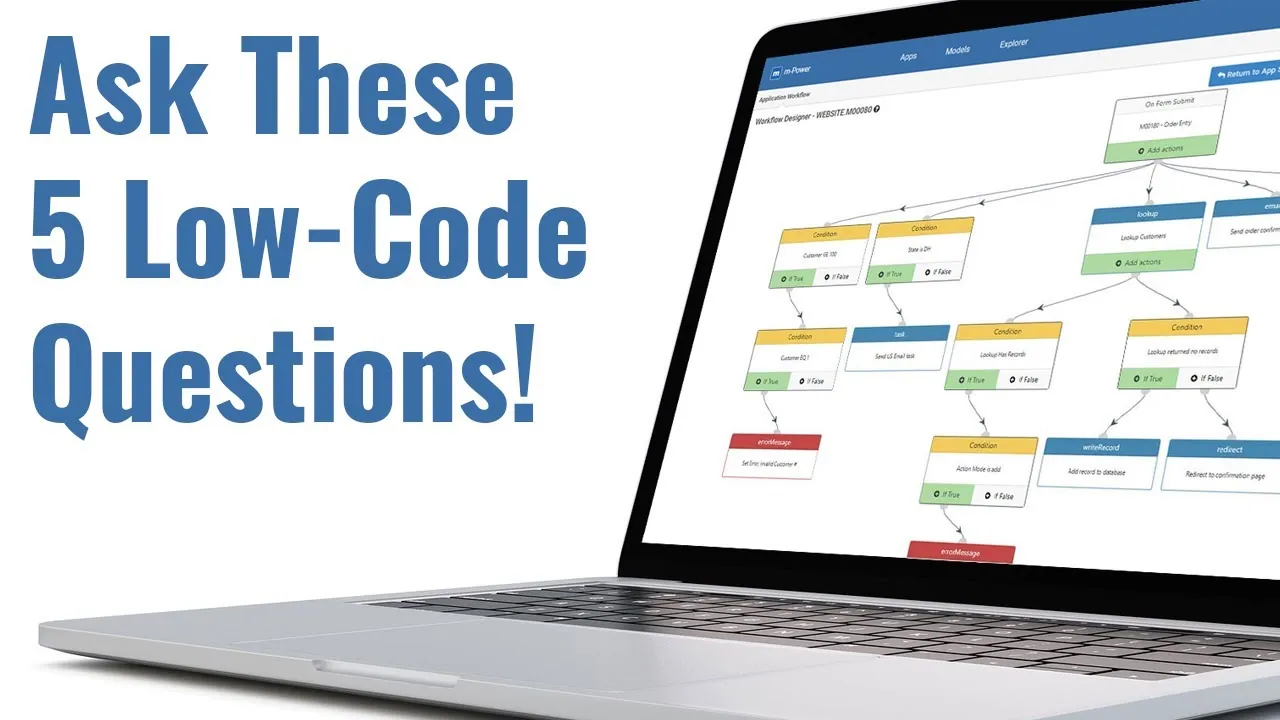
How to find the best low-code tool
What to look for, and what to avoid, when comparing low-code platforms.
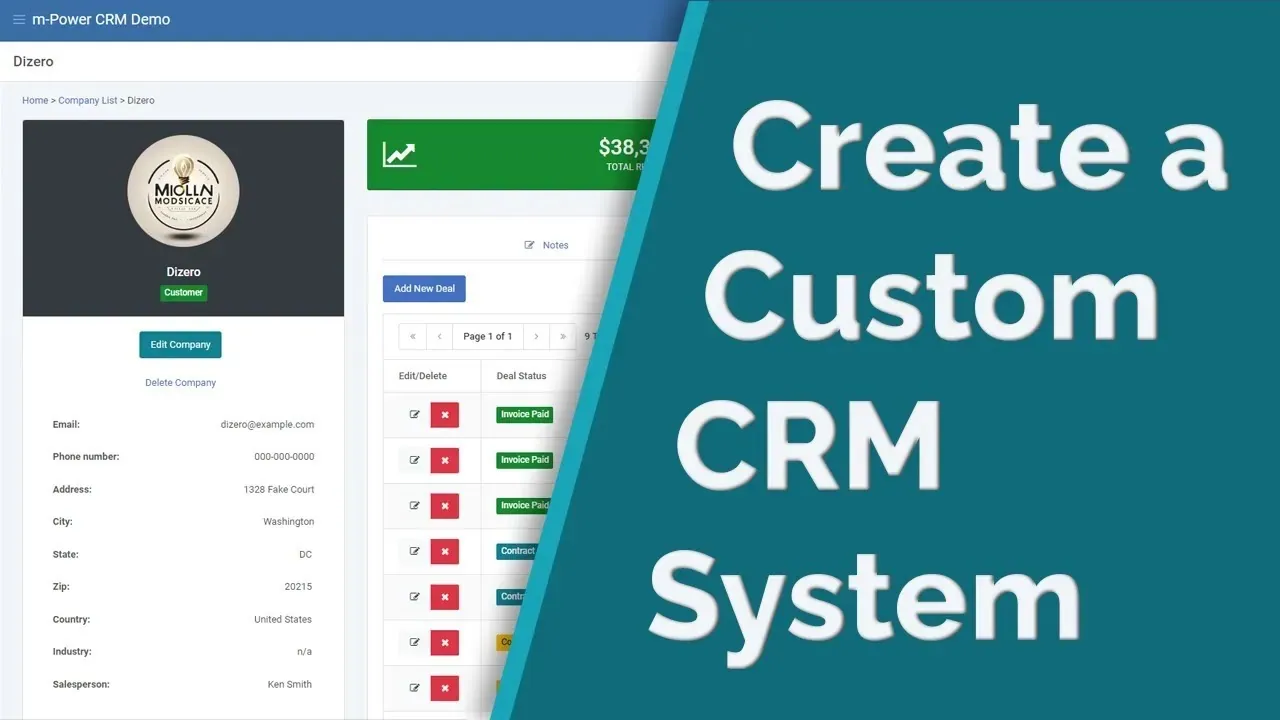
How to create a custom CRM system with low-code
Build a CRM around your sales process instead of changing your process to fit someone else's.
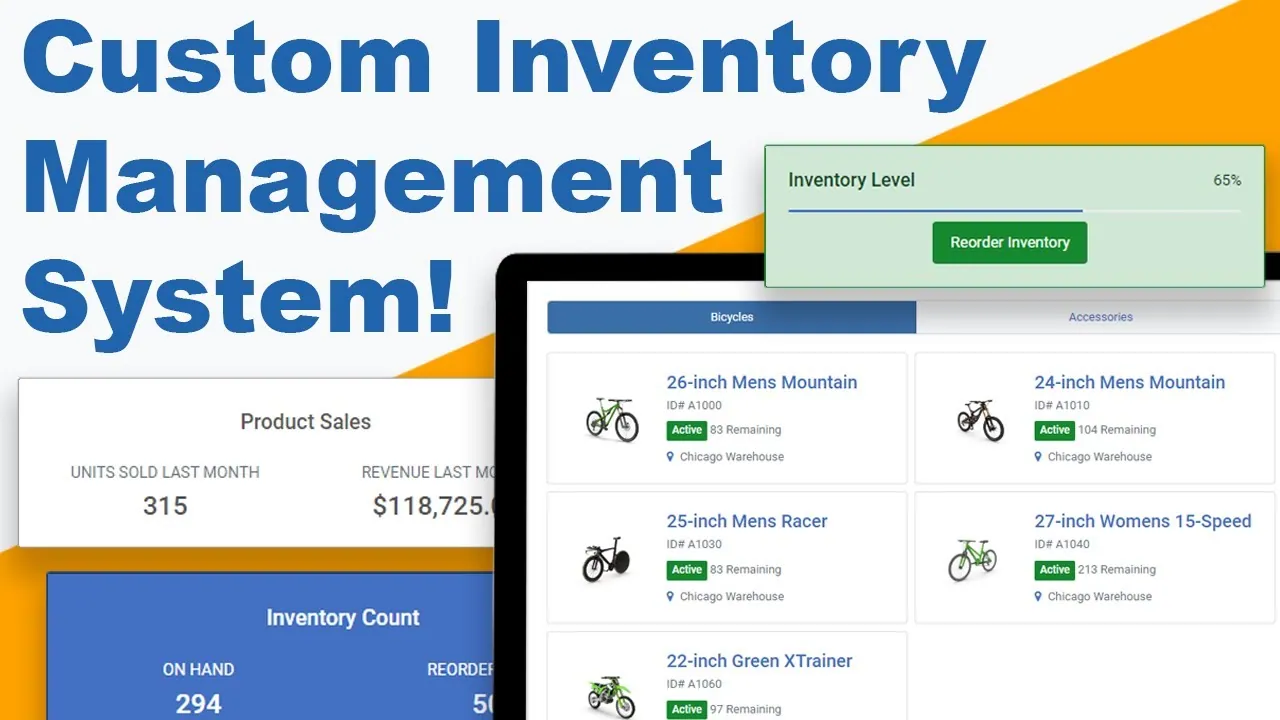
How to create an inventory management system
Build an inventory system with data entry, workflow, and charting over live data.
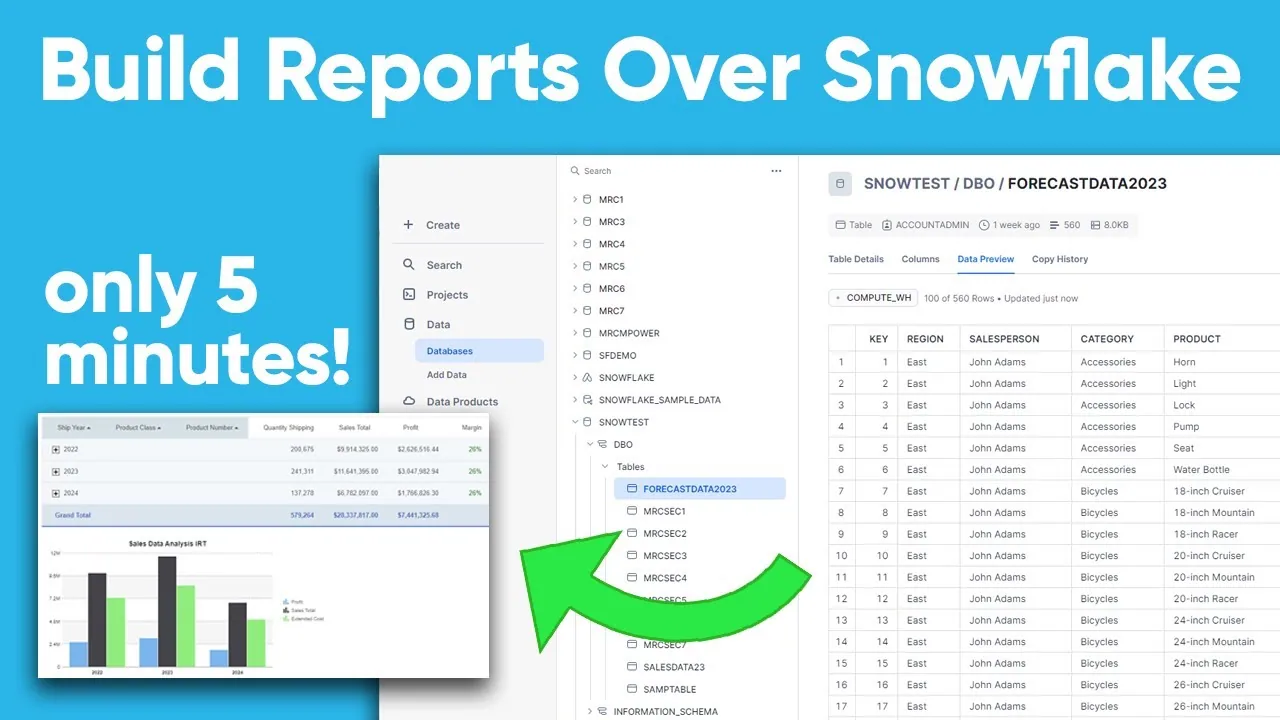
Build reports over Snowflake data in 5 minutes
Point m-Power at Snowflake and build web reports in about five minutes.
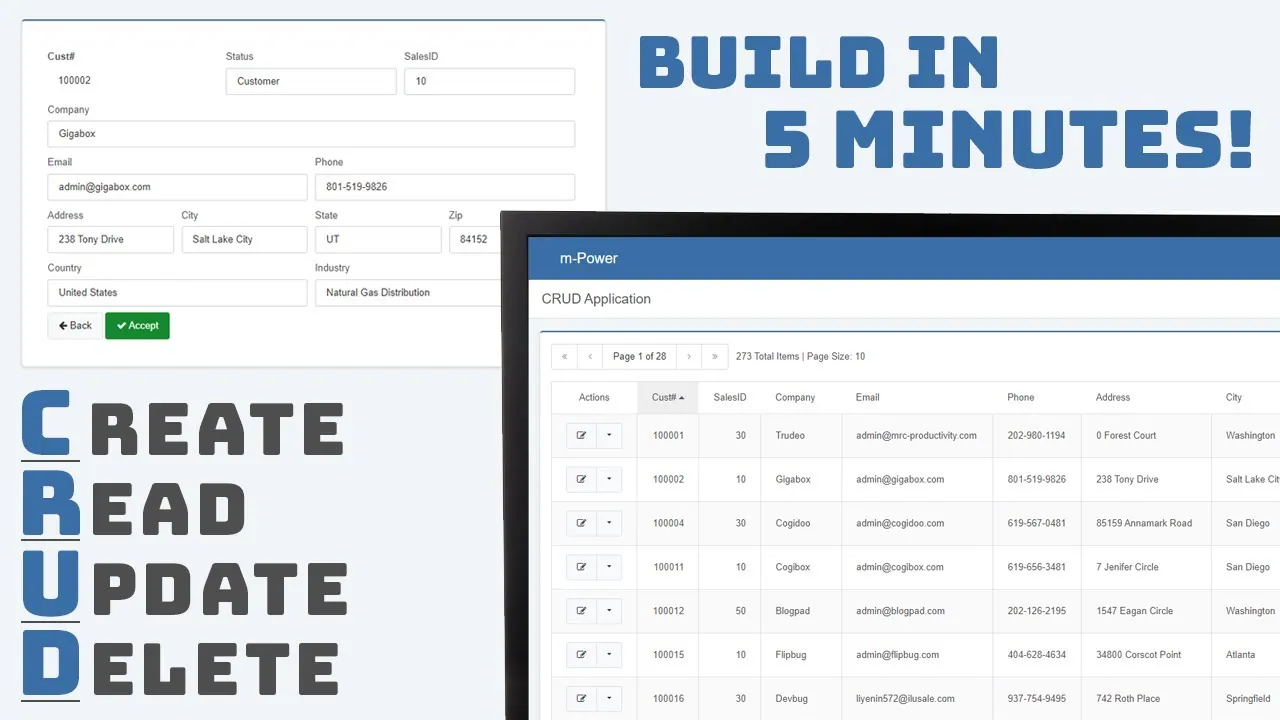
How to create a database CRUD app
Create, read, update, delete: A working CRUD app over your database in five minutes.
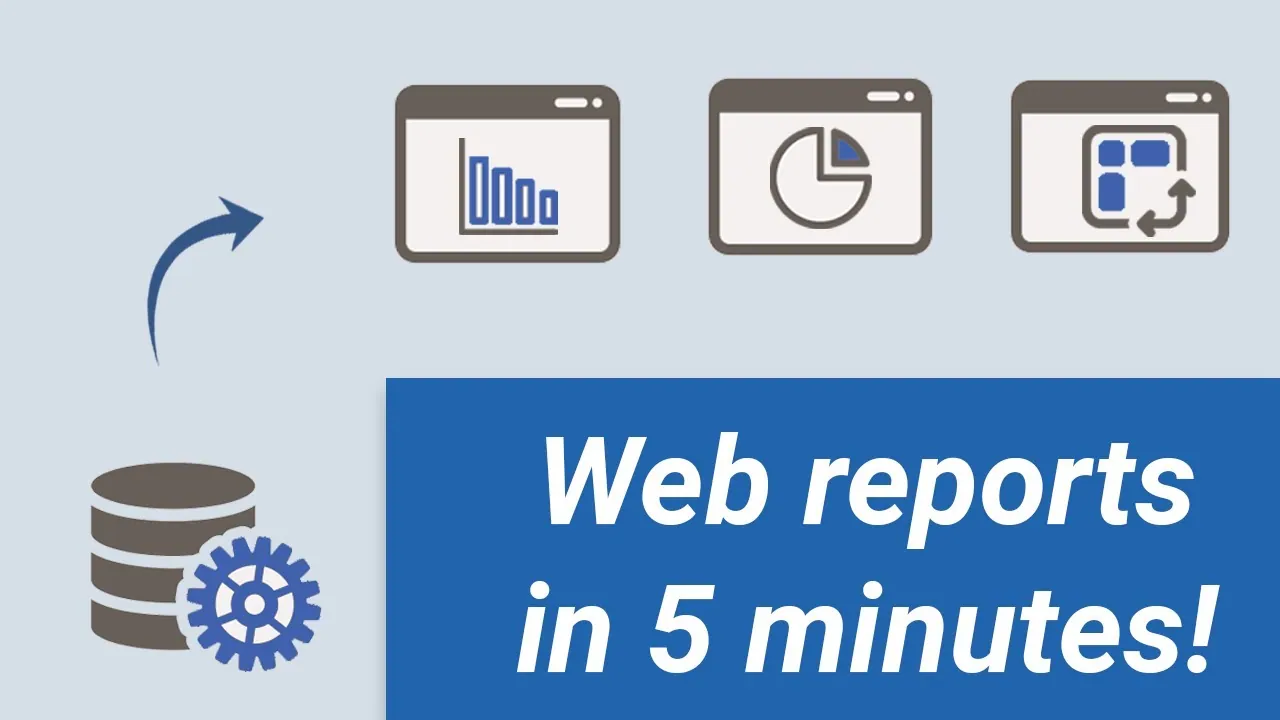
How to create web reports over a database
Build web-based reports your users can run themselves, without report requests piling up.
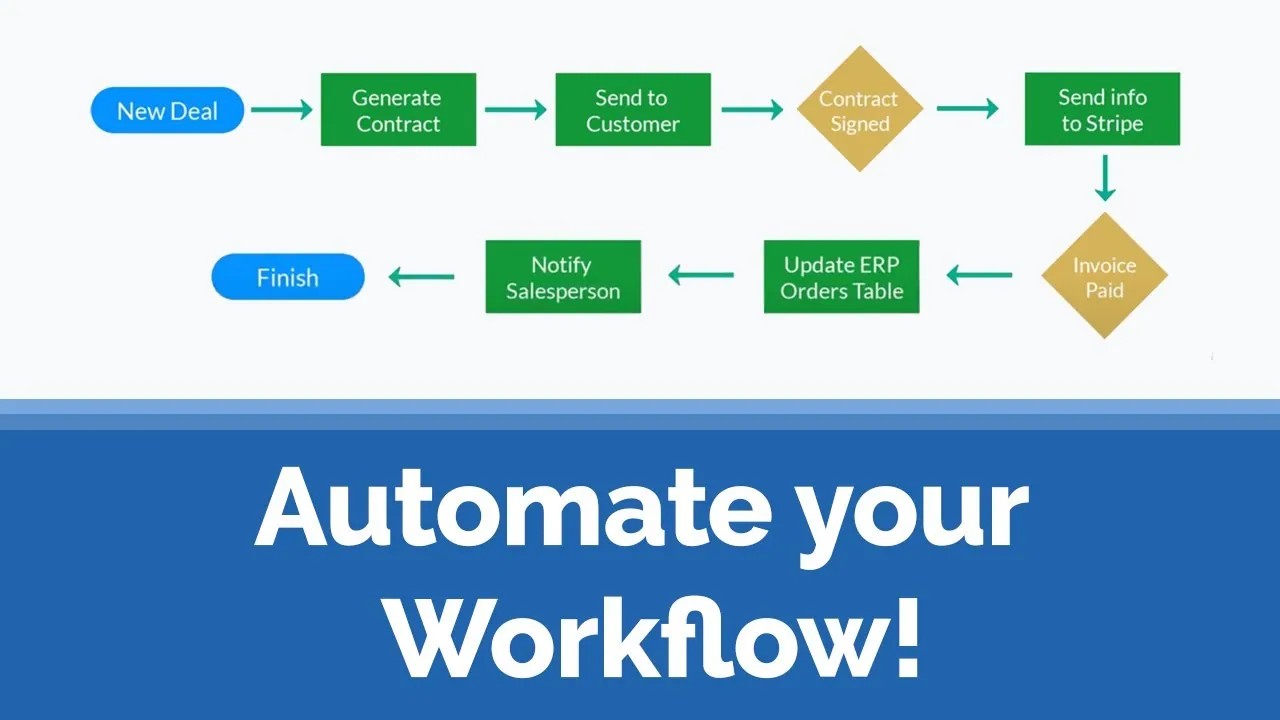
How to automate a customer onboarding process
Automate a customer onboarding process end to end with m-Power's workflow tools.
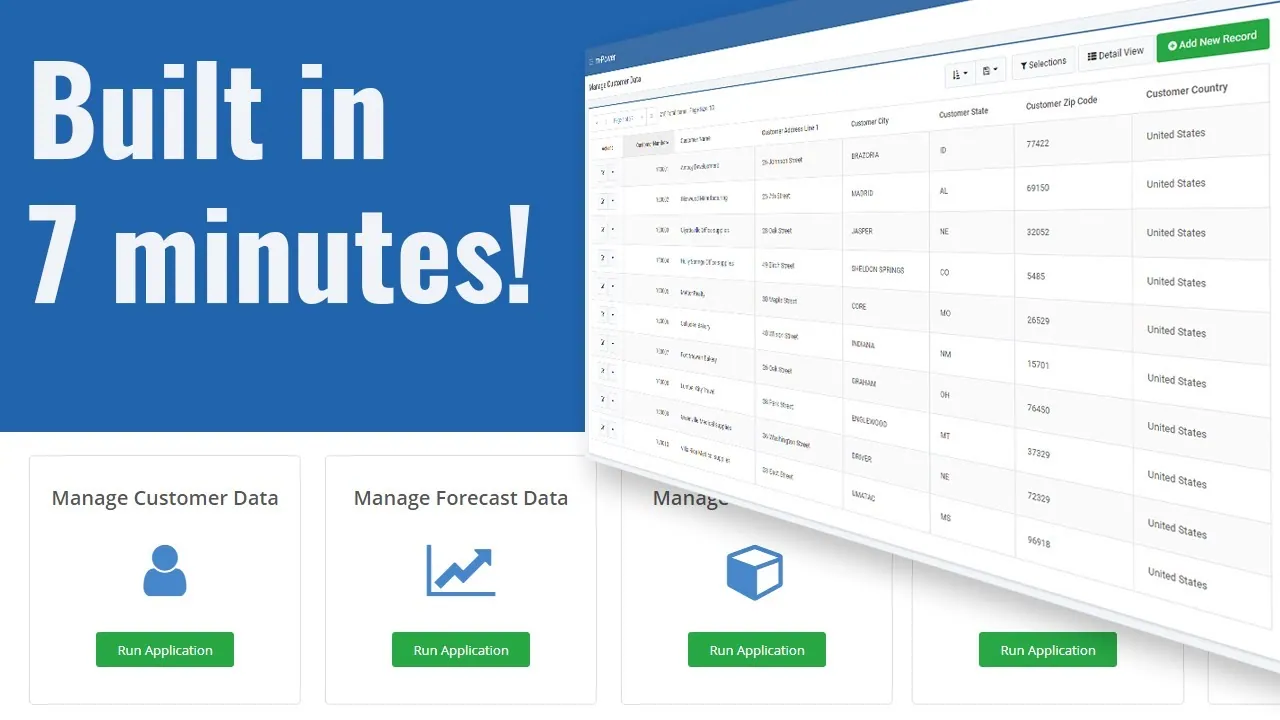
Create a web-based data management system
Replace shared spreadsheets with a secure, web-based data management system.
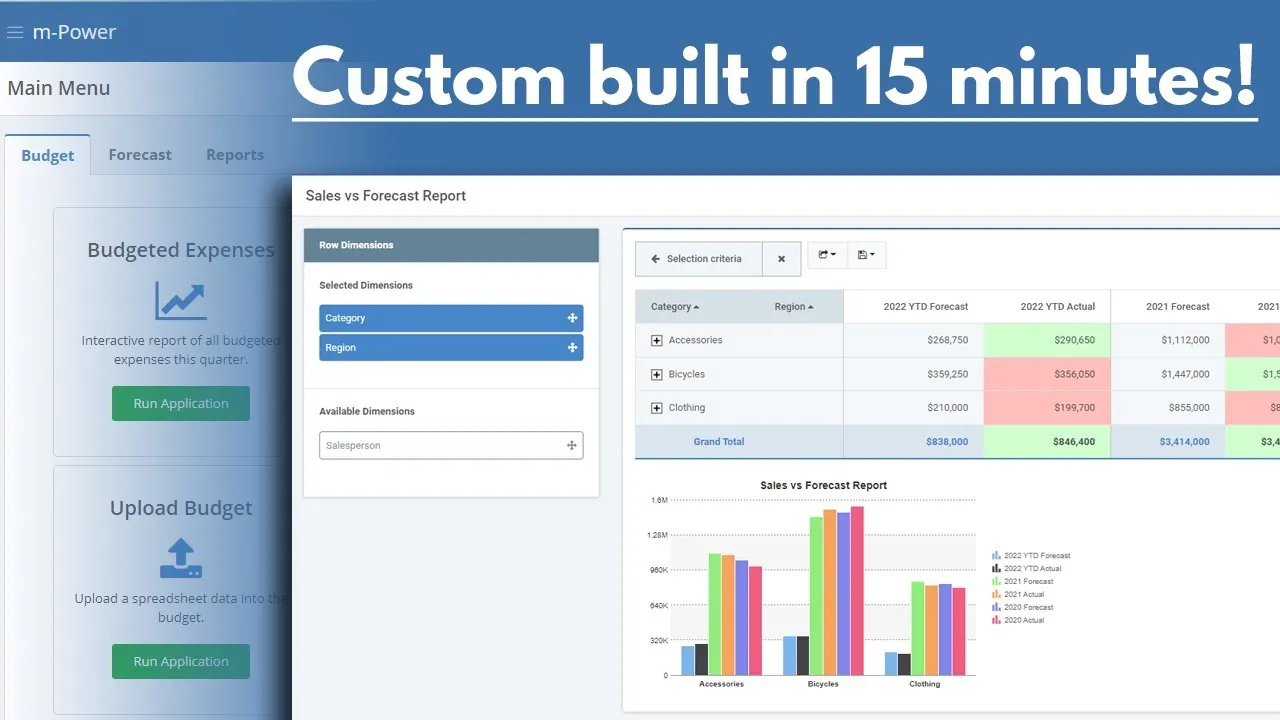
Create a custom budgeting & forecasting portal
Build a budgeting and forecasting portal your finance team can maintain themselves.
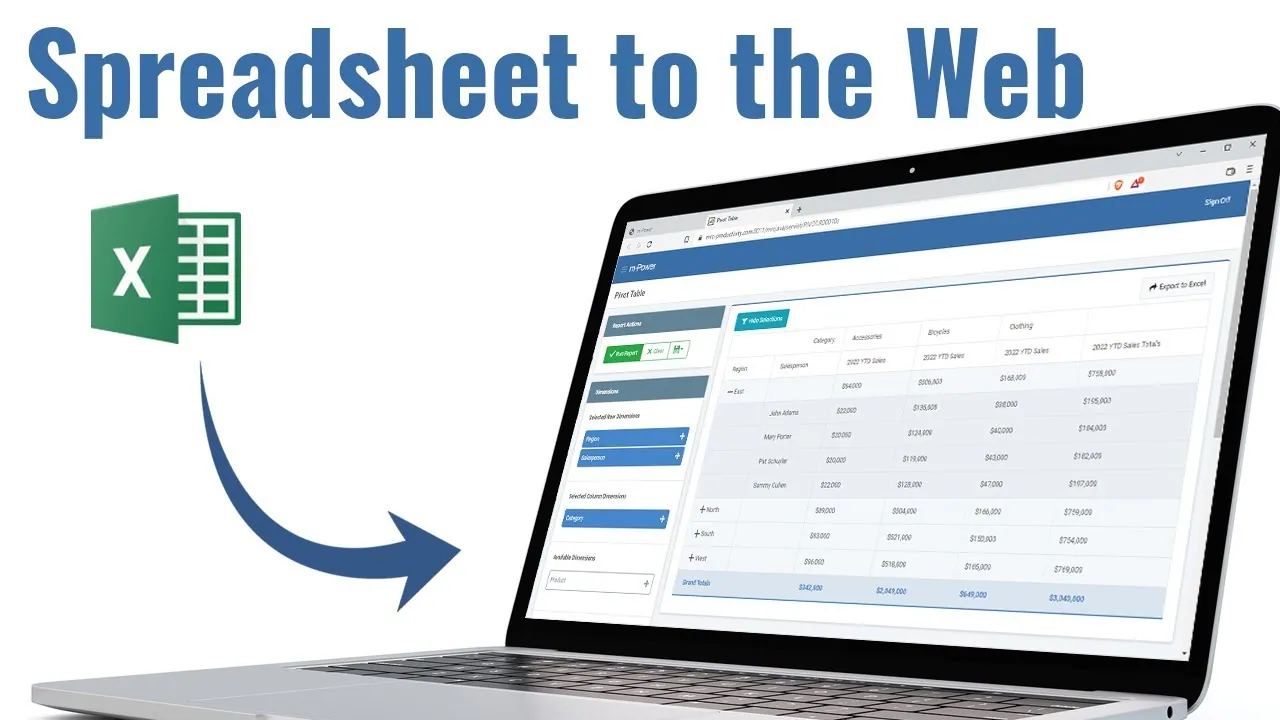
How to create a web-based pivot table
Give users web-based pivot tables so analysis stops living in exported spreadsheets.
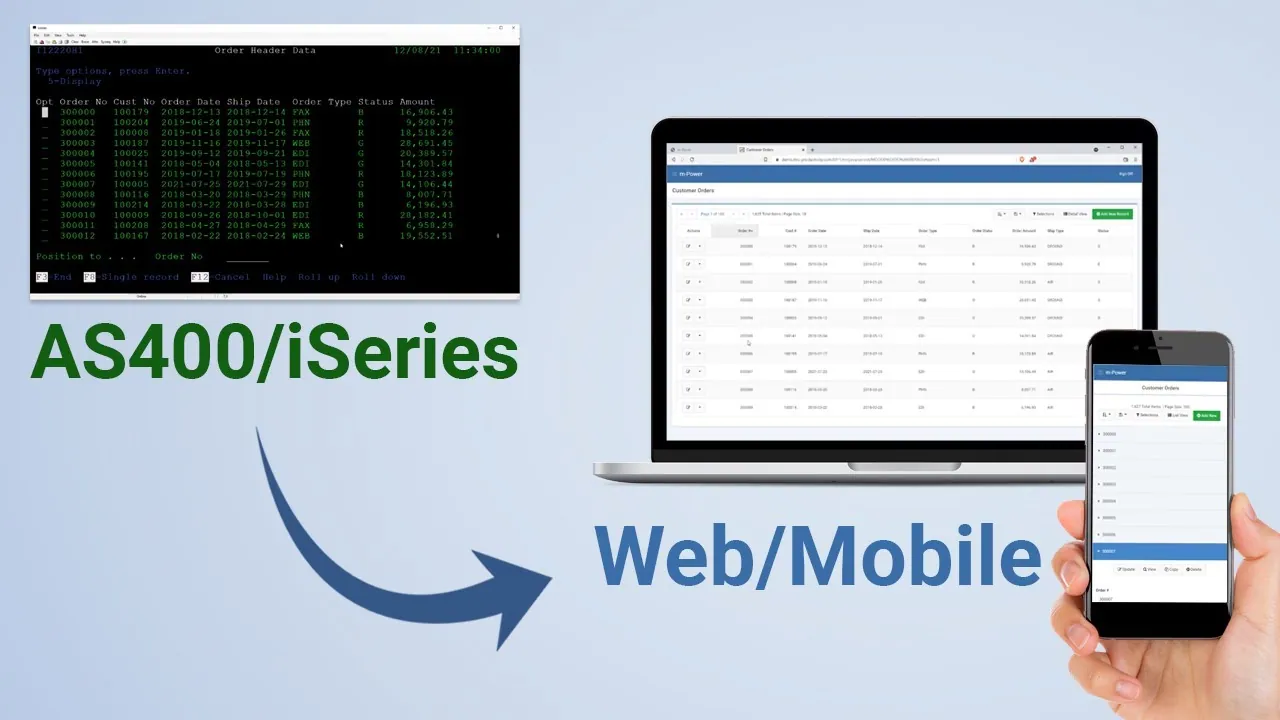
Modernize an AS400 application in 5 minutes
Put a modern web front end over an AS/400 green-screen application in five minutes.
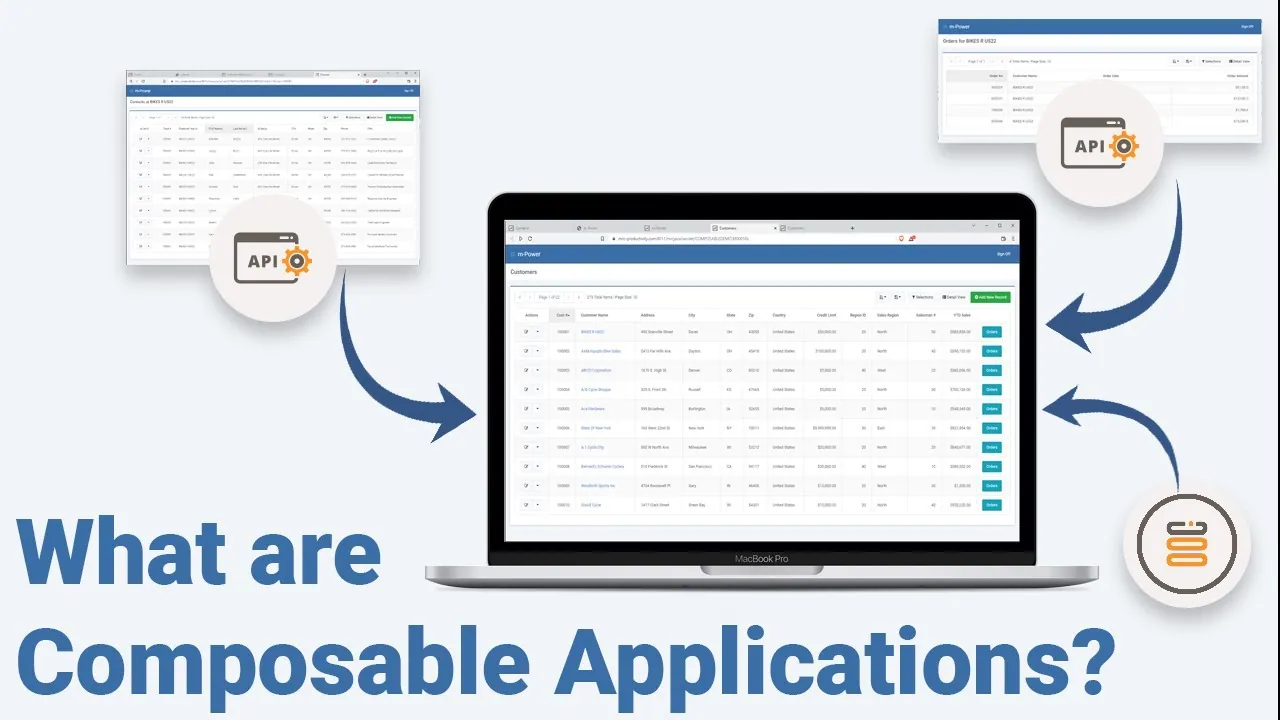
How to create composable applications
Build applications from reusable pieces so the second app goes faster than the first.
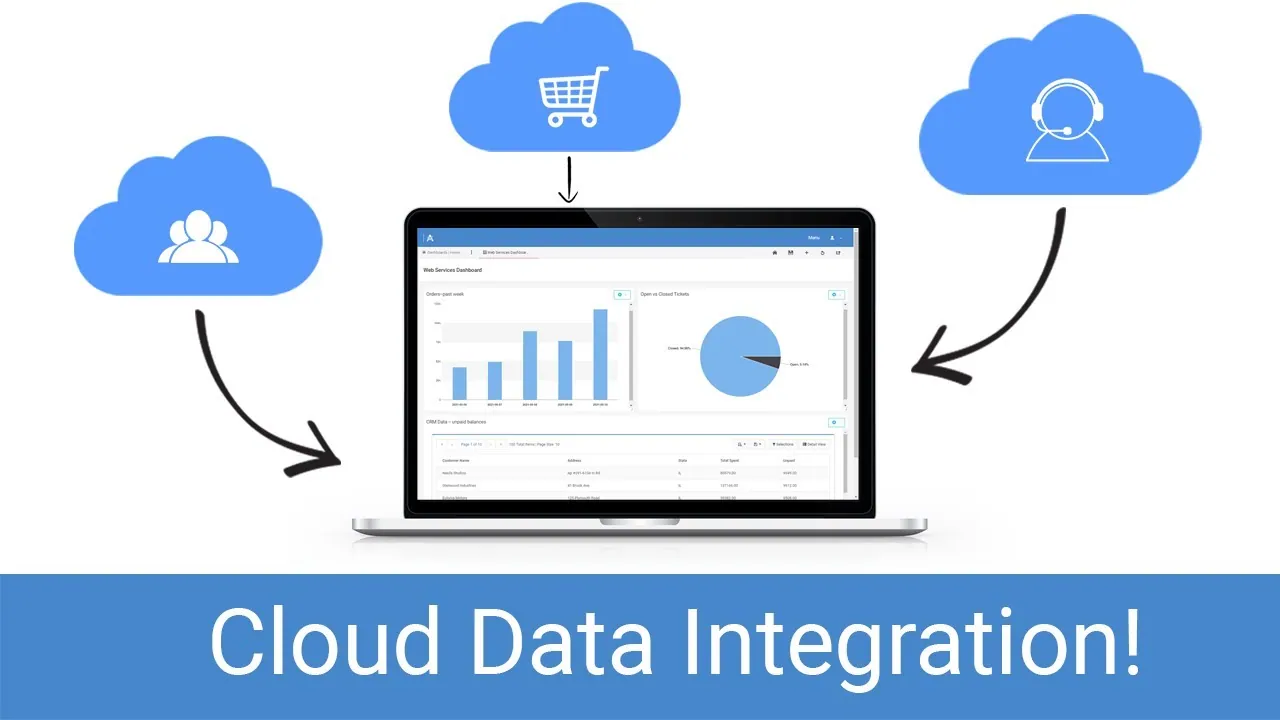
How to integrate cloud data into a dashboard
Pull cloud data into a dashboard alongside your own data, using web services.
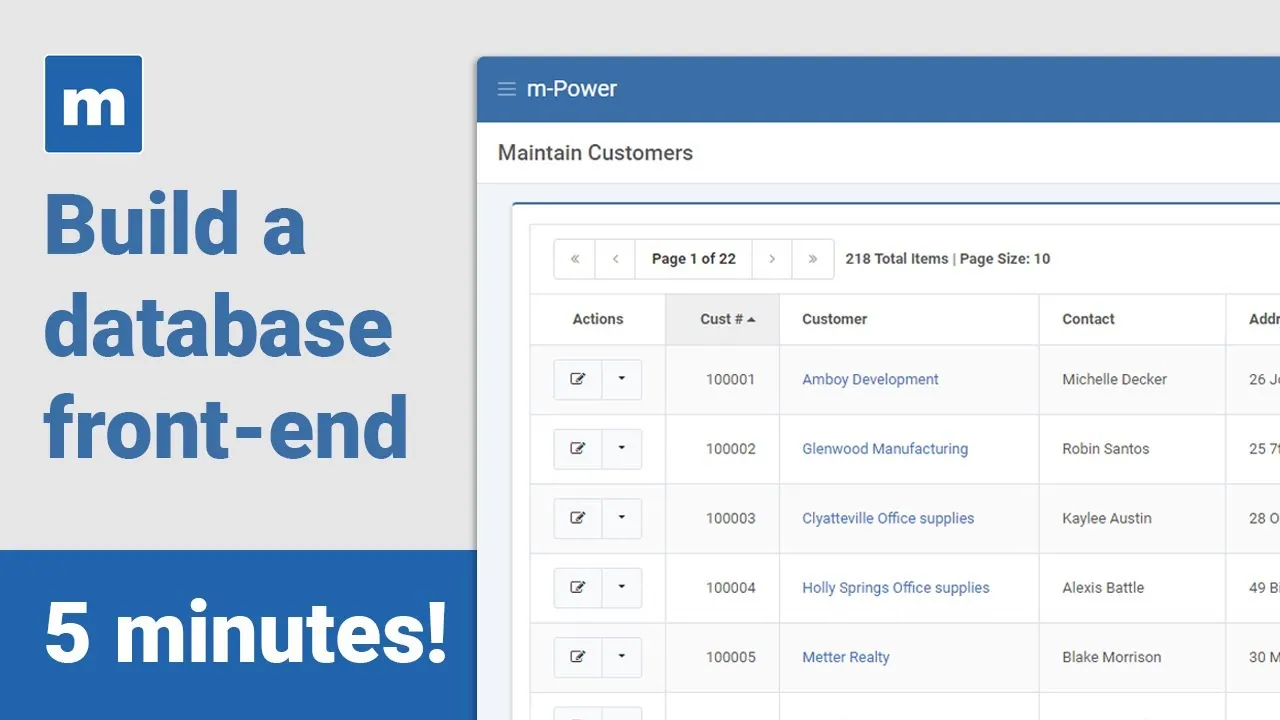
How to create a database front-end in 5 minutes
Stand up a clean web front-end over your database in about five minutes.
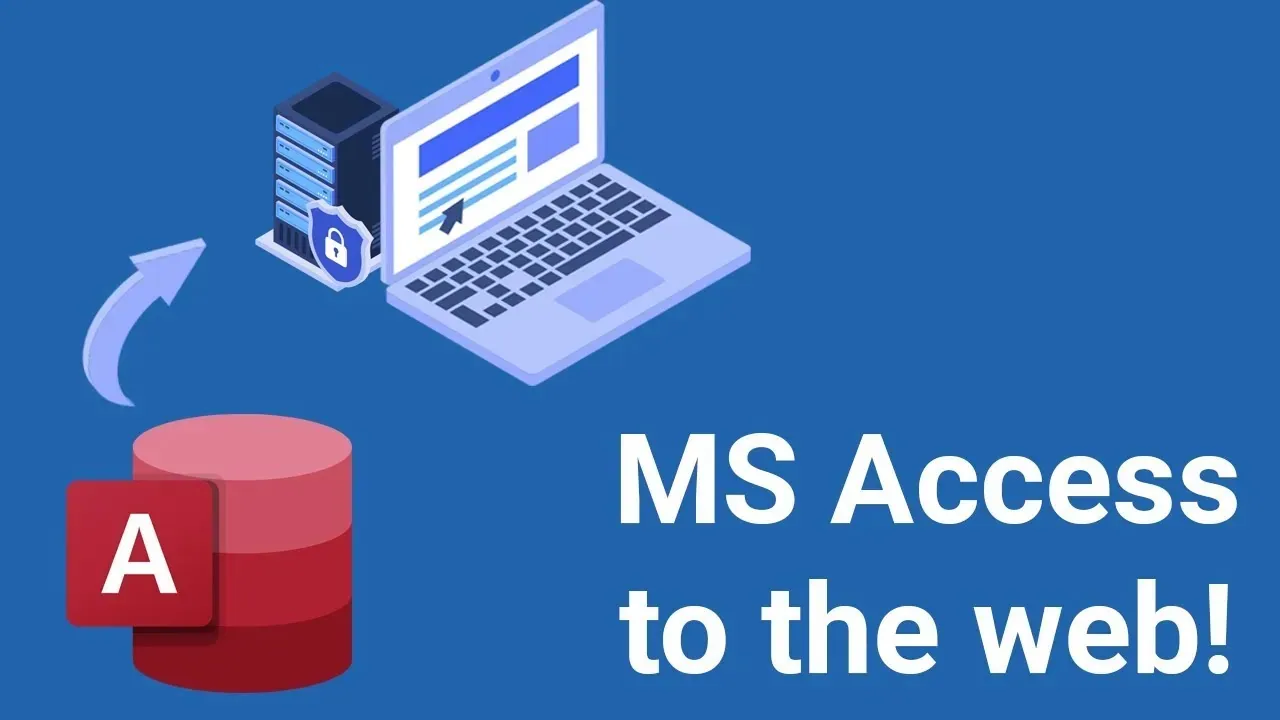
Migrate MS Access data to the web in 9 minutes
Move MS Access data to a secure web application in nine minutes.
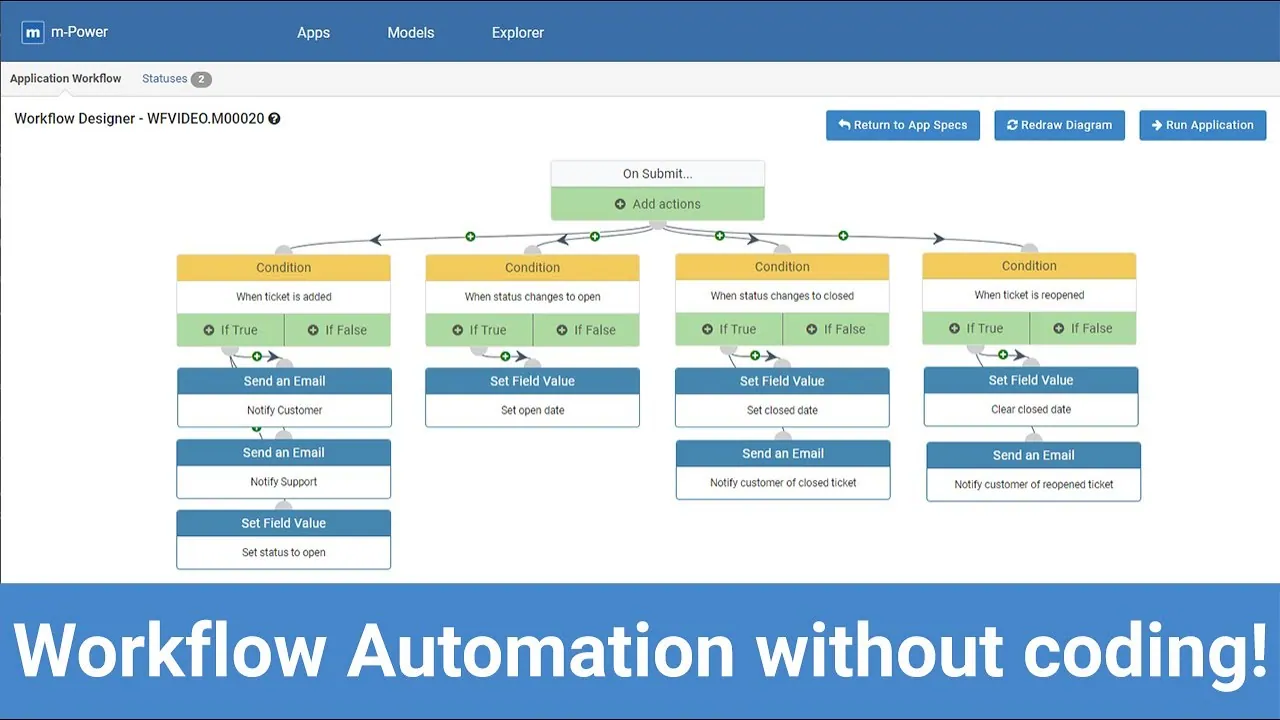
Automate a workflow process with the Workflow Designer
Map and automate a multi-step business process with m-Power's Workflow Designer.
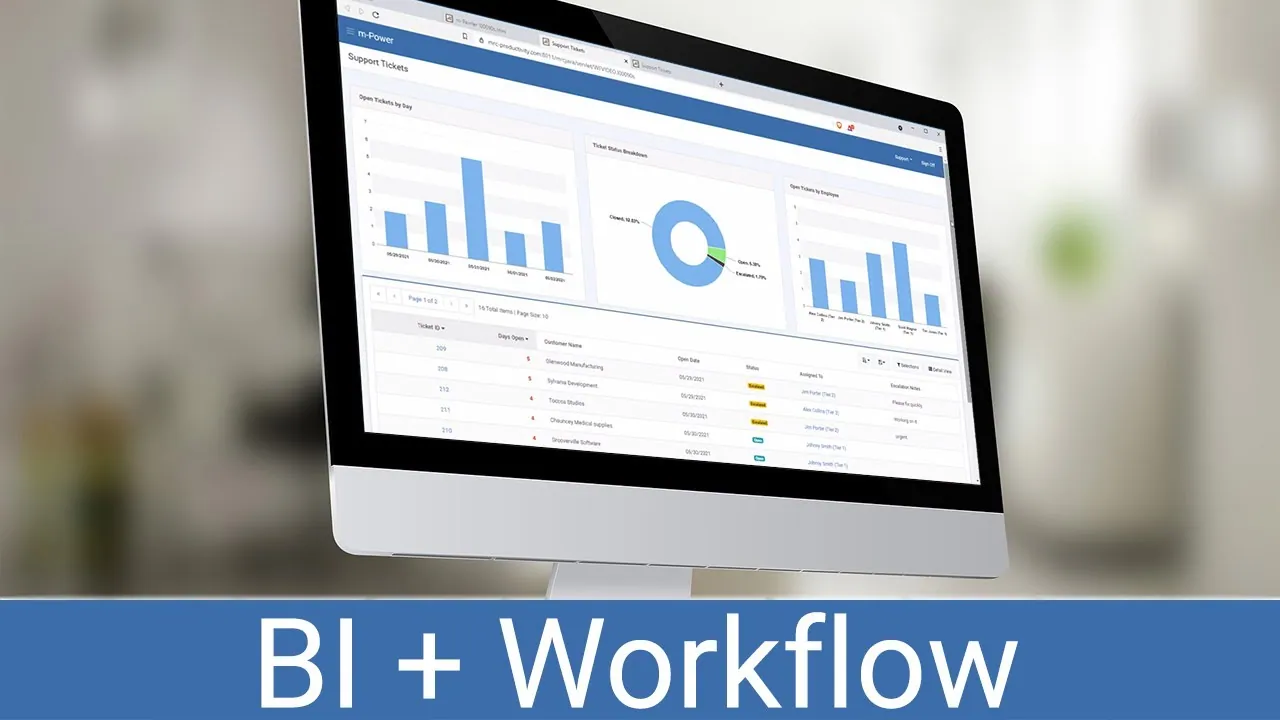
Create actionable business intelligence in 10 minutes
Build BI that lets users act on the numbers, not just look at them.
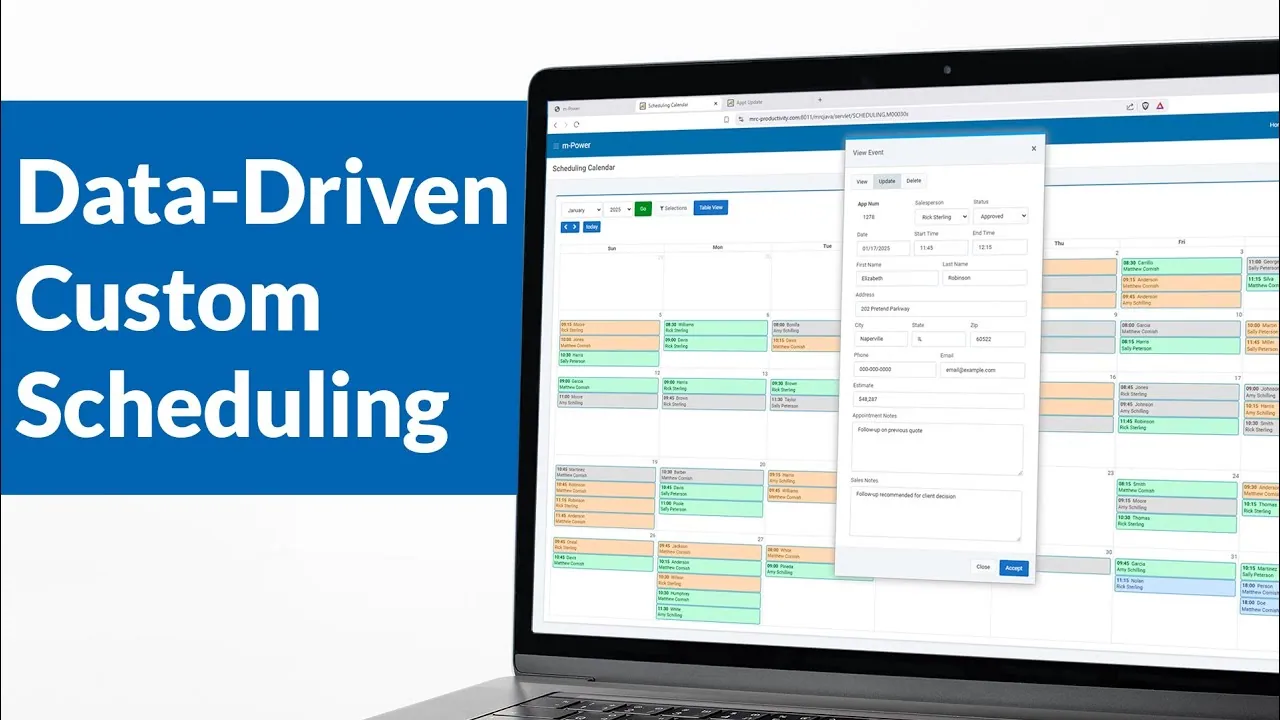
Create a custom scheduling calendar in 10 minutes
Build a drag-and-drop scheduling calendar over your own data.
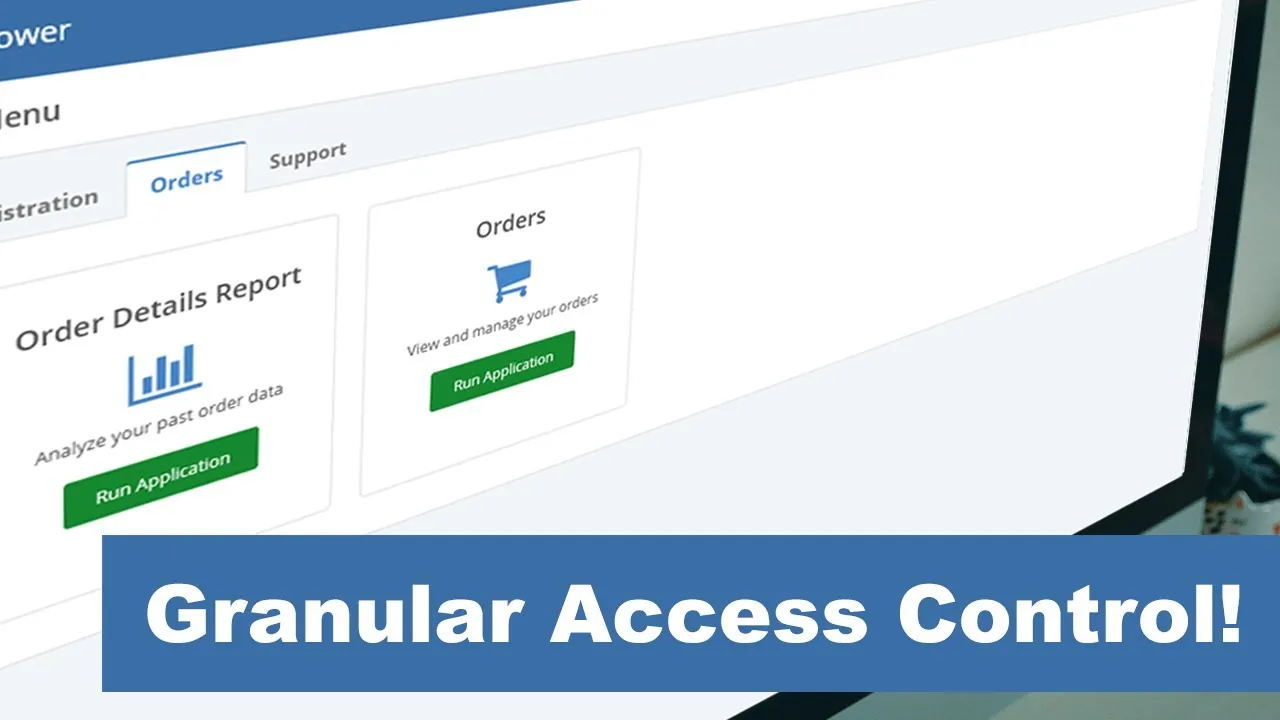
Create a customer portal in 11 minutes
Build a secure customer portal in eleven minutes, login and all.
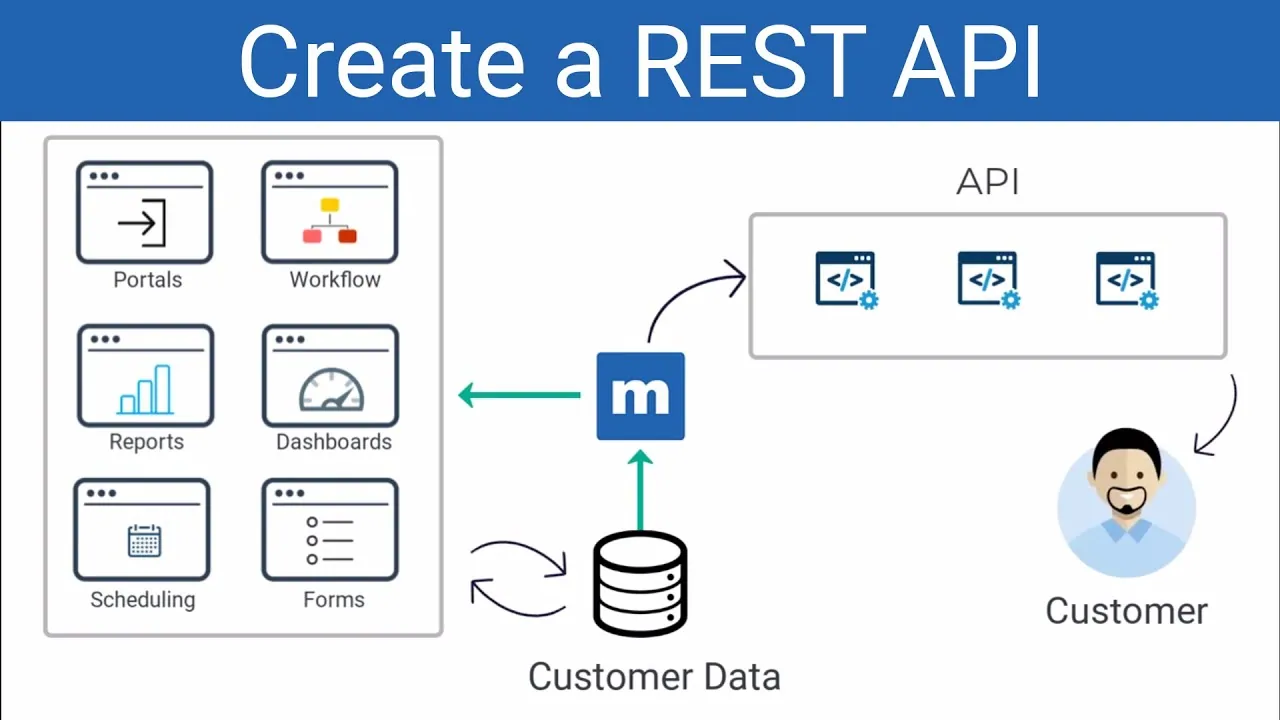
Create a RESTful API in 5 minutes
Generate a RESTful API over your database in five minutes, no hand-coding.
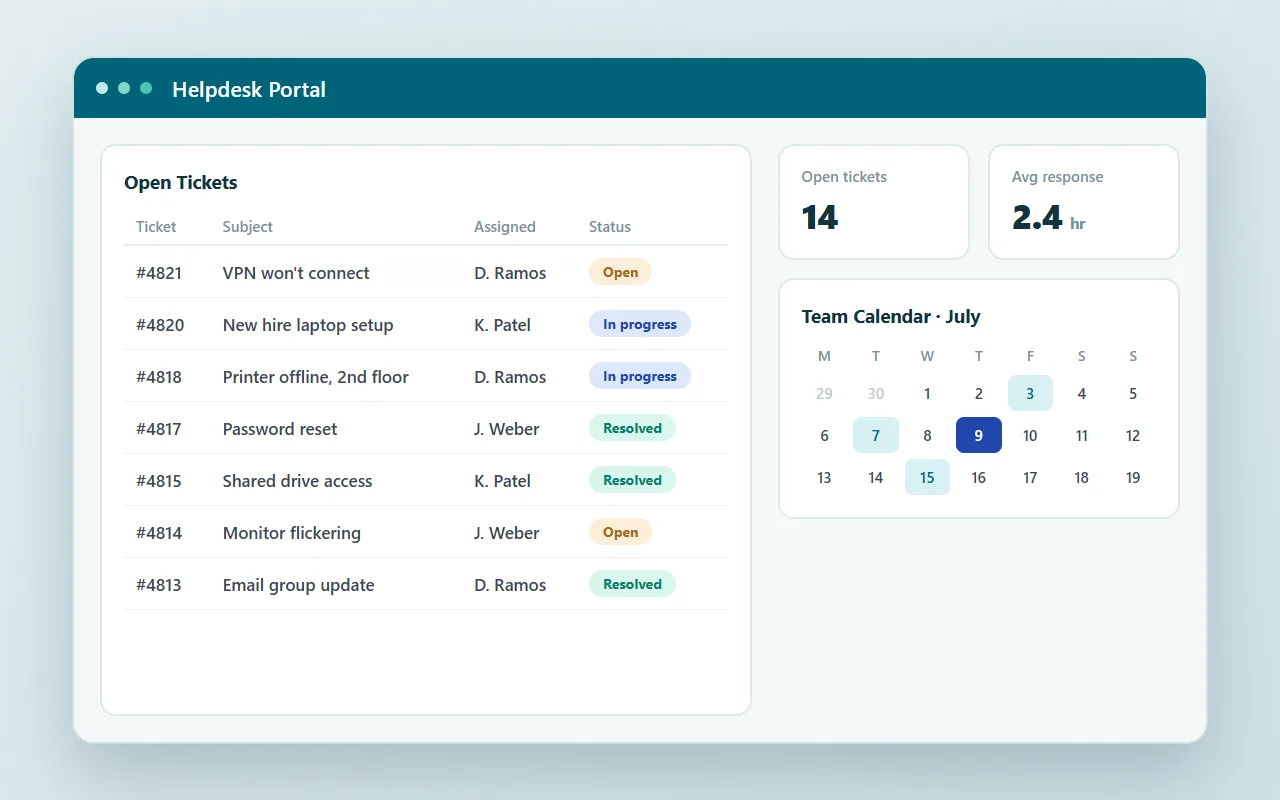
How to create a helpdesk portal with m-Power
Watch a complete helpdesk portal get built: Ticketing, a calendar, and a dashboard.
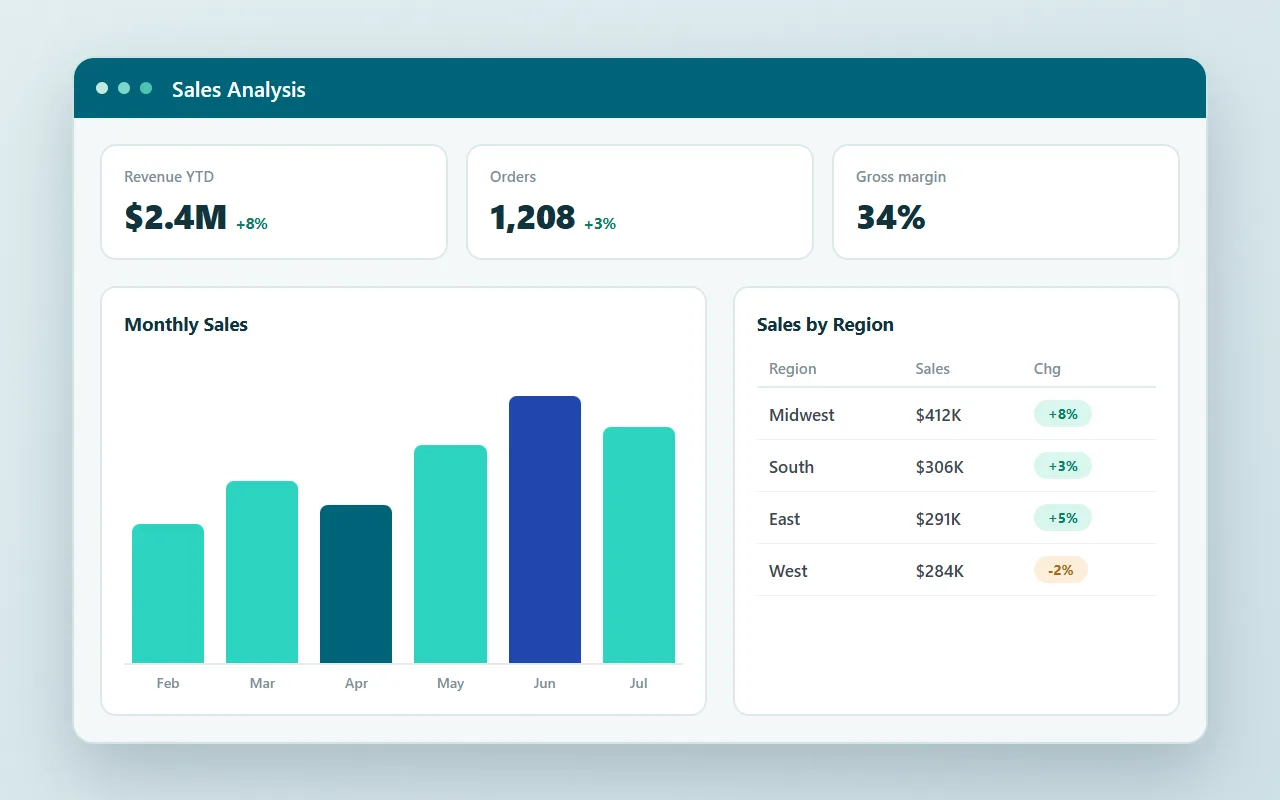
How to create a custom BI/reporting suite
Watch a complete reporting suite get built over a live database, start to finish.
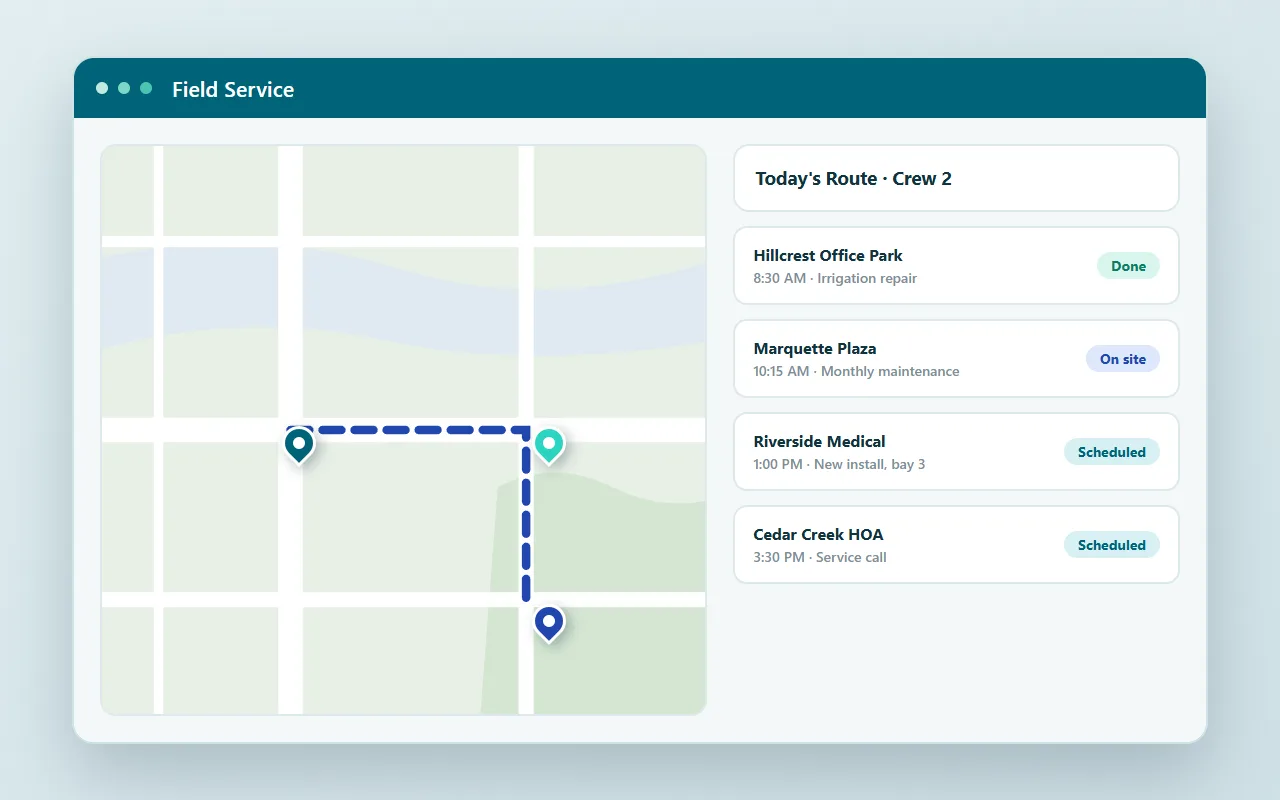
How to create a field service management application
Watch a field service app come together: Mapping, scheduling, and mobile data capture.
Turn spreadsheets into database-driven web apps
Turn the spreadsheet everyone fights over into a database-driven web app.
mrc's service is fantastic. I've never known a company this efficient. It is the complete opposite of every other company we've dealt with.
Paul Scyner, IT Manager, Daiwa Sports
mrc is a great company to work with! They are customer centric and interested in seeing their customer's projects flow smoothly.
Jon Cantrell, Boise Paper Holdings LLC
Rick was a great trainer, probably the best I have experienced in my 20+ years in IT. He adjusted the course to meet our needs and tailored the speed to meet our technical abilities.
Scott Gill, Universal Truckload Services
Questions about the videos
Don't see yours? Ask us. You'll talk to a real person who actually cares whether this works for you.
Send us a notePage updated August 2026
Are the builds in these videos real?
What is m-Power?
Where should I start?
Can I see m-Power build over my own data?
See m-Power build over your data
These videos show what m-Power builds. A live demo shows how fast it happens, using your data and your use case.