
How to build a BI and reporting suite with m-Power
This deep dive into m-Power's build process creates a custom BI and reporting suite from scratch, starting with a single spreadsheet and ending with dashboards, forecasting, and write-back. The whole build takes under two hours. Watch the full walkthrough below.
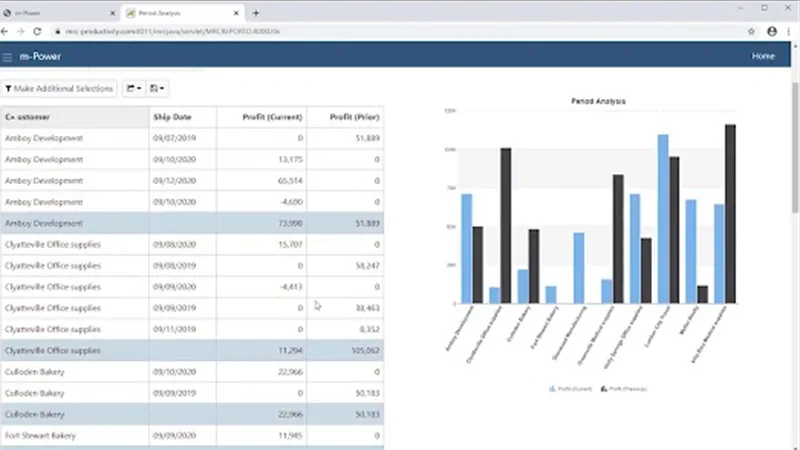

The m-Power Demo Video Series: BI and reporting suite
The m-Power Demo Video Series takes you on a deep dive into m-Power's build process, walking you through a start-to-finish development project. In every video, we tackle a project that would require days or weeks of manual coding, and complete the whole thing in under two hours.
In this project, we start with a single spreadsheet full of data and create a suite of BI and reporting applications. Along the way we add multi-tenant security, a pivot table, a ranking report, dashboards, sales forecasting, data write-back, and a data warehouse. Each step is explained as we go.
Questions about building reports
Don't see yours? Ask us. You'll get an answer from someone who builds with m-Power every day.
Send us a notePage updated July 2026
How long does it take to build a reporting suite like this?
Do I need to write code to build reports in m-Power?
What databases can m-Power report over?
See a reporting suite built over your data
We'll walk through the build live, using your data and your use case, and answer any questions your team has.