
Build Budgeting and Forecasting Software That Fits Your Business
Replace the dozen emailed spreadsheets with a secure budgeting and forecasting app your departments share, over your own data. Let each department enter and maintain its own budget, roll everything up automatically, and add every user without a per-seat fee.

Why Build Budgeting Software With m-Power?
Budgeting season tends to look the same: A dozen spreadsheet versions emailed around, numbers that don't tie out, no record of who changed what, and a scramble to consolidate it all. m-Power replaces that with one app, over your own data, on the same security model as your other applications. Each department maintains its own budget, and the rollup happens automatically. Build it internally with m-Power, or have our consultants build it for you.
Each department owns its budget
Department leaders add and maintain their own quarterly budgets, row-level security makes sure each department sees only its own, and finance sees the whole picture.
Roll it all up automatically
Department budgets roll up into one company view automatically, with variance against actuals.
Forecast alongside the budget
Build sales forecasts by salesperson, category, and region right next to the budget, so the plan and the forecast live in one place.
One version, with a full history
Everyone works from the same live data, and every change is logged, so there's no question about which spreadsheet is current.
Runs over your data, in your environment
The app reads and writes your own database, on-prem or in your cloud, next to your financial data.
Add everyone, no per-seat fee
Perpetual license, no per-user fees. Give every department leader and analyst access without the bill climbing.
What Can You Build?
Build over your existing database tables, on-premise or in the cloud. Whether your team builds with m-Power or our consultants build for you, here's what a budgeting app can include:
Watch the Budgeting Portal Build
Watch a secure budgeting and forecasting portal come together in about fifteen minutes, with a multi-department budget, a sales forecast, and the reports that pull it all together.
- Multi-department budget entry
- Sales forecast by rep and region
- Reports that tie it together
Multi-Department Budgets
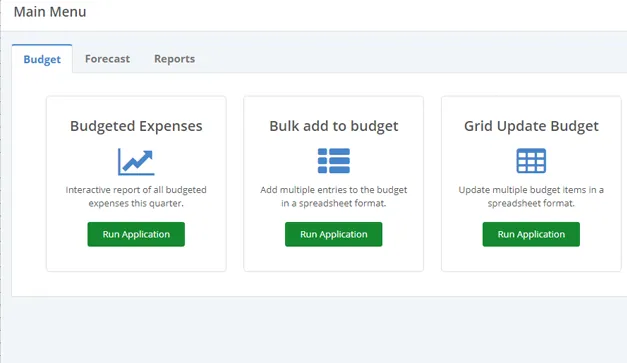
Give each department a place to add and maintain its own quarterly budget, then consolidate everything into one company view without collecting a single spreadsheet.
- Department-level budget entry
- Automatic company consolidation
- Variance against actuals
Sales Forecasting
Add and maintain quarterly sales estimates by salesperson, category, and region, right alongside the budget, so the plan and the forecast stay in step.
- Forecast by rep, category, and region
- Rolling, quarter-by-quarter estimates
- Compared against budget and actuals
Financial Reports and What-If
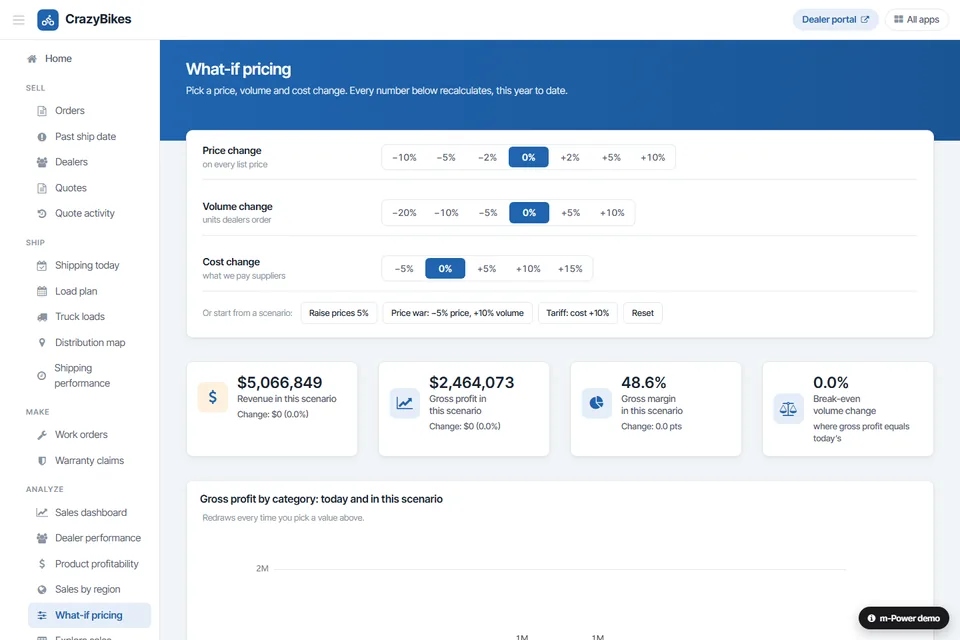
Turn budgets and actuals into the reports finance actually needs, and model a change before you commit to it, all over the same live data.
- P&L, balance sheet, and cash flow
- What-if and scenario modeling
- Year-over-year comparisons
Use Cases
A few of the financial planning apps teams build with m-Power. Build these yourself, or have our consultants build them for you:
Departmental budgets
Let each team maintain its own budget and roll it up automatically.
Rolling forecasts
Update forecasts each quarter and compare them against plan.
Cash flow
Track cash position and projections over your live financial data.
P&L and balance sheet
Generate financial statements straight from the numbers.
Variance analysis
Compare budget to actual and flag where you're off plan.
Approval workflow
Route budgets and forecasts for review and sign-off.
Consolidation
Combine entities, departments, and locations into one view.
Scenario models
Model best-case and worst-case before you commit to a plan.
Set up a demo and we'll build a budgeting app over your data, live.
Get a DemoRenzi Foodservice Automated a Month-Long Budgeting Process
Renzi ran on multiple systems that didn't talk to each other, which made budgeting slow and manual. They used m-Power to connect those systems and turn a month-long budgeting process into an automated one.
- Turned a month-long budgeting process into an automated one
- Connected multiple systems into one clear view
- Extended their ERP and delayed a $250,000 upgrade
Budgeting and Financial Reporting Demos
Try these live financial apps that were built with m-Power.
Product Profitability
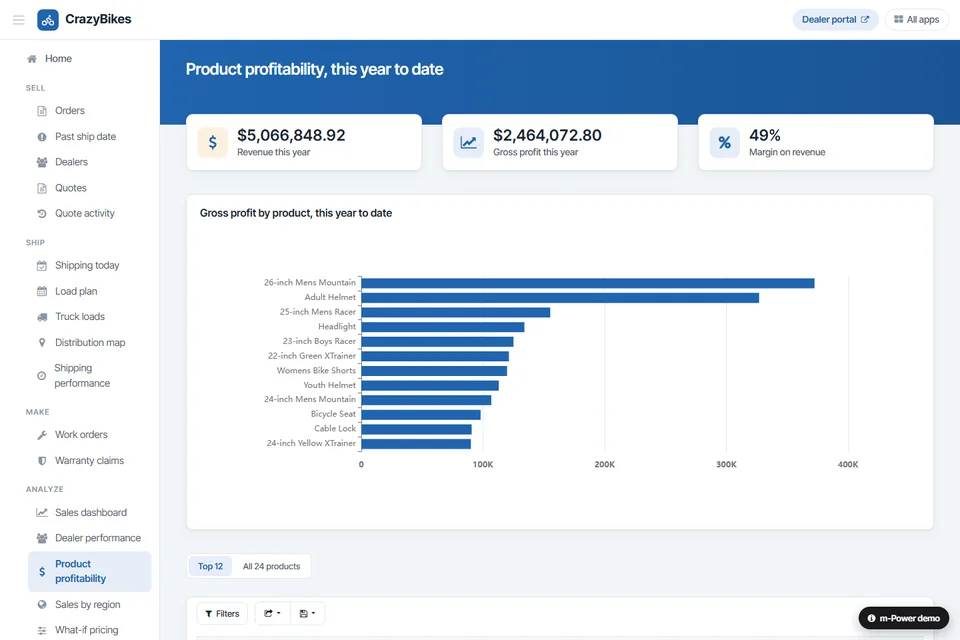
Gross profit by product, this year to date, ranked from the top. Switch between the top 12 and all 24 products.
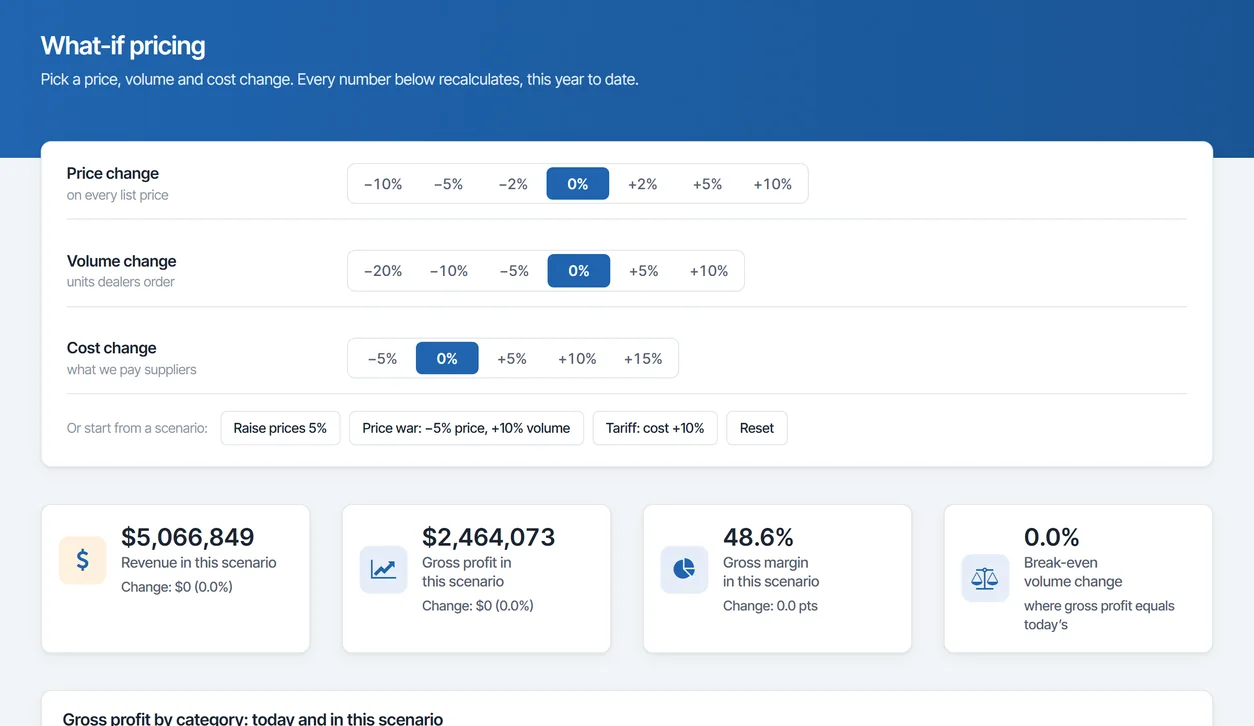
What-If Analysis
Using past data, this app shows how different changes would affect various parts of the business.
Year-Over-Year Analysis
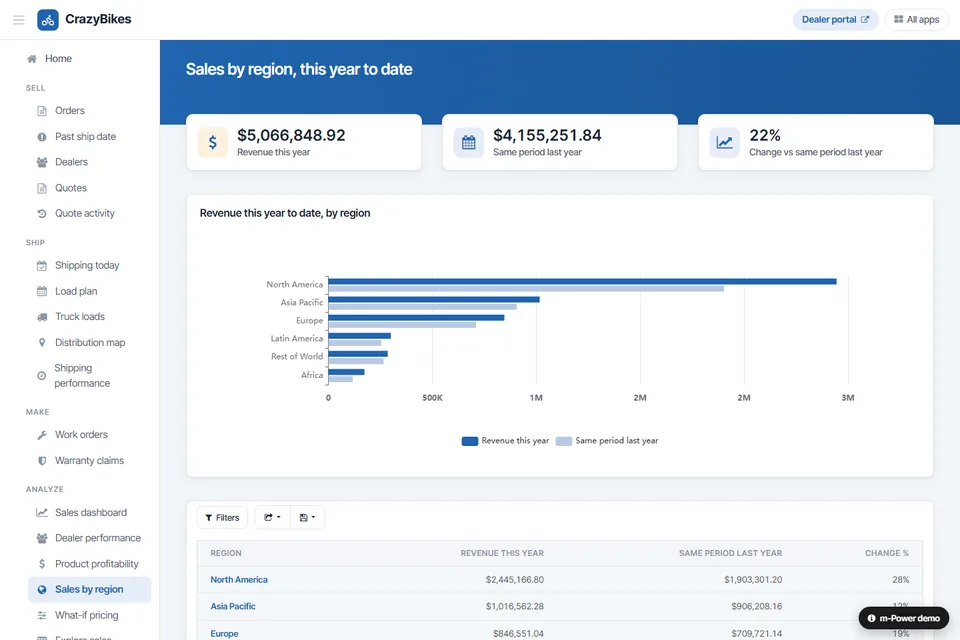
Compare current data against a prior period to see how the business is trending.
Financial Data on Your Security Model
Run budgeting on the same security model as the rest of your applications, so each department sees only what it should.
Row-level permissions
Control which departments and users see which numbers.
Role-based access
Decide who can enter, review, and approve per role.
Use your authentication
Integrate with Active Directory, OAuth2, or SAML.
Audit trails
Full logging of every change to the numbers.
Frequently asked questions
Don't see your question? Ask us. You'll talk to a real person who actually cares whether this works for you.
Send us a noteWhat is m-Power budgeting and forecasting software?
Can each department maintain its own budget?
Does it handle forecasting too?
Can it produce financial statements?
How does it avoid the spreadsheet version problem?
Do we pay per user?
Where does our financial data live?
Which databases does it work with?
How fast can we build one?
Can our team build it, or do you build it?
Last updated: July 2026
See a budgeting app built over your data
We'll walk through the build process live, using your data and your use case, and answer any questions your team has.