
How to build a field service management app with m-Power
This deep dive into m-Power's build process creates a custom field service management system from scratch, with job scheduling, mobile forms, signature capture, a live map, and automated invoicing. A project like this would take weeks by hand. Here, it takes about two hours. Watch the full walkthrough below.

The m-Power Demo Video Series: field service management
The m-Power Demo Video Series takes you on a deep dive into m-Power's build process, walking you through a start-to-finish development project. In every video, we tackle a project that would require days or weeks of manual coding, and complete the whole thing in about two hours.
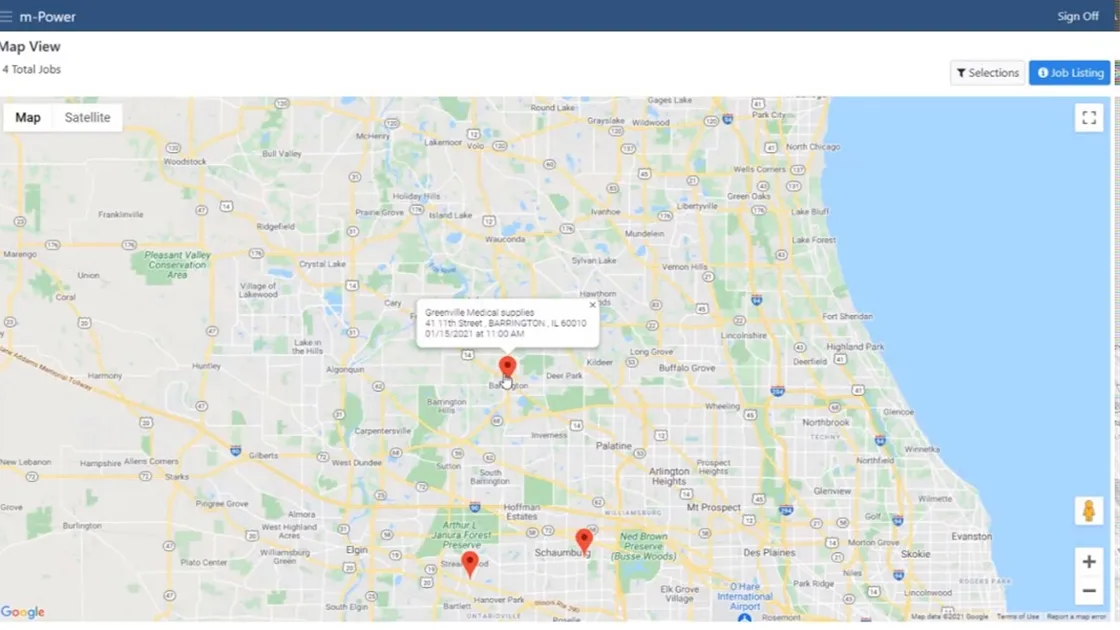
In this project, we build a field service management system for dispatching technicians. It includes a job listing application, custom forms with validation and signature capture, row-level security, scheduled tasks that email invoices, and a live map of customer jobs. Each step is explained as we go.
Questions about the build
Don't see yours? Ask us. You'll get an answer from someone who builds with m-Power every day.
Send us a notePage updated July 2026
How long does it take to build a field service app like this?
Will the app work on phones and tablets in the field?
Can the app connect to email and mapping services?
See a field service app built over your data
We'll walk through the build live, using your data and your use case, and answer any questions your team has.