
How to build a helpdesk portal with m-Power
This deep dive into m-Power's build process creates a custom helpdesk portal from scratch, with customer and contact management, a calendar, email notifications, a customer ticket portal, and a dashboard. A project like this would take weeks by hand. Here, it takes about 75 minutes. Watch the full walkthrough below.
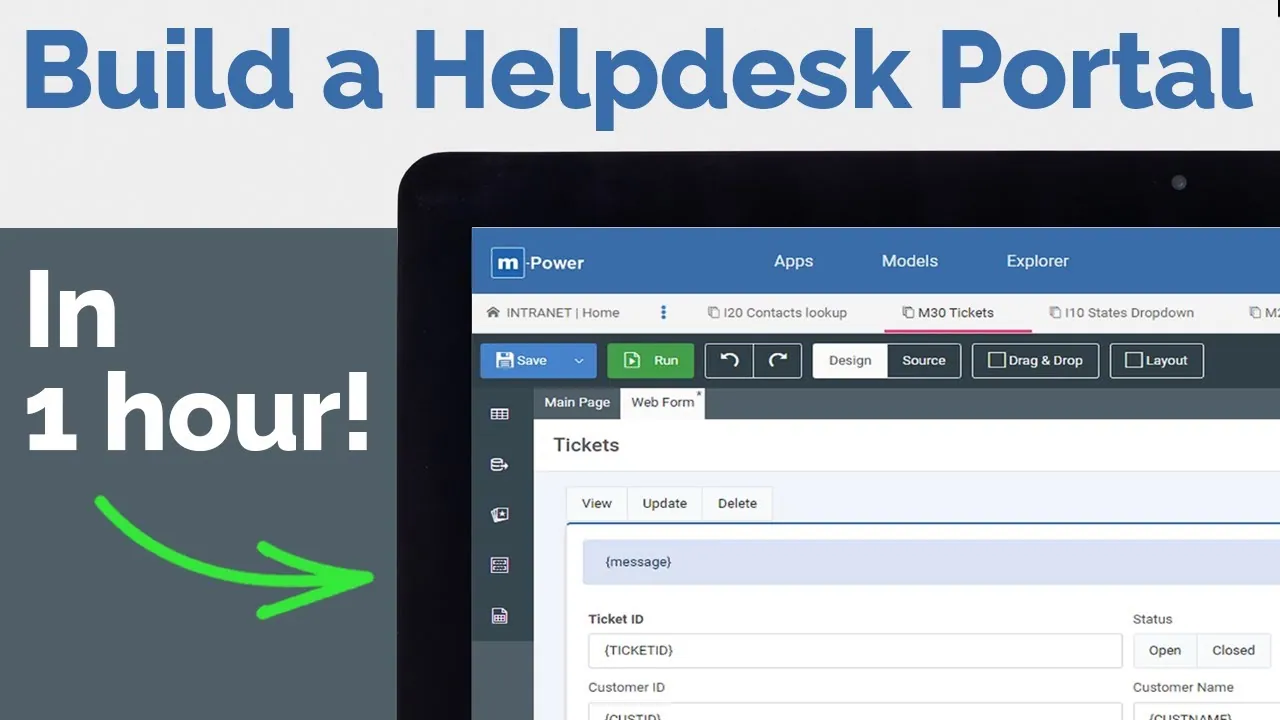

The m-Power Demo Video Series: helpdesk portal
The m-Power Development Platform lets you create enterprise-class web applications without coding. The m-Power Demo Video Series takes you on a deep dive into the build process, walking you through a start-to-finish development project.
In this project, we create a custom helpdesk portal from scratch. It covers customer and contact management, a helpdesk calendar, email notifications, multi-tenant security, a customer portal for submitting tickets, and a reporting dashboard. Each step is explained as we go.
What's inside the video
The full build runs about 75 minutes. Here's every chapter, so you can see what gets built and when. Play the video above and use these as your guide.
- 0:00Introduction
- 1:58Demo of what we're building
- 6:13Start development
- 7:00Setting up database tables
- 10:34Security setup
- 11:23Build customer management app
- 15:49Build and customize contacts management app
- 20:36Connect applications
- 21:55States dropdown list
- 24:54Customer and contact demo
- 25:39Customize the mobile view
- 27:24Building and customizing the helpdesk calendar
- 37:00Calendar demo
- 37:42Set up email notifications
- 42:21Set up internal menu
- 44:07Menu demo
- 45:25Internal apps walkthrough
- 45:53External dictionary security setup
- 47:51Adding multi-tenant security
- 49:51Customer portal
- 54:46Support ticket submission app
- 1:02:53Ticket notification email
- 1:04:38Ticket statuses
- 1:09:36Ticket submission demo
- 1:11:03Creating the dashboard
- 1:11:42Creating the open vs. closed tickets graph
- 1:13:31Creating the tickets by user graph
- 1:15:05Add date filters to the dashboard
- 1:16:09Dashboard demo
- 1:17:05External apps walkthrough
Questions about the build
Don't see yours? Ask us. You'll get an answer from someone who builds with m-Power every day.
Send us a notePage updated July 2026
How long does it take to build a helpdesk portal like this?
What's included in the helpdesk portal?
Do I need to write code to build it?
See a helpdesk portal built over your data
We'll walk through the build live, using your data and your use case, and answer any questions your team has.