
Let me ask you a question: Does your ERP system actually fit your business?
Does it match the way your people work and/or how your business operates day to day? Probably not…and you’re not alone. I talk to IT leaders all the time who tell me the same thing. Their ERP handles the core stuff fine. Beyond that? There are gaps.
Watch the full walkthrough: In this 20-minute video, we build a purchase order form, and approval workflow, all over ERP data (without touching the ERP).
What Do ERP Gaps Look Like?
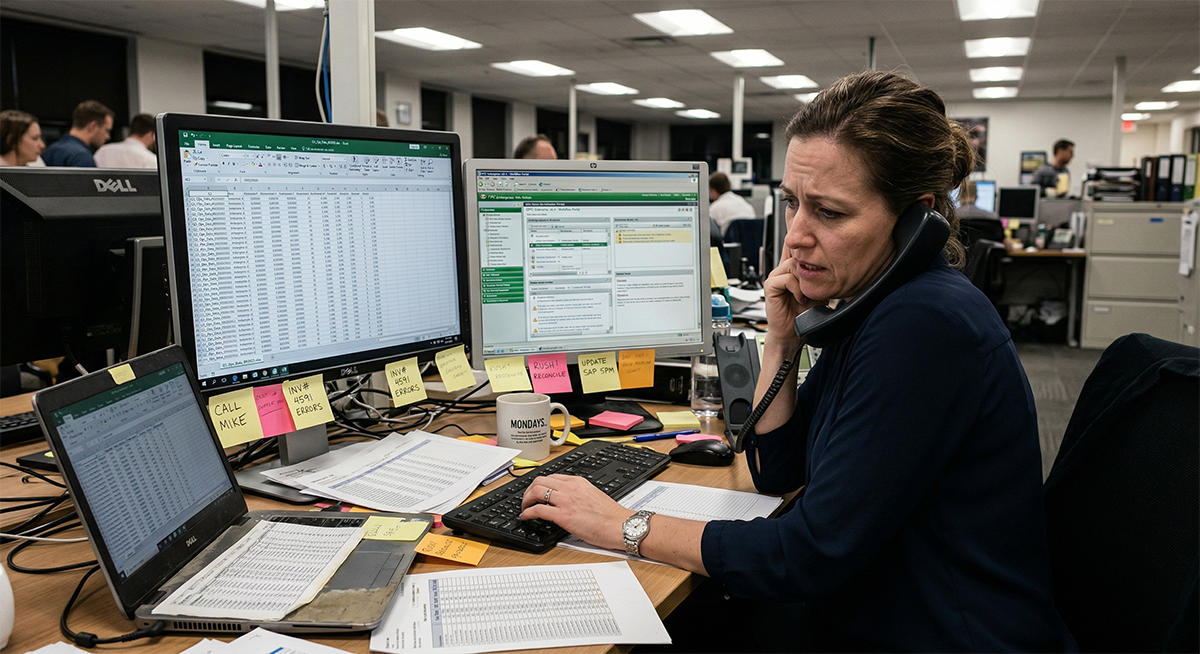
What do I mean by “ERP gaps?” These gaps show up in different ways depending on the company. Here are a few examples:
- Someone out in the field needs to submit a purchase order, but the ERP doesn’t have a simple way to do it from a phone. So they email it to someone, and that person keys it in later. That’s two steps where there should be one. That’s also wasted time, potential errors, and general dissatisfaction with the whole process.
- A manager needs a report that shows order status by customer, but the ERP’s reporting is rigid. It doesn’t break the data out the way they need it. So someone exports to Excel, reformats it, and emails it around. Every week. That’s hours of someone’s time wasted, doing something a system should do.
- Your sales team needs to check inventory for a customer while they’re on the phone. But pulling that up in the ERP takes five clicks and a login that half of them don’t have. So they message someone in the warehouse. That person has to stop what they’re doing to look it up.
Now, these aren’t big, dramatic problems. If they were, they’d probably get fixed right away. They’re small, daily frustrations. But, they add up. They slow people down. They lead to more manual data entry…which leads to more errors.
When you multiply the impact of these small issues across everyone they affect, you get a big problem. Your company runs slower than it should, and the problem is probably worse than business leaders realize.
The worst part? The impact it has on your team. Your people stop asking for things. They stop suggesting improvements. They just assume the answer is “the system can’t do that,” because it usually is.
Why You Feel Stuck
You already know what would fix it. Custom features. A mobile form for purchase orders. A dashboard that shows managers exactly what they need. A simple web interface for users who only need a small slice of the data.
But, then you look at your options, and they all feel like dead ends.
Option 1: Ask your ERP vendor to customize it. Sure, they’ll do it…at their astronomical hourly rates. But, that also alters the ERP code, which means your next upgrade just became a lot riskier and a lot more expensive. Every customization is a liability you carry forward.
Option 2: Buy a module. Your vendor has one that kind of does what you need. It costs $25,000 to $100,000, and it solves maybe 70% of your problem. The other 30%? That’s still yours to figure out. And now you’re paying maintenance on a module you only partially use.
Option 3: Build it yourself. You’d need developers you don’t have, or time your team doesn’t have, or both. Custom development is expensive and slow, and maintaining it is a whole other challenge.
Option 4: Just live with it. In my experience, this is what most companies do. And no, they’re not being lazy and they do realize it’s not a good option. But, they do it because the other options feel worse.
So…the workarounds stay. The spreadsheets keep circulating. People keep complaining. And you keep wishing your ERP could just work the way your business works.
What If You Could Build Exactly What’s Missing?
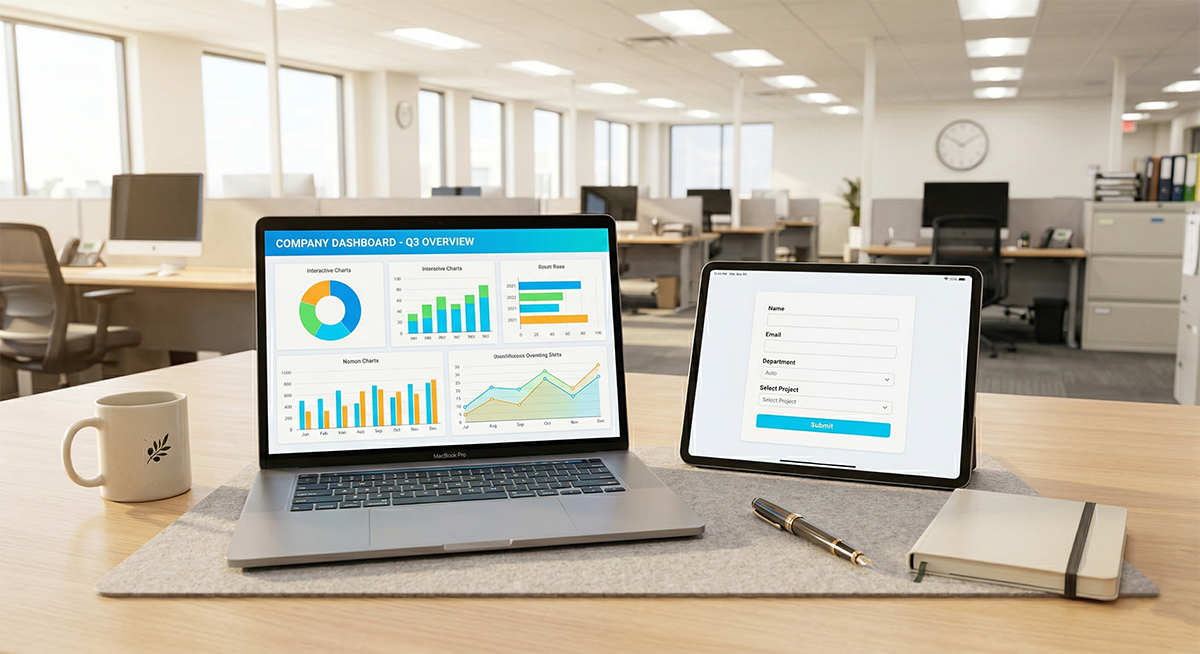
Here’s what I wish more IT leaders knew: you don’t have to choose between living with the gaps and overhauling your ERP. There’s a middle path, and it’s simpler than most people expect.
Here’s the basic idea. Your ERP has a database, right? That database holds all your business data. What if you could build custom applications that read and write directly to that database, without ever touching the ERP itself?
You’d get exactly the features you need. Built exactly the way your business works. Since you never altered the ERP code, your upgrades stay clean.
This is what some IT teams call the “extend and surround” approach. You’re not replacing the ERP. You’re not customizing it. You’re building around it. The ERP keeps doing what it does well. Everything it doesn’t do well gets built outside, over the same data.
I know what you might be thinking: “You can’t just let people use applications that write to your ERP database.” You’re right to be cautious. But this approach works because the same security controls, role-based access, row-level permissions, authentication through Active Directory or SAML, apply to every application you build. More on that later.
The difference between this and traditional ERP customization is significant. With traditional customization, you’re changing the system itself and creating upgrade risk. With extend and surround, you’re building custom ERP features alongside the system, and the ERP never knows the difference.
An Example
Let me go back to that purchase order example.
Instead of paper forms and manual data entry, your IT team builds a simple web form that writes directly to your ERP’s purchase order table. Employees pull it up on their phones, pick a product from a dropdown (so no typos or invalid entries), add a quantity and a reason, and submit.
A workflow sends an email to the manager responsible for approvals. The manager opens the form, reviews it, and approves or denies it with one click. If denied, the employee gets an email explaining why. If approved, the order gets routed to purchasing automatically.
The whole thing ties into your ERP data. But nobody touched the ERP itself.
What do you think happens next? Employees notice. Someone sees that form and says, “Could you build something like that for maintenance requests?” And someone else asks for a better way to track shipments. Suddenly, you’re not the person who says “the system can’t do that.” You’re the person who says “let me build that for you.”
That’s a very different feeling.
The License Savings You Might Not Expect
There’s a financial side to this that surprises a lot of people.
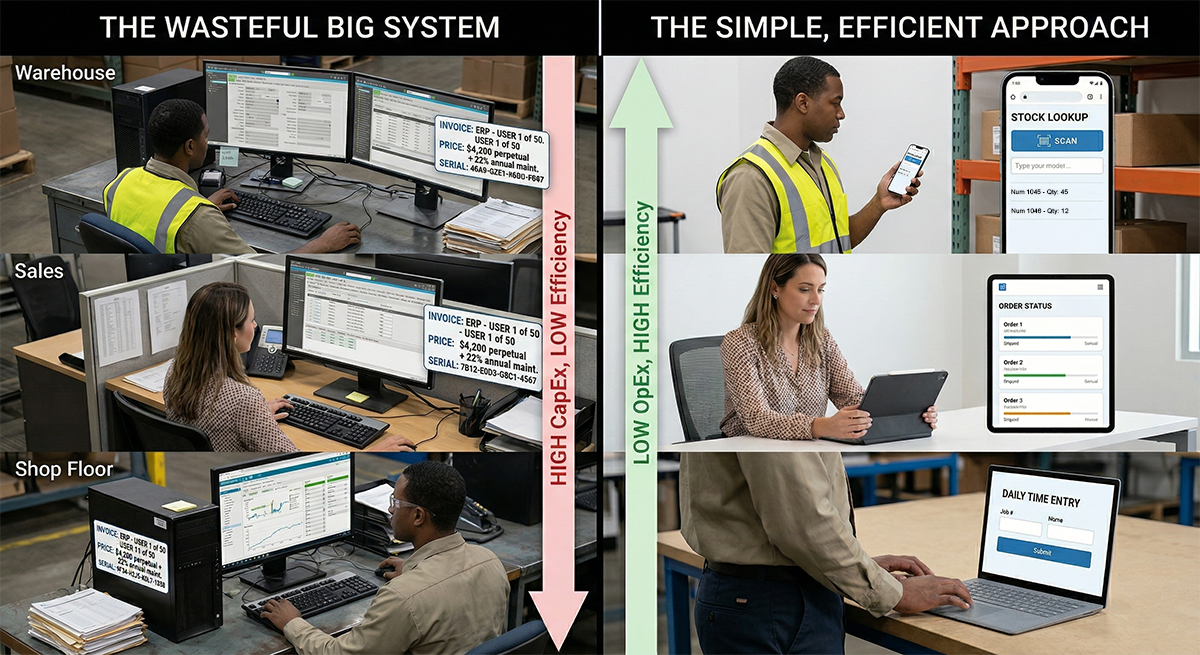
Think about the users in your organization who only need a tiny slice of the ERP. The warehouse workers checking inventory. The shop floor employees logging time. The sales reps looking up order status. Each of them currently needs a full ERP license, even though they use maybe 5% of the system.
At $100 to $300 per user per month, fifty limited-access users could be costing you $60,000 to $180,000 a year. Replace those licenses with purpose-built web applications that read and write directly to your ERP database, with granular, row-level security, and you don’t need those licenses anymore.
SAK Construction ran into this exact situation. They had employees paying for full ERP licenses who only used a small fraction of the system. So they built purpose-built web applications over their ERP data and gave those users exactly what they needed. The result: they eliminated a significant number of ERP licenses they no longer needed.
How m-Power Makes This a No-Brainer
This is exactly what m-Power was built for. m-Power is a development platform that lets your existing IT team build custom web applications directly over your ERP database.
Three things make it especially well-suited for ERP environments:
1. It never touches the ERP. m-Power only interacts with the database. Your ERP code stays clean.
2. No user fees. You can build and distribute applications to every user in your organization without paying per-user or per-application fees. That’s what makes the license reduction math work.
3. Everything is fully customizable. Applications can look and feel like part of your ERP, or they can be completely standalone. Your team controls every detail.
We actually just released a full video walkthrough showing the entire process: building a purchase order form, setting up approval workflows, and adding role-based security. All over ERP data, in about 20 minutes. If you want to see what ERP customization without coding actually looks like, it’s worth a watch.
“It’s really giving me a proactive tool to go out and show people, hey, look what we can build for you. We can solve this problem for you. We can get you out of spreadsheets. We can create a workflow for you that you didn’t have before. And we can do it all with one product.” Jim Kalishman, CIO of SAK Construction
You go from telling people “the system can’t do that” to showing them what you can build. Your ERP gives you the foundation. Everything else should be built around how your business actually works.
Your ERP Doesn’t Have to Be the Bottleneck
Your ERP isn’t broken. It just doesn’t do everything. That’s okay, as long as you have a way to build what’s missing.
The workarounds, the spreadsheets, the complaints, the requests you’ve had to turn down. None of that has to be permanent. You can extend ERP capabilities with custom applications built over the same data, without the risk of altering the system or the cost of buying modules you don’t fully need.
If you’re trying to figure out what that looks like for your environment, we’ll show you what other teams have built with m-Power. The demo is specific to your situation. We often build something directly over your data so you can see exactly how it works in your environment.
Join our Mailing List!
Sign up below to get notified when we publish new articles.
Frequently Asked Questions
Does building applications over my ERP database create security risks?
No, if done correctly. m-Power provides granular security controls including user authentication (integrates with Active Directory, OAuth, SAML), role-based access, and row-level data permissions. You control exactly who can read and write, and to which data, often with more precision than what your ERP offers natively.
Will this approach break my ERP or affect upgrades?
No. Because applications built this way only interact with the ERP’s database and never modify ERP code, your upgrade path stays completely clean. This is the core advantage over traditional ERP customization, which does alter the code and creates upgrade risk.
Can my existing IT team do this, or do we need developers?
m-Power is designed for existing IT teams, not specialized developers. mrc, the company behind m-Power, has helped over 1,500 customers since 1981 build custom applications with their current staff. And if your team needs help, mrc’s services team can assist with or fully execute projects. 96% of first-time services clients become repeat customers.
Which ERP systems does this work with?
m-Power works with any ERP system that uses a standard database (JDBC-compatible). This includes IBM i/AS400-based ERPs, SQL Server, Oracle, MySQL, PostgreSQL, and others. Customers use m-Power to extend ERP systems including BPCS, SAP, Retalix, Friedman Frontier, and many more.
How long does it take to build applications over my ERP?
It depends on complexity, but development is faster, often by an order of magnitude. Daiwa Sports built their first order-entry solution in two weeks. ComPair Data reports building applications “in hours instead of weeks.” The template-driven build process means most applications follow the same steps regardless of complexity.