
How to Build an HR AI Agent Over Your Own Database
Put an AI agent inside your HR portal, over the employee database you already have. This video shows how to build one with the m-Power Development Platform. Employees ask policy questions, check their time-off balance, and submit requests. IT decides what the agent can see, where it can write, and which LLM it runs on.
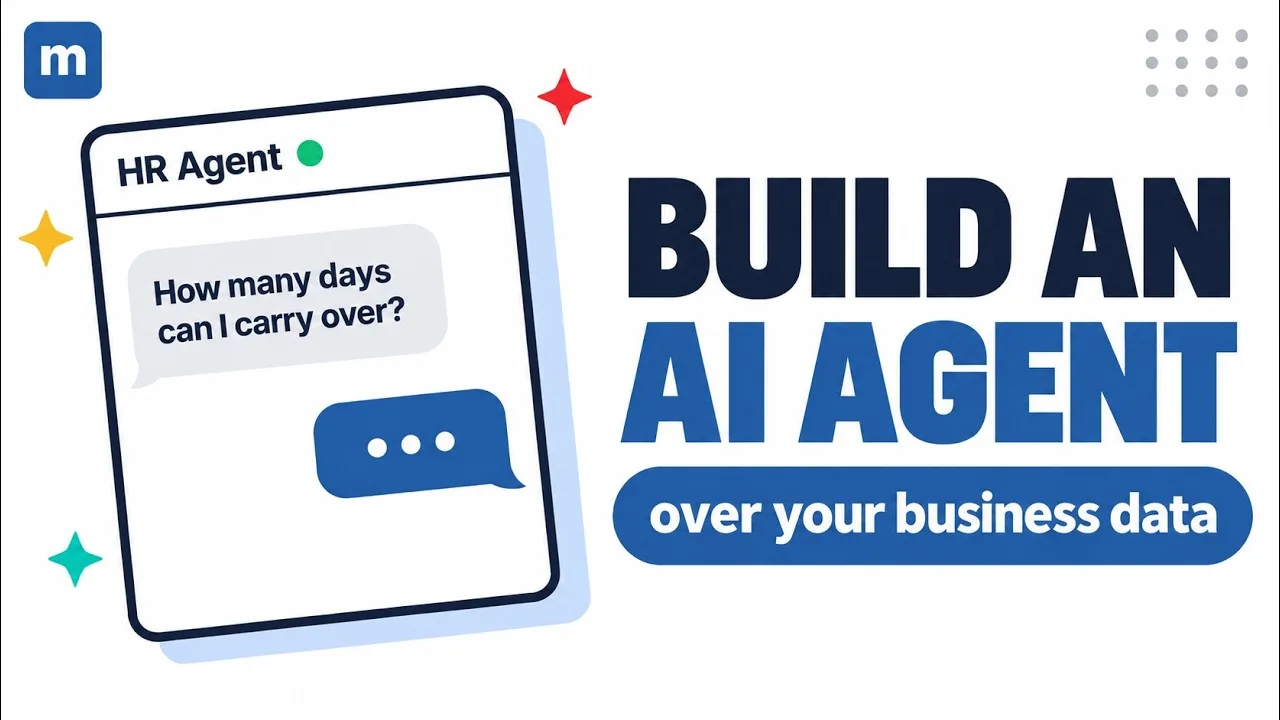
What you'll learn
This video builds an HR agent over an existing employee database, adds it to an HR portal, then puts it to work. Here is what you'll see:
Answers policy questions from your documents
Employees ask about time off, benefits, or handbook rules and get answers pulled from your company's own documents, not from the open internet.
Shows each employee their own time-off data
The agent looks up the signed-in employee's balance and current requests from the live database. Each person sees their own records and nobody else's.
Submits time-off requests to the database
An employee asks for days off. The agent checks the balance first, then writes the request to the database through the same application HR already uses, with a person confirming before it goes in.
Walks new hires through onboarding
A new employee asks what's left on their onboarding checklist and the agent tells them, step by step, from the records in your system.
You decide what it sees and where it writes
The agent only reaches the tables and documents you assign to it, and it only writes where you allow, under the same security model as your other m-Power applications.
Runs on the LLM you pick
Connect the model your company approves, including a self-hosted one, and swap it later without rebuilding the agent. The same approach works for customer service, sales, or operations.
See what an AI agent could do over your database
We'll walk through m-Power live, using your data and your use case, and answer any questions your team has.