
How to turn a spreadsheet into a database-driven web application
Spreadsheets are everywhere, but they break down the moment several people need to update and share the same data. This video takes a spreadsheet and turns it into a real, database-driven web application using m-Power.
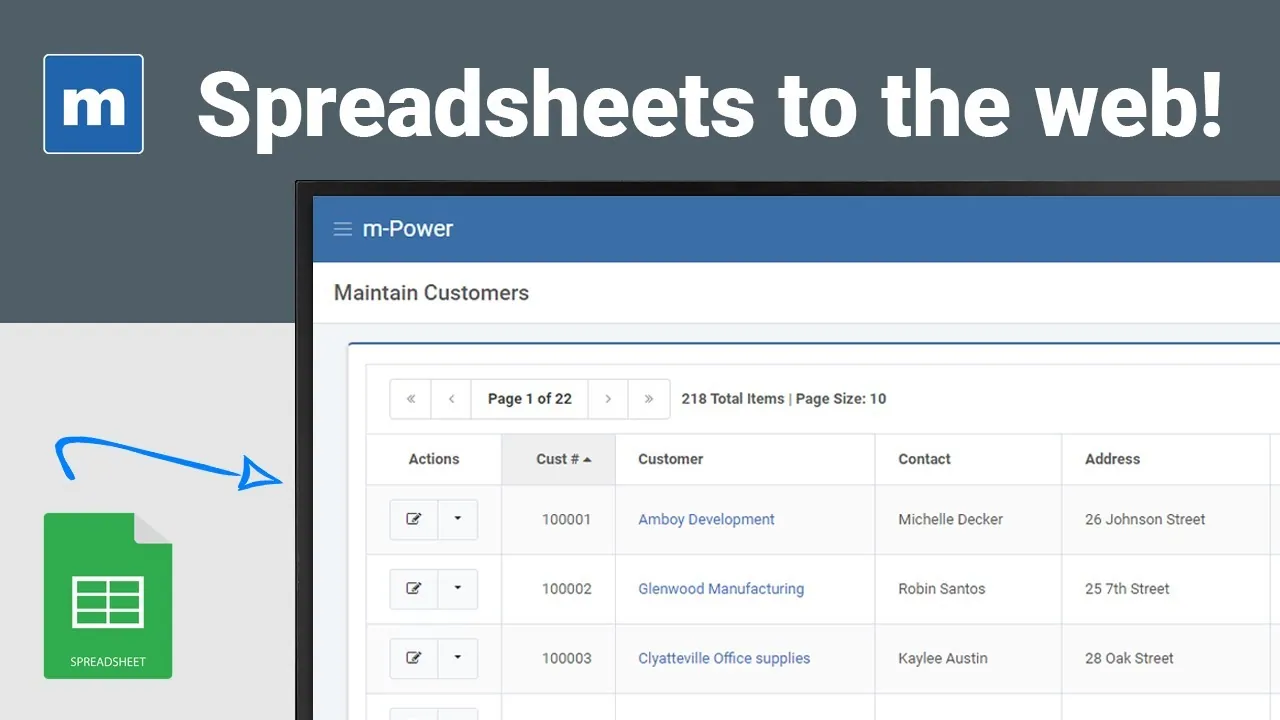
What you'll learn
If your team still passes spreadsheets around by email or shares them on a network drive, this shows a better way. Here's what you'll see:
Move spreadsheet data into a database
Import the rows and columns you already have into a proper database table so the data has a real home.
Build a web app over that data
Use m-Power's guided build to create a working application on top of the imported data in minutes.
Let many people work at once
Get real-time, multi-user access, so the whole team reads and updates one shared source instead of trading file copies.
Add the security a file lacks
Control who can view and change records, something a shared spreadsheet on a network drive cannot enforce.
See what you could build from a spreadsheet
We'll walk through m-Power live, using your data and your use case, and answer any questions your team has.