
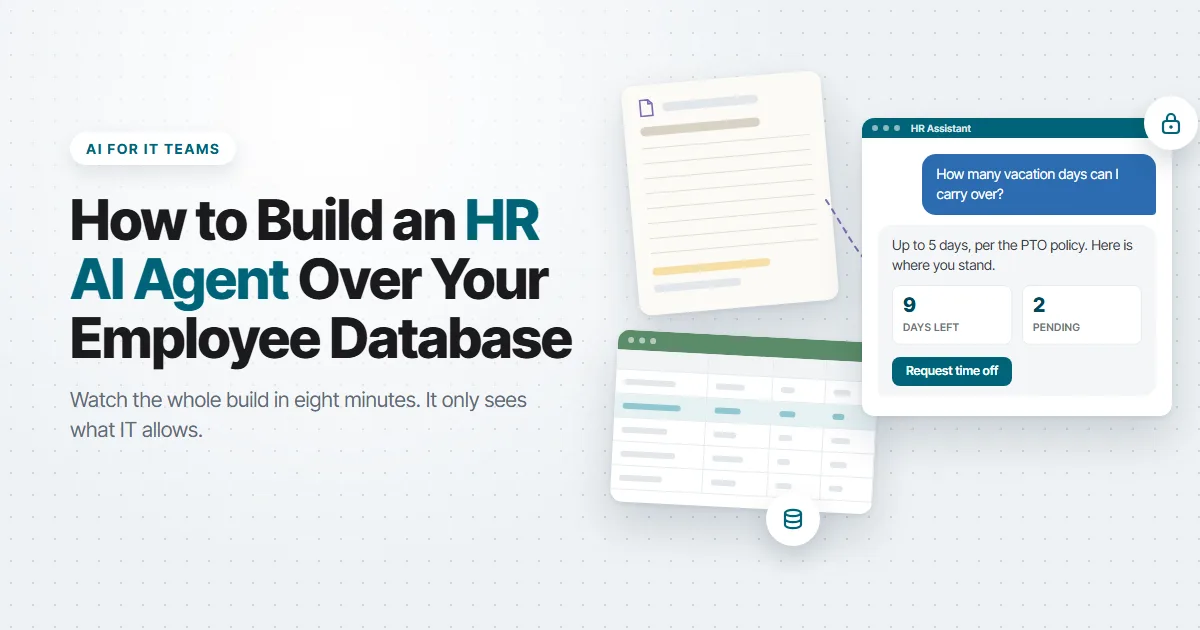
Every HR department answers the same questions all day. How many vacation days can I carry over? What’s my balance? Did my request go through? Where’s the form for the new hire? The answers are all in the company policies, but employees still ask a person, because asking a person is faster than looking it up.
That’s exactly the kind of task people should hand to AI. It’s also the kind of AI project that makes IT nervous, because an HR chatbot touches employee records. The moment it can look up one person’s balance, you have to be certain it can’t look up someone else’s.
We just published a video that walks you through the whole process of creating an HR AI Agent over your data. In this video, we build an HR AI agent in m-Power that answers policy questions from the company’s own documents, shows each employee their time-off balance and open requests, submits new requests to the database, and walks new hires through onboarding. The whole thing runs over an existing employee database, inside the same security the rest of the portal uses.
You can also play around with the live HR portal demo and try the agent yourself.
Why this is the AI project to start with
If leadership is asking what your AI plan is, an internal assistant like this one is a good start. Nobody has to buy a new system. The questions are repetitive and well documented. The data already exists. And the people who benefit are your own employees.
So, why doesn’t every company already have one? Because most AI chatbot tools want you to upload your documents and connect your data to their cloud, and then they decide what the model can see. For an HR assistant, that doesn’t work. You need the agent to see one employee’s records when that employee is logged in, and nobody else’s. You need it to write to the database only where you say it can. And you need to choose which language model it runs on, because some companies won’t send HR data to a public model at all.
With m-Power, you don’t have to worry about that problem. m-Power sits in your environment and works over the database tables you’re already using. Your data stays where it is and m-Power builds on top of it.
Tips for building a good AI HR assistant
The video walks through the build step by step. A few important points are worth mentioning for anyone building their first assistant, whether it’s for HR or another department.
Give each assistant one job. Treat an assistant like an employee with a single responsibility. In the video, one answers policy questions, one shows balances and requests, one submits requests, and one handles onboarding. A single assistant that does all four gets a vague prompt and starts guessing which tool to use. Four narrow ones each get a short, precise prompt, and each one is easy to test on its own.
Start with a knowledge base HR can manage. The policy assistant is only as good as the documents behind it. In the video, the same Word files HR already maintains go into a knowledge base in AI Studio, and that knowledge base runs as an application so HR can add or replace a document without opening a ticket. For example, if the carryover policy changes, HR can just upload the new file to the assistant’s knowledge base.
Give the assistant applications, never the database. The balance assistant doesn’t query tables. It can access applications that are built over database tables. In the video, one assistant can access an application that lists vacation requests for whoever is logged in. So, if Alex signs in, he only sees his own requests. Someone else signs in and sees theirs. The assistant inherits that filter, so you never write a separate security rule for the AI. You reuse the one the portal already enforces.
Never let the LLM write to the database itself. The request assistant doesn’t run SQL and doesn’t get a database login. It writes through a maintainer, which is an m-Power application that adds, updates, and deletes rows in a table under the same rules and validations as the rest of the portal. The LLM’s only job is to collect the request and hand the values to that application. m-Power handles writing the data to the database. If the model gets confused, the worst it can do is fill in a form wrong, and the application’s own checks catch that before anything lands in the HR table.
Tell the assistant to check before it submits. Before the request assistant can submit anything, its instructions say to look up the employee’s profile first and confirm there are enough days. Because that instruction is part of the assistant’s prompt, it happens every time. Any time an assistant can change data, give it a way to look up what it needs, and tell it to look first.
Write the system prompt like a very specific job description. Each prompt says what the assistant is, what it’s for, which tools it has, and when to use them. A prompt that says “you help with HR” produces a chatbot that improvises. A prompt that says “you answer questions using the policy knowledge base only, and you say so when the answer isn’t there” produces one you can put in front of employees.
Choose the model that best fits the job. m-Power lets you configure any LLM for each assistant, including one you host yourself. For an HR assistant, that choice is a policy decision. Decide up front whether employee data can go to a public model, which one to use, and pick accordingly.
Use Supervisor agents like real life supervisors. Rather than create one giant assistant that does everything, use supervisor agents just like you would use supervisors in the workplace. The supervisor agent reads the question and hands it to the right assistant. That keeps each assistant small, and it means you can add another assistant later without touching the four that already work.
What this proves about m-Power
The agent doesn’t get special access to anything. It reads and writes through the same m-Power applications the portal already uses, so it inherits the same security. It sees the tables and documents you assign to it and nothing else. It writes only where you’ve given it a maintainer. And it runs on whichever model you choose.
That’s what “AI over your own data” should mean. Your data stays in your database, the agent has no password of its own, and every question it answers runs through the same applications and the same security an employee uses when they click around the portal.
The same approach works for a customer service portal, a sales team asking about their accounts, or operations asking about inventory. Swap the tools, keep the structure. If you want more ideas for where to start, 10 Things AI Can Do That Your Current Software Can’t covers the most common ones.
Try it, or have us build it
The HR portal from the video is live on our demos page. Log in, ask the agent about carryover days, request some time off, and try to request more than you have.
If you’d like to see how this would work over your own database, request a demo and we’ll walk through it with you. And if your team doesn’t have time to build it, our services team builds AI tools like this one for customers, on a platform you own when they’re done.