

If you run an IT department, you already have an AI problem. Your people are pasting company data into ChatGPT, Claude, and Gemini right now, on accounts you don’t manage (and you can’t see what they’re sending).
What can you do about it? Your goal should be to make the safe path the easiest path. As I’ll explain in this article, you can do that in three steps:
- See what’s already being used
- Set a few rules a small team can actually enforce
- Give people a sanctioned option that’s better than the risky one
This guide walks through all three, and it’s written for the small IT teams that may not have a security department or a bunch of extra money to throw at the problem. If you have two people covering support, infrastructure, and now “the AI strategy,” this is for you.
You already have an AI problem, and it might be worse than you think
Most IT leaders know their people are using AI. How bad is it? In UpGuard’s 2025 State of Shadow AI report, 81% of employees said they use AI tools their employer hasn’t approved.
What does this look like in a typical business? Someone in finance uploads a vendor contract into ChatGPT to get a summary. A developer pastes a chunk of code that includes a customer’s account structure. Someone in sales feeds a prospect list into a tool to “clean it up.”
None of them think they’re doing anything wrong. They’re trying to get work done faster, which is exactly what their managers asked for.
This is shadow AI: Employees using AI tools that IT never approved, on accounts IT doesn’t control. It’s similar to shadow IT, the unapproved apps and SaaS subscriptions that have always crept in. AI just made it faster and more tempting, because the tools are free and the results feel like magic.
But, visibility is even trickier with Shadow AI. Your network monitoring might show traffic going to an AI site, but it can’t see the prompt. You can tell someone visited ChatGPT. You can’t tell whether they pasted company data or just asked it to fix a typo. To make matters worse, once someone is working from home on a personal laptop, you can’t see anything.
The first step in fighting this problem: Finding out what’s actually happening.
How to find out what’s being used
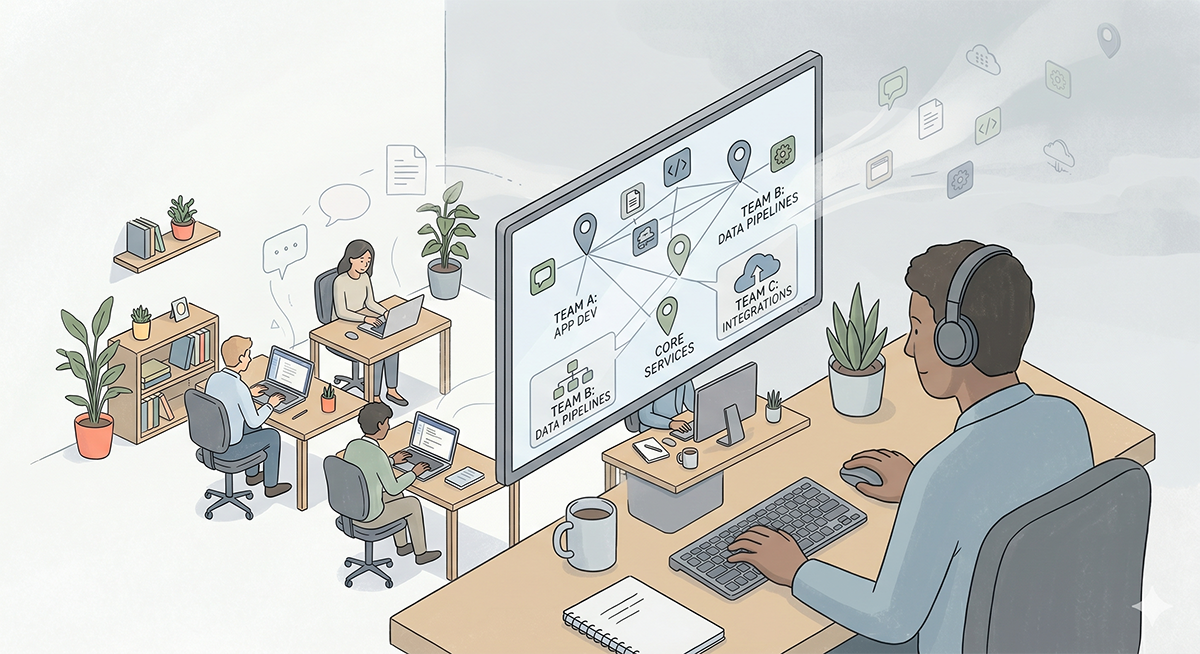
You don’t need an expensive monitoring platform for this. Most of what you need is in tools you already pay for. Here’s a quick 5-step process to figure out what’s being used:
- Run a short survey. Don’t ask people which AI tools they use, and don’t imply that they’re in trouble for using AI. Tell them you’re trying to understand the best use cases for AI, and ask what they’ve started using it for. If they stopped using AI, how would that affect their work? You’re looking for where people have come to rely on it. Most of them aren’t hiding anything and are happy to share.
- Check what people have connected. When someone logs into an AI tool using their Google or Microsoft work login, you can see it. In Google Workspace it’s under Security, then API controls, in the list of apps users have authorized. In Microsoft Entra it’s under Enterprise Applications. You get the list of AI apps people signed into and what each one was allowed to reach. A note-taker that can read someone’s whole inbox and calendar matters more than a chatbot they only type into.
- Look at billing. AI subscriptions show up on expense reports and the corporate card under names like OpenAI, Anthropic, and Perplexity. Most run around twenty dollars a month, small enough to slip past expense review, so check company phones too and scan back a few months.
- Use your network logs. Your firewall or web filter already shows which sites get hit and how often. If you have nothing in place, a free DNS filter like NextDNS or Cloudflare will show you the domains people are visiting. Keep in mind, you won’t see what was typed. But, you’ll see how often and by whom.
- Check the browser. A lot of AI use is an extension, and those extensions can read whatever is on the screen. If you manage your browsers, you can pull a list of what’s installed and see which ones are AI assistants.
Remember, you’re not building a case against anyone here. You’re creating a map of what’s being used. By the end you should know which teams rely on AI, for what, and whether anyone gave a tool more access than it needs.
Why a blanket block backfires
Let’s be clear about something: Sensitive company data being used in AI chat tools is a big security risk, and doing nothing about it isn’t an option. Company data is leaving in ways you can’t see, and keeping it safe is your responsibility. If data is compromised, that lands on your desk.
However, how you respond to this issue makes all the difference.
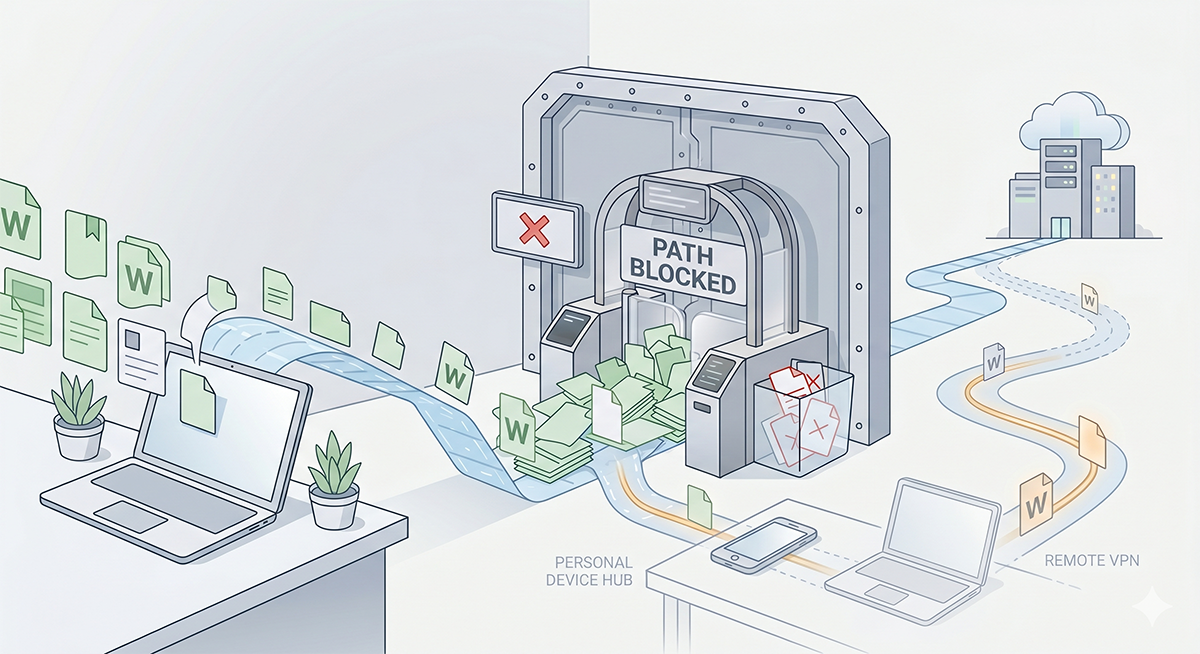
For instance, some leaders just try to block the tools. The problem is, when you shut the tools off at the corporate network, the problem doesn’t stop. It moves to phones and personal accounts, where you can’t track activity. It takes a visible problem and makes it invisible.
If you want a technical guardrail while you sort this out, use a soft block instead of a silent one. Most web filters and the free DNS tools above (Cloudflare, NextDNS) can show a custom page instead of just dropping the connection. Point an unapproved AI tool at a short message explains the problem, names the tool people should use instead, and where to ask questions. They stay on your network, get educated about the risk, and learn a different approach.
Keep in mind, your employees aren’t the enemy. Most of them don’t know that pasting a customer list into a chatbot is a problem. They’re trying to get work done. And if IT feels like the department that only says no without providing a solution, they’ll try to get around the restrictions.
Your job is two things at once: Keep the data safe, and make sure people know how to use these tools without putting it at risk. That means clear rules about what is and isn’t allowed, and the education to go with them. Most people will follow a rule they understand, especially once you’ve given them a safe way to do the thing they were trying to do.
Make the safe path the easy path
One thing I’ve learned over the years: Employees bypass controls when the controlled option is slower or worse than the alternative. They follow the rules when following the rules is the path of least resistance.
So, the question for a small IT team: How do you give people a way to use AI that’s both safe and easy to use? Get that right and most of the shadow AI problem solves itself, because the reason to go around you disappears.
Here’s a small set of moves you can run to meet this goal.
A governance approach a two-person team can run
Most AI governance advice is written for a Fortune 500 with a chief risk officer and a standing committee. Most small IT teams don’t have that. Instead, you might have one person assigned to it.
Here’s what you can create, even if you don’t have a whole team working on it:
A short approved-tools list. Name the tools people are allowed to use for work, and keep it current. One or two is plenty to start. You need to give employees clear, sanctioned alternatives to what they’re doing.
Rules by data type, not blanket bans. Decide what kinds of information can go into an outside AI tool and what can’t. Public marketing copy and general questions are probably fine. Customer records, contracts, source code, anything covered by HIPAA or a client agreement are not. People can follow a rule like that because it matches how they already think about sensitive data.
Rules by team. Your sales team and your finance team don’t have the same risk. It’s reasonable to give marketing broad access and have more restrictions on finance. After all, they’re dealing with more sensitive data.
One owner. Someone needs to own the list and the rules, review them regularly, and be the person to ask when a new tool shows up. On a small team that’s often just you. That’s fine. Employees just need to know who to talk to if they have questions.
A simple incident step. Write down what happens if sensitive data does go somewhere it shouldn’t. For instance, who gets told, what gets checked, and what gets changed. This is something you want to have mapped out before there’s a problem.
That’s the basic framework. It’s simple, but gets the job done.
Know where your data actually goes
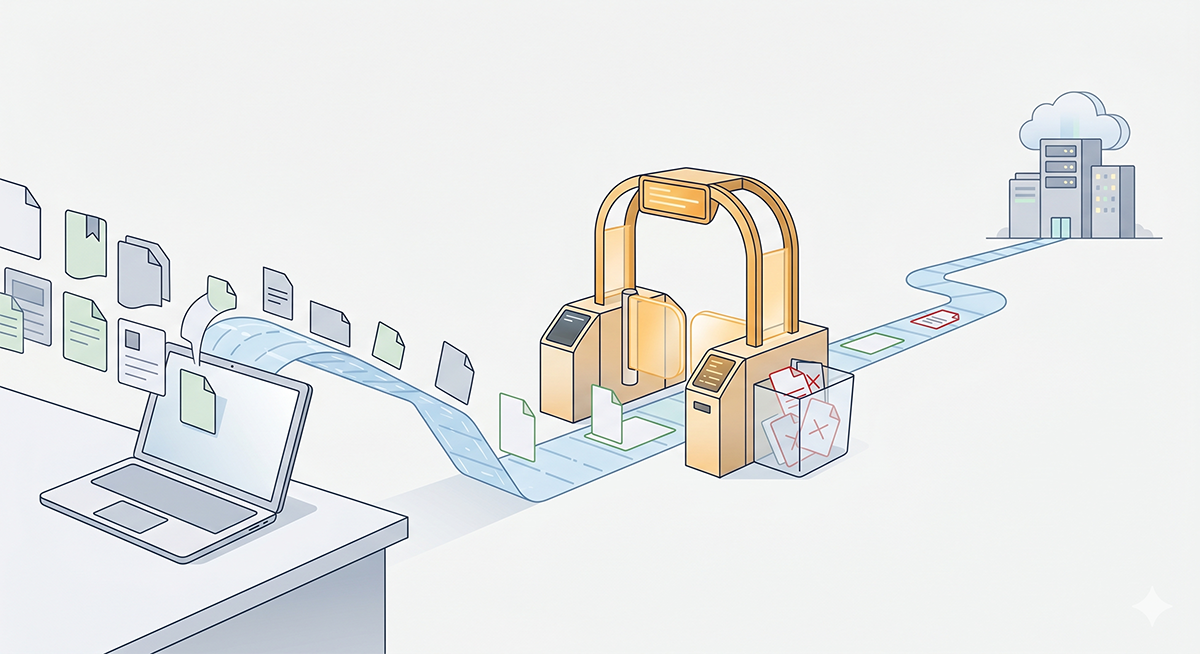
To set good rules, you must be clear about what happens when an employee uses one of these unsanctioned AI chat tools.
When an employee types into a public AI tool, that text goes to the AI company’s servers. Depending on the tool and the plan, it may be retained, and on some consumer tiers it may be used to train future models. This is where the business and enterprise tiers matter. The major providers now sell business plans that generally don’t train on your data by default and even adds controls: An admin console, single sign-on, and settings for how long data is kept. Moving people off free accounts and onto one of those is about the easiest security security move you can make.
How can you properly communicate the risk to your employees? There was a great study done recently that examined whether or not AI models are trained on prompts. AI-security firm Harmonic Security analyzed real prompts across tools like ChatGPT, Copilot, Gemini, and Claude to test this. The result: 8.5% of them contained sensitive data: customer records, employee information, legal and financial details, even source code. (Source: Harmonic Security, via CSO Online.)
Imagine what would happen if your company’s sensitive data started showing up in AI responses…
When to give people a governed AI tool of your own
Once you’ve mapped usage and set rules, you eventually hit the real question. The public tools are convenient, but they don’t know your business. They can’t answer “what’s the status of order 48213” or “summarize this customer’s history,” because they don’t have access to your data, and you may not want them to.
That’s the point where building your own governed AI tool starts to make sense. The idea is an AI assistant that runs over your own data, where IT decides what it can see, who can use it, and which model(s) it can access. Your employees get an AI that actually knows your orders, inventory, and customers. You get to keep the controls.
A quick word of caution, since it’s where some overspend. Self-hosting your own large language model from scratch is usually the wrong move for a small team. The hardware and upkeep rarely pay off below a certain scale. The more realistic path is a platform that lets you build AI tools over your existing databases and choose which model to connect, so you control the data access without running the model infrastructure yourself.
This is the part of the problem m-Power was built for. You build AI assistants, chatbots, and agents over your existing databases, on your own server, under the same security model as the rest of your applications, and you choose which AI model runs behind them. IT decides what data the AI can reach and who’s allowed to use it. It’s the governed option that can be good enough that people stop reaching for the ungoverned one. If you want to see what that looks like in practice, here are a couple of videos worth watching.
Video: How to Create AI-Driven Workflows Over Your Data
Video: How to Create AI Assistants Over Your Business Data
Frequently asked questions
What is shadow AI?
Shadow AI is the use of AI tools that IT hasn’t approved, on accounts IT doesn’t control. An employee using a personal ChatGPT account to summarize a work document is shadow AI. It’s a version of shadow IT, and the main risk is sensitive company data leaving without anyone deciding it should.
Should we just block ChatGPT at work?
Usually not. Blocking on the corporate network tends to push the same behavior onto personal phones and home machines, where you have no visibility at all. A better option is to give people a sanctioned tool and clear rules, so the safe path is also the easy one.
How does a small IT team find out which AI tools employees use?
Start with a blameless survey, then check your identity provider and expense reports for AI sign-ups, and review which AI domains show up in firewall or web-filter logs. You won’t see the content of prompts, but you’ll get a reliable map of what’s in use and which teams rely on it.
How do I write an AI policy if I don’t have a compliance team?
Keep it to one page. Name an approved-tools list, set rules for what data can and can’t go into outside AI tools, assign one owner, and write a short incident step. A simple policy a small team maintains works better than a detailed one nobody follows.
Is it safe to put company data into ChatGPT?
It depends on the data and the plan. Business and enterprise plans usually promise not to train on your inputs and offer stronger terms. Free consumer accounts often don’t. The safe rule is to keep customer records, contracts, source code, and regulated data out of any outside tool unless your contract terms clearly cover it.
What is an internal or governed AI tool?
It’s an AI assistant that runs over your own data, where IT controls what the AI can access, who can use it, and which model runs behind it. The benefit is that employees get an AI that knows your business, while sensitive data access stays under your control instead of an outside account’s.
Should a small company self-host its own AI model?
Usually not from scratch. The hardware and maintenance rarely pay off at small scale. A more practical path is a platform that builds AI tools over your existing databases and lets you choose which model to connect, so you control data access without running model infrastructure yourself.
Where to go from here
If your people are already using AI and you want them to use a version you control, that’s exactly what m-Power is built to do. Request a demo and we’ll show you how IT teams build governed AI tools over their own data, on their own terms.
Pingback: Talsco Weekly: What happens when the last IBM i engineer retires? - IBM i (AS/400, RPG) Recruiting, Staffing & Consulting -