
How many report requests are sitting in your queue right now? Maybe Sales wants last quarter’s numbers broken out by state, with a chart for Thursday’s meeting. Or, maybe Operations needs a list of every order that shipped late last week, and why. Each one might be an hour of work, but the problem is that there are forty more behind them.
Meanwhile, your users have discovered AI. Some are asking why they can’t chat with company data the way they chat with ChatGPT. A few, whether you know it or not, are already exporting data and pasting it in.
Both problems have the same fix: Let people ask the database directly (securely, of course).
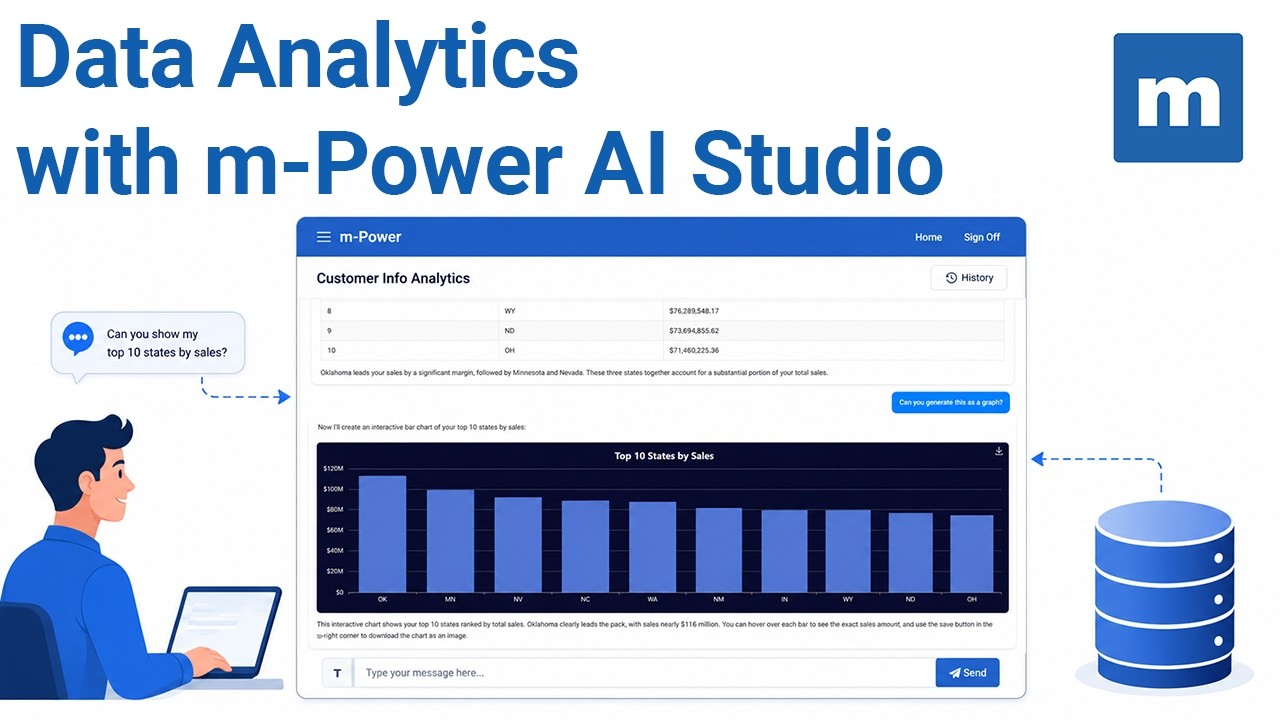
That’s one thing that m-Power’s AI data analytics assistant aims to solve. It lets business users chat with your data and get back real numbers, analysis, and charts. The AI never connects to your database directly. IT decides which fields it can see, whether or not the query should be read-only, and you pick the LLM.
We just published a short video that walks you through the process:
What Does IT Control?
m-Power is a low-code development platform that helps IT teams build custom applications over their existing databases. m-Power’s AI features follow the same rule as the rest of the platform: You decide what runs, where, and over what data.
Which fields the AI can see. Hide any field at the metadata layer. Hide the address and city columns on your customer table, and as far as the LLM is concerned, those fields don’t exist.
Read-only access. The assistant queries through a dedicated data source, and the recommended setup backs it with a read-only database user. Set it up that way, and even if the LLM wrote an UPDATE statement, your database would refuse to run it. The database enforces the limit, not the AI.
Which LLM runs it. Each assistant uses the model you pick, so you can standardize on the provider your legal team already approved.
The business rules. A system prompt carries anything the model should know, like a fiscal year that starts July 1st. Field notes work the same way.
Common Questions
What is an AI data analytics assistant?
An AI data analytics assistant lets business users ask questions of a database in plain English and get back real numbers, analysis, and charts, without writing SQL or filing a report request. In m-Power, IT builds the assistant, controls what data it can see, and chooses which LLM powers it.
Does the AI have direct access to my database?
No. The LLM only sees the metadata you share and the results of queries m-Power runs on its behalf, over a dedicated connection IT configures as read-only.
Can I keep certain fields away from the AI?
Yes, at the metadata layer. Hidden fields are never sent to the LLM, so they can’t appear in questions, queries, or answers.
Does my data get sent to the AI provider?
The question, the metadata you chose to share, and the query results go to the LLM you selected. IT decides which tables and fields are ever included.
Do users need to know SQL?
No. Users ask in plain English. The LLM writes the SQL, m-Power runs it, and the user sees the answer, with charts on request.
See It Over a Real Database
The video uses demo data. If you’d like to talk through what AI data analytics would look like for your team, request a demo and we’ll walk through it together.