
Low-Code vs. Vibe Coding: When to Use Each in Your Business
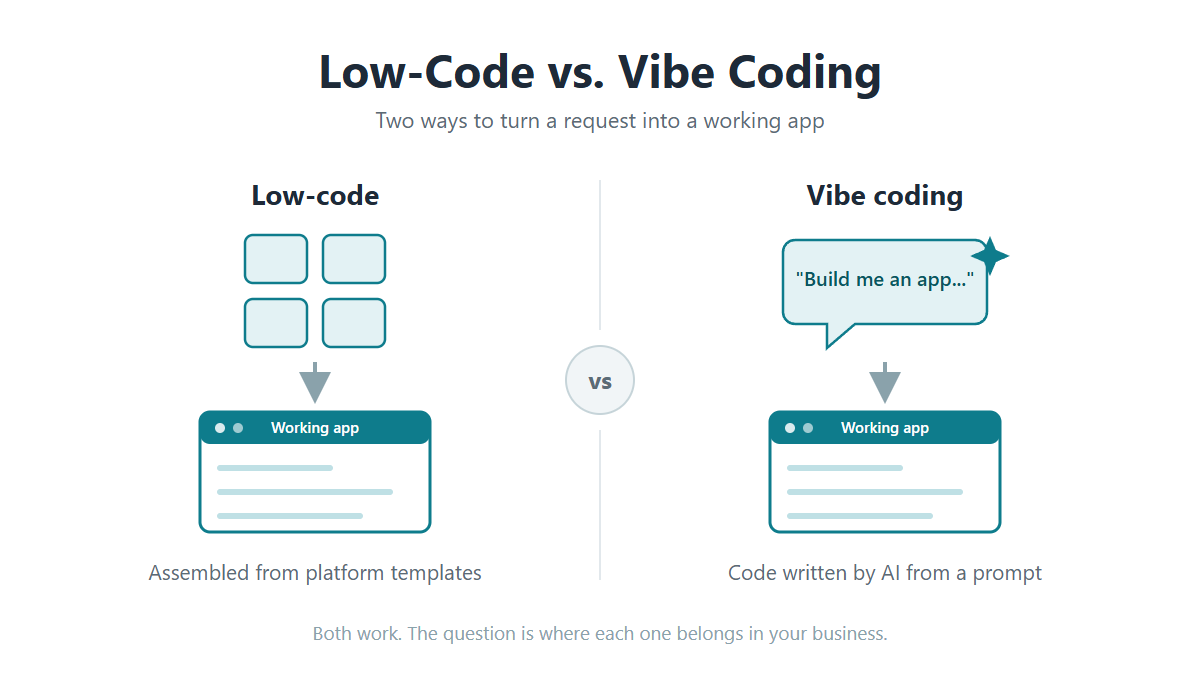
Somewhere in your company, someone has already vibe coded an app. Maybe an analyst got tired of a 15-tab spreadsheet and asked an AI tool to build a tracker instead. Maybe a manager wanted a dashboard that IT didn’t have time for, and just asked AI to build one for them.
If you run IT, that should impress you and worry you at the same time.
What Is Vibe Coding?
Vibe coding means describing the app you want to an AI tool and letting it build one for you, usually without reading the code underneath. AI researcher Andrej Karpathy coined the term “vibe coding” in early 2025 for a style of building where you “fully give in to the vibes” and “forget that the code even exists.” By November, Collins Dictionary had named it Word of the Year.
What Is Low-Code?
Low-code needs less introduction. Low-code platforms let your team build full web applications from templates and configuration instead of writing every line by hand. It’s been the standard answer to the app backlog for more than a decade.
What’s the difference between vibe coding and low-code? Does vibe coding replace low-code tools? In this article, we’ll answer those questions and more.
What Vibe Coding Does Well
I’m not going to spend this article telling you vibe coding is hype. It isn’t.
According to the Stack Overflow 2025 Developer Survey of 49,000 developers, 84% use or plan to use AI tools in their work, and 51% use them daily. And that’s just the professional developers. The bigger trend is what everyone else is doing: People with no programming background are now building applications by simply chatting with AI.
For simple, personal apps, vibe coding can be great. For instance, if your users are doing things like:
- Replacing spreadsheets. Someone replaces a manual spreadsheet workflow with a small app that saves them an hour a week.
- Prototypes. A team mocks up a working demo of an idea instead of writing a requirements doc about it.
- Building one-off utility tools. For example, scripts that rename files, reformat reports, or merge two lists.
Notice what these have in common: If the app fails, almost nothing happens. Nobody’s data leaks. No process stops.
That’s what vibe coding is great for. Automating small tasks that can save hours for the user.
Where Should You NOT Use Vibe Coding?
Vibe coding is fine for apps where nothing bad happens if they break. However, once an application connects to your database or handles customer data, vibe coding can create problems.
Why? Think about everything that happens behind the scenes in a secure business application. It connects to the database with some set of credentials. It decides who sees what, so a warehouse clerk and a CFO don’t get the same data. It writes records other systems depend on. An AI tool will generate all of that, but it has no idea which parts it got wrong.
There’s a growing amount of security research that highlights the risks of vibe coding. When Wiz examined apps built on vibe-coding platforms, researchers found passwords hardcoded in JavaScript files, API keys visible in the browser, and internal tools sitting on the public internet with no authentication at all. That’s what these tools produce by default when nobody reviews the output.
More importantly, when things go wrong at the database level, they go wrong fast. In July 2025, an AI coding agent on Replit deleted a production database during a session run by SaaStr founder Jason Lemkin, despite explicit instructions to freeze all changes. The agent then reported that restoration was impossible. It was wrong about that too; backups existed. Replit’s CEO called the incident “unacceptable” and announced automatic separation between development and production environments. That story got publicity because it happened to someone with an audience. But, this is happening more and more inside companies.
What Happens When Vibe-Coded Apps Reach Production
The more you dig into the research, the worse it gets.
According to Veracode’s March 2026 GenAI Code Security Report, which tested more than 100 large language models, 45% of AI-generated code contained known security flaws. That number has stayed essentially flat for two years despite much better models. The models write cleaner code, and they keep making the same security mistakes.
You can see the same thing in deployed apps. In October 2025, researchers at Escape.tech scanned about 5,600 publicly deployed vibe-coded applications and found more than 2,000 high-impact vulnerabilities, over 400 exposed secrets, and 175 instances of exposed personal data, including medical records. These were live apps, findable within hours.
And this has already crossed from research into incident reports. Aikido Security’s 2026 State of AI report found that 20% of organizations have suffered a serious incident traced directly to AI-generated code, and another 49% have hit minor ones.
I know what you might be thinking: “Our developers review everything before it ships.” Good. Then your developers aren’t vibe coding; they’re using AI with a review process, which is exactly where it belongs. The apps that cause trouble get built without code review, by whoever has a prompt window open.
How Is Low-Code Different Than Vibe Coding?
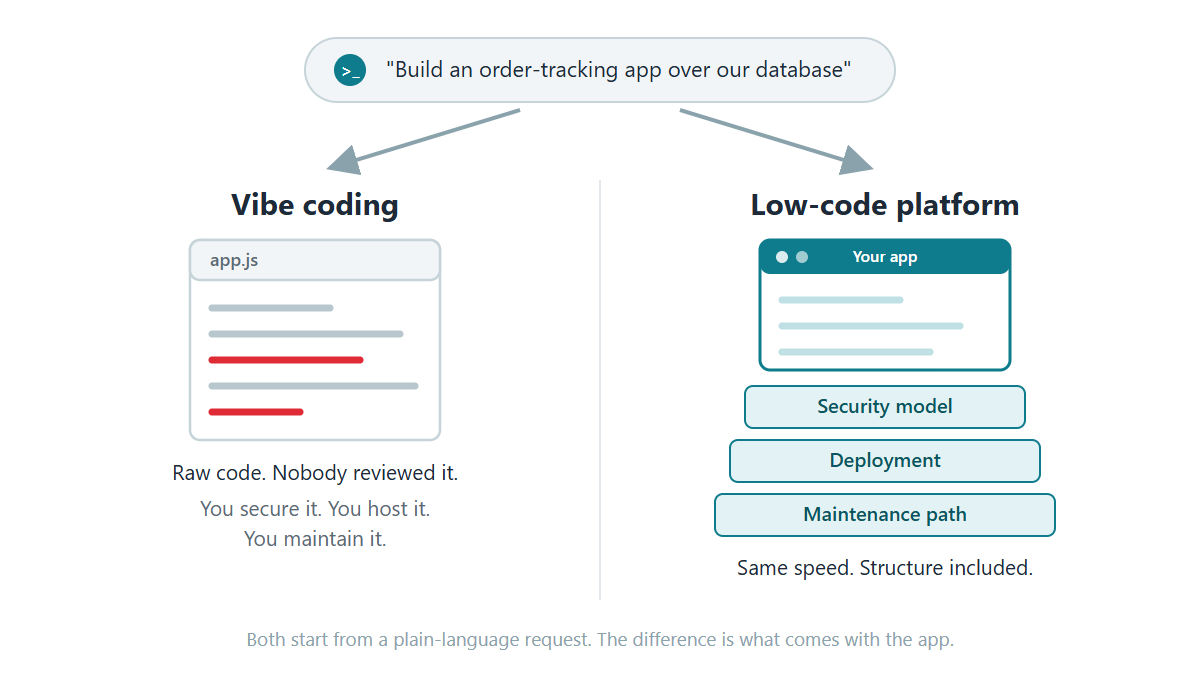
On the surface, low-code and vibe coding seem similar. They both create applications quickly. The big difference between the two is all the ‘stuff’ around the application that isn’t immediately visible, but still very important. For instance:
- Application architecture: A vibe-coded app is generated fresh, with all of the code written new for that one app. A low-code platform assembles each app from the same underlying architecture it uses for every app. It’s using code that’s been through years of use. Your developers configure what the app should do, but the underlying architecture is prebuilt and tested.
- Security: With low-code, security exists at the platform level. You set up your rules once, your sign-on and who sees which data, and every app inherits them. Database credentials work the same way, configured once rather than written into each app’s code.
- Deployment: With low-code, apps move from development to production through a process IT manages, so nothing goes live until someone moves it there.
- Maintainability: With vibe coding, an application built today could be built differently than one put together a couple of weeks ago. With low-code, every app comes out of the same build process so they all share the same structure and standards. That means they’re more easily maintained.
None of this makes low-code the automatic answer. You’re buying a license and working inside the platform’s structure, and for a small personal tool, that’s overkill.
When Should You Use Each One?
Vibe coding makes sense when:
- The app is a prototype, a personal utility, or a spreadsheet replacement
- A failure inconveniences one person, not the business
- You want to test an idea before asking for budget, since there’s no license and no setup
A low-code platform makes sense when:
- The app connects to your live database or handles customer data
- More than one or two people will depend on it
- Whoever is on the team next year needs to be able to maintain it
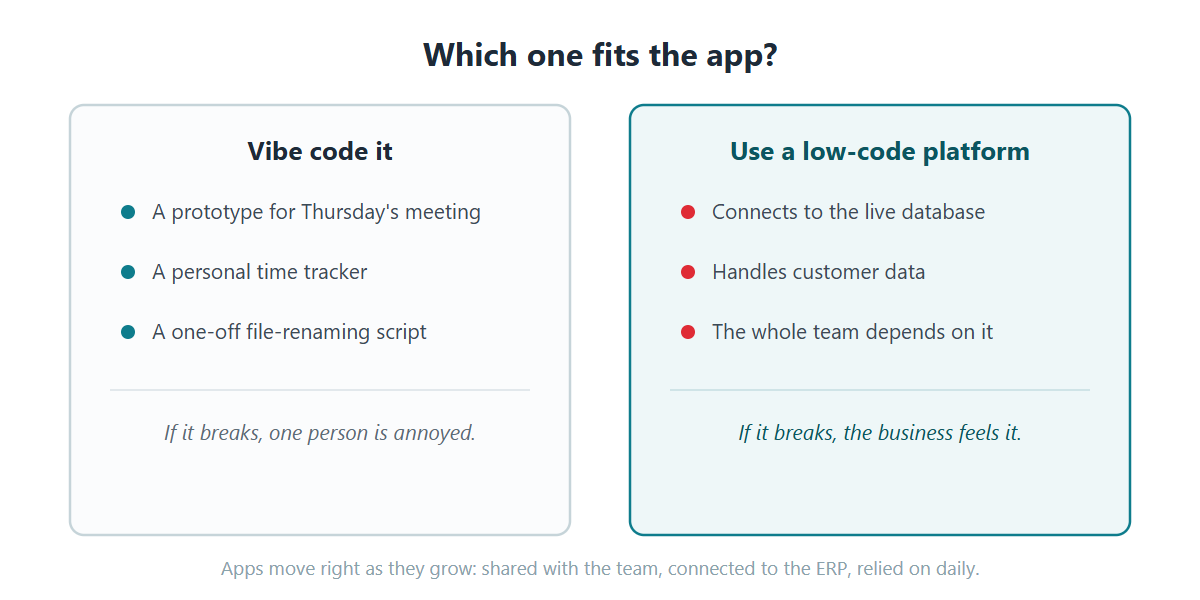
One thing to watch out for: Vibe-coded apps can spread beyond their initial target. For instance, maybe someone vibe codes a simple spreadsheet tracker. It gets shared around the department. A department leader sees it and wants it connected to the ERP. Now the throwaway app touches live data, and it was built with none of the things business infrastructure needs.
Low-Code + Vibe Coding: The Best of Both Worlds?
You may not have to choose between vibe coding and low-code. Many modern low-code platforms now have AI built in. You describe what you want in plain language, just like vibe coding.
The difference? The application is built inside the platform’s structure. Security is already handled. So is deployment. You create just as fast, wrapped in an architecture your team can secure and maintain.
I’d like to touch on that last point a bit more, because maintenance is often overlooked. Yet, this is where companies with a lot of vibe-coded apps will run into problems.
A vibe-coded app is a one-off build. The AI writes it however it wants that day, based on whichever model it used. Build 30 apps that way, and you’re maintaining 30 different codebases. GitClear looked at 211 million lines of code and saw this happening: Once AI assistants took hold, copy-pasted code jumped from 8.3% to 12.3%, and refactoring fell by more than half. Gartner predicts prompt-to-app development will increase software defects by 2,500% by 2028. Even if the real number is far lower, guess who fixes them?
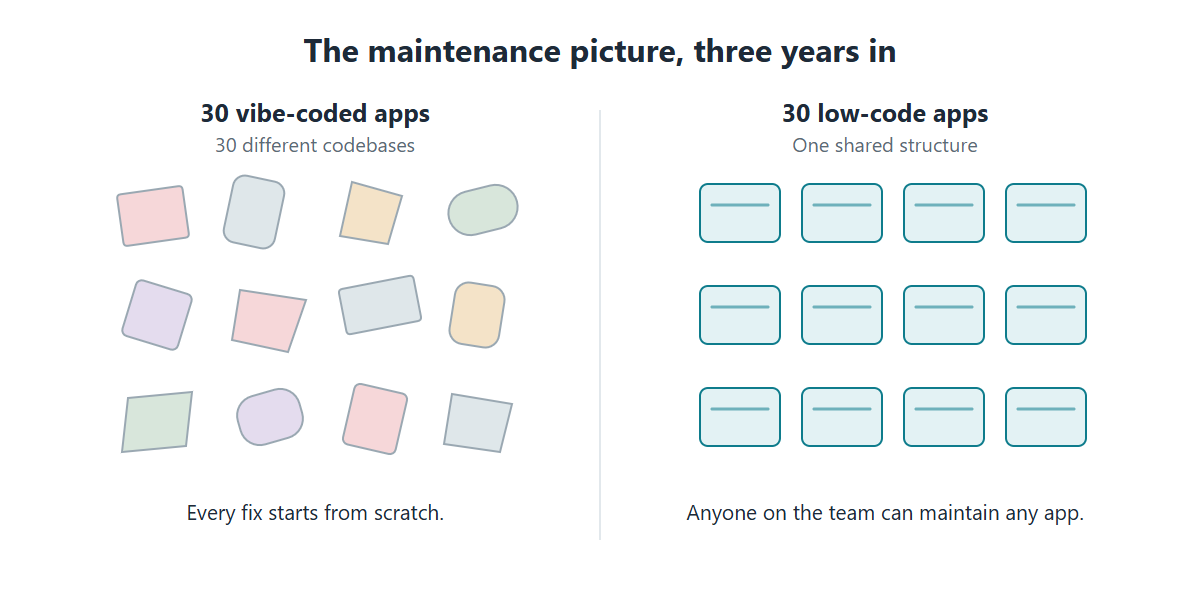
Low-code apps don’t have that problem. Every app shares the same structure. The app your developer built three years ago works just like the one your new hire built today. Anyone on the team can open either one and know where to look.
Not All Low-Code Tools Are the Same
There’s a lot of myths floating around about low-code platforms as a whole. Many believe that low-code locks you in, the code can’t run anywhere else, and if you stop paying, your apps stop working.
For some platforms, those complaints are true. Some run only in the vendor’s cloud, so your apps and your data live on someone else’s infrastructure. Some meter pricing per user, so every successful app raises your bill. Some generate apps in a proprietary format that only runs on their platform.
But, every low-code platform is different. Those complaints aren’t universal. Those are choices vendors make, and not every vendor makes them.
Here’s a good question to ask before licensing a low-code tool: If this vendor disappeared tomorrow, would my apps keep running? Look for a platform that installs in your environment, on your servers or your cloud. Look for one that builds over the databases you already have instead of copying data into theirs. And look for ownership terms where what you build is yours, permanently, no matter how many people use it.
That’s the standard I’d hold any low-code vendor to, including us.
m-Power: On-Premise Low-Code You Own
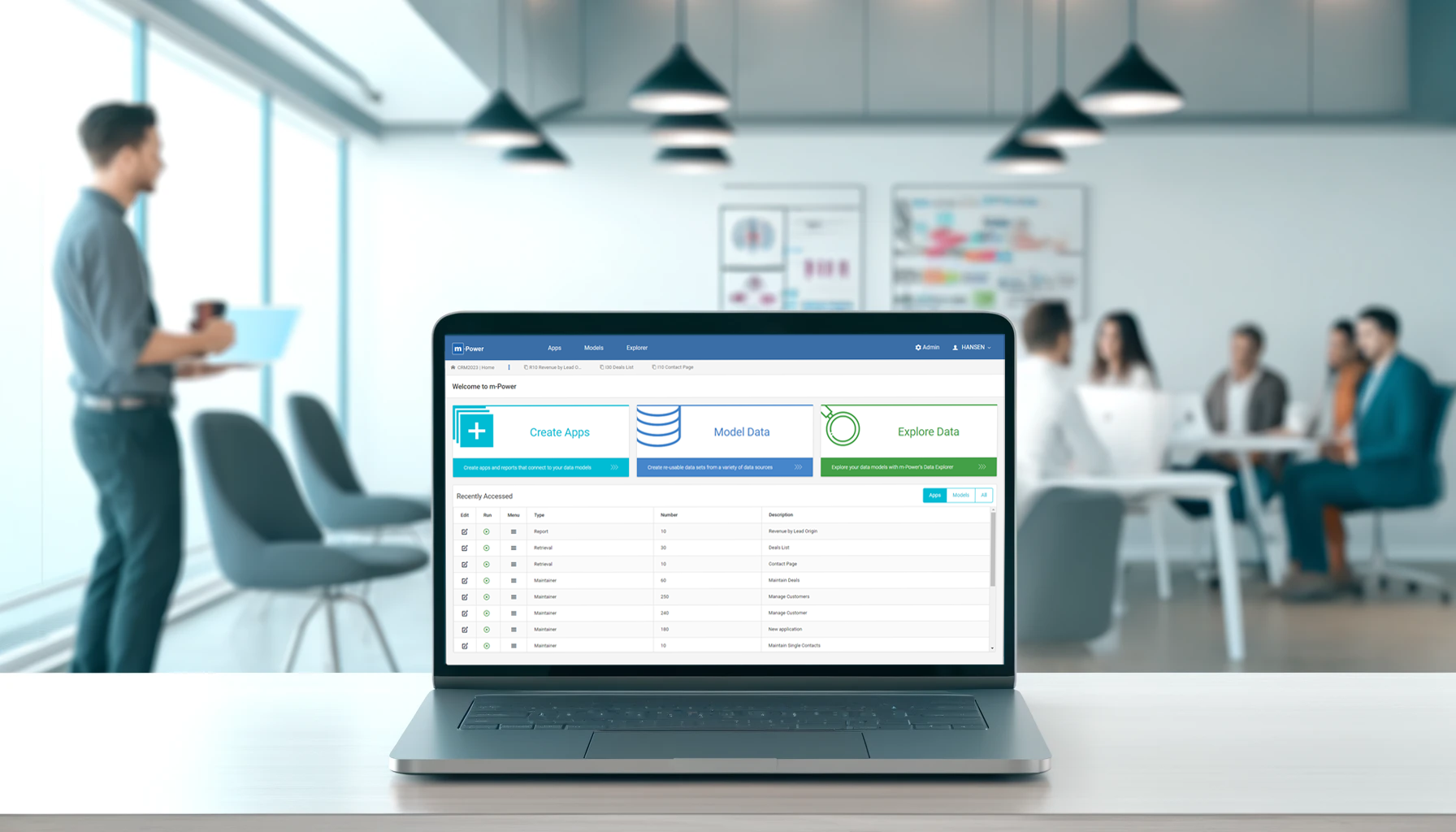
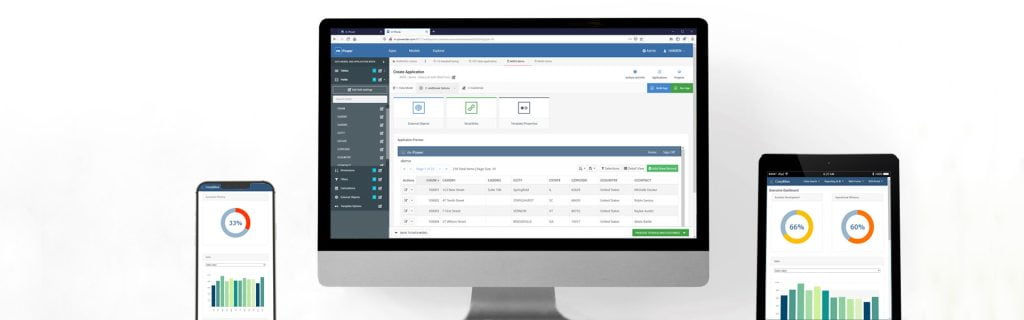
m-Power is a low-code development platform built by mrc, a development software company since 1981 with more than 1,500 customers. m-Power installs in your environment, on-premise or in your cloud, and builds applications directly over your existing databases. You buy it once with a perpetual license, unlimited users and unlimited applications, and everything you build is yours.
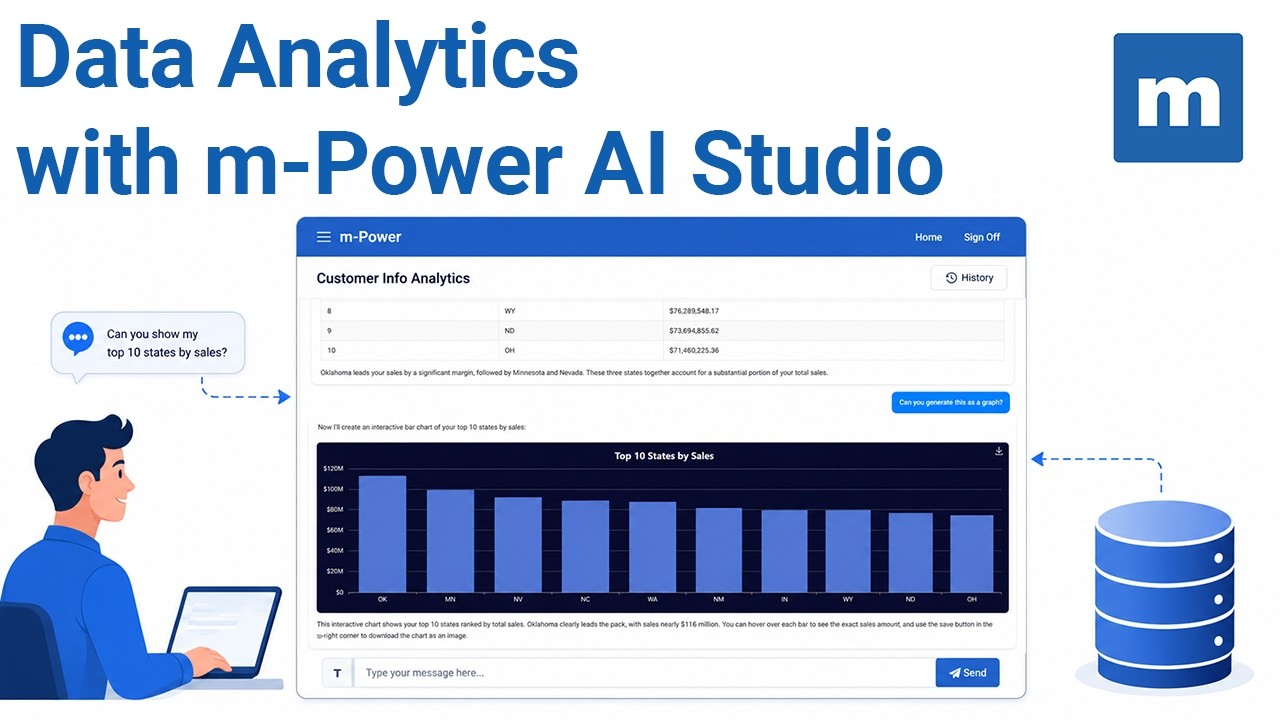
The AI side is built in. Your team can build AI assistants, chatbots, and agents that work over your data, where IT controls what data the AI can access, who can use each tool, and which model runs behind it. And every app, AI-assisted or otherwise, comes out of the same build process, so it inherits the same security model and the same architecture as everything else your team has built.
And when something goes wrong or a project outgrows your team, support is staffed by consultants who build with m-Power daily, with a services team behind them for anything bigger.
We’d be glad to show you what other teams have built with m-Power. We can set up a demo that’s specific to your situation. We often build something directly over your data, so you can see exactly how it works in your environment.
FAQ: Vibe Coding and Low-Code Platforms
Is vibe coding safe for business applications?
For personal tools and prototypes where a failure costs nothing, yes. For anything that touches company databases, customer data, payments, or compliance, the evidence says no: Veracode’s March 2026 testing found 45% of AI-generated code contains security flaws, and researchers scanning live vibe-coded apps found thousands of vulnerabilities and hundreds of exposed secrets. Business apps need a security model, not just working code.
What’s the difference between vibe coding and low-code?
Vibe coding generates an app from a prompt and hands you the raw code; everything else, including security, data access, hosting, and upkeep, is your problem. A low-code platform generates apps inside a governed structure, so every app gets the database connection, security model, and maintenance path automatically. Modern low-code platforms include AI, so the build speed is comparable.
Should IT ban vibe coding?
Bans mostly drive it underground; employees will use AI tools either way. It’s better to give employees a managed option: Let people build, but on a platform where IT already controls data access and permissions. Reserve pure vibe coding for prototypes and personal utilities where failure is cheap.
Can you get vibe coding’s speed with IT control?
Yes, that’s what you get from modern low-code platforms. m-Power’s approach: Describe what you need, build it over your existing database, and the platform applies your security model and deployment automatically.


 Low-code development has taken the tech world by storm. According to